
It’s HAPPENING! The newly refurbished Buzz Lightyear’s Space Ranger Spin has soft opened at Magic Kingdom.
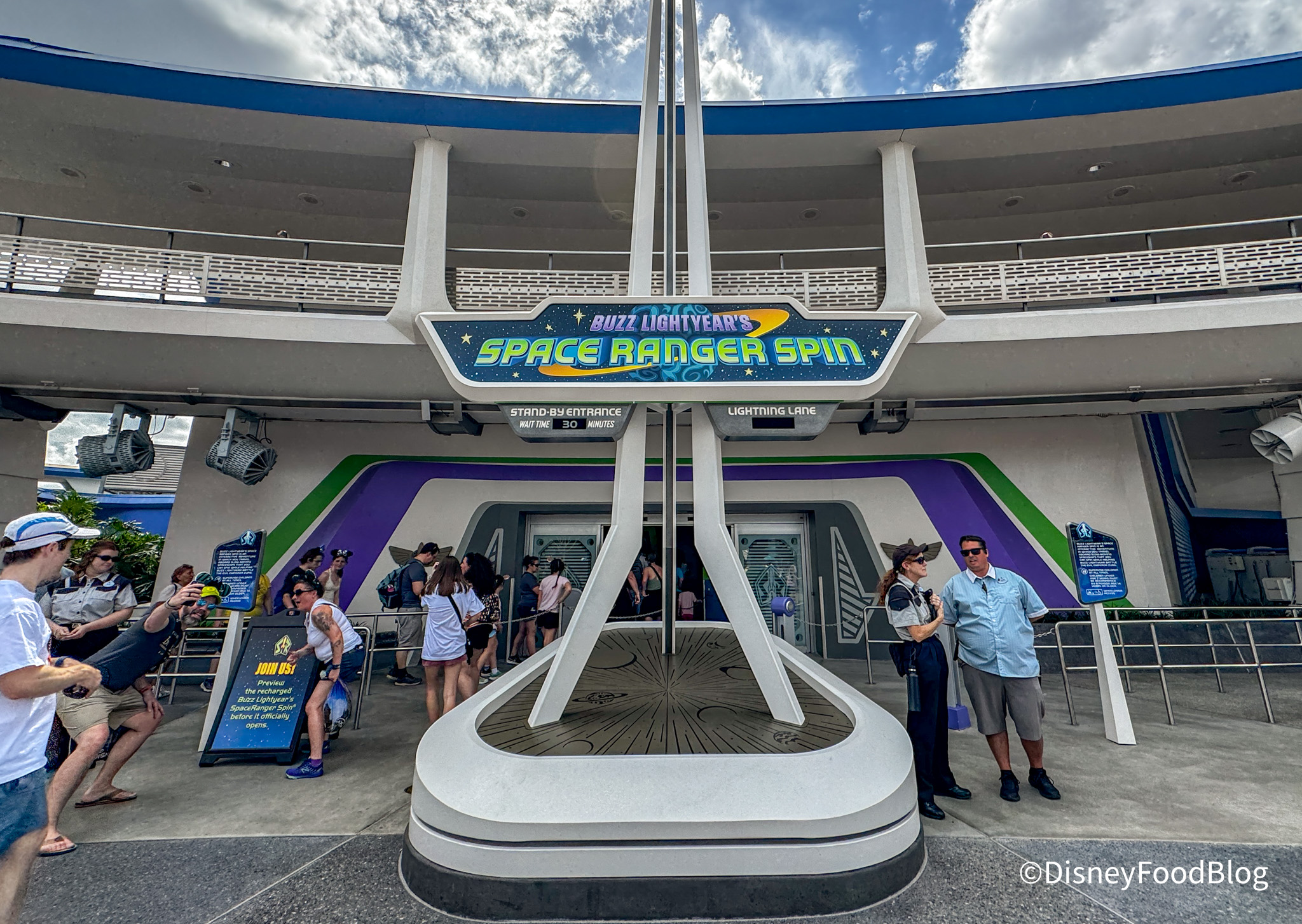
It’s OPEN!
We got the chance to check out this new ride as part of a media event and Cast Member previews, but now it looks like Disney has decided to open the ride a bit earlier than the official April 8th reopening date! Here’s everything we know about this soft opening.
Buzz Lightyear’s Space Ranger Spin has soft opened at Magic Kingdom! The ride will officially be open for new Space Cadets on April 8th, but for now, Disney is allowing guests to experience the attraction ahead of that date. We headed to Magic Kingdom to see how things were going, and we also got a glimpse at the new marquee!
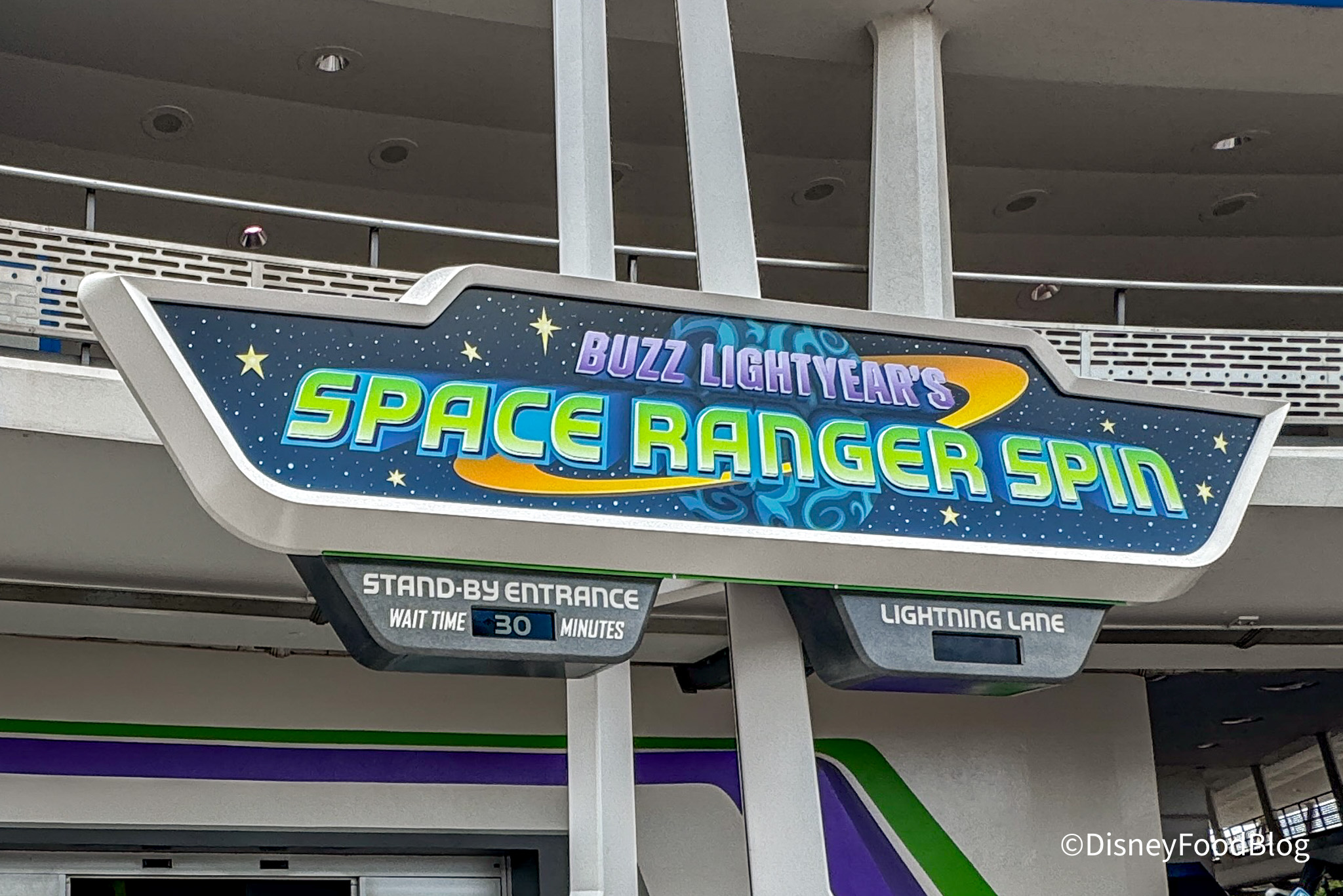
NEW sign
Since the ride is still in a soft opening phase, it may not be fully open until April 8th, so your best bet is to check the Disney World app daily to see if it’s an option before you make a special trip to the park just for Buzz. When we stopped by, the wait was around 30 minutes, but of course, that can change at any moment — especially once people start finding out about the soft opening!
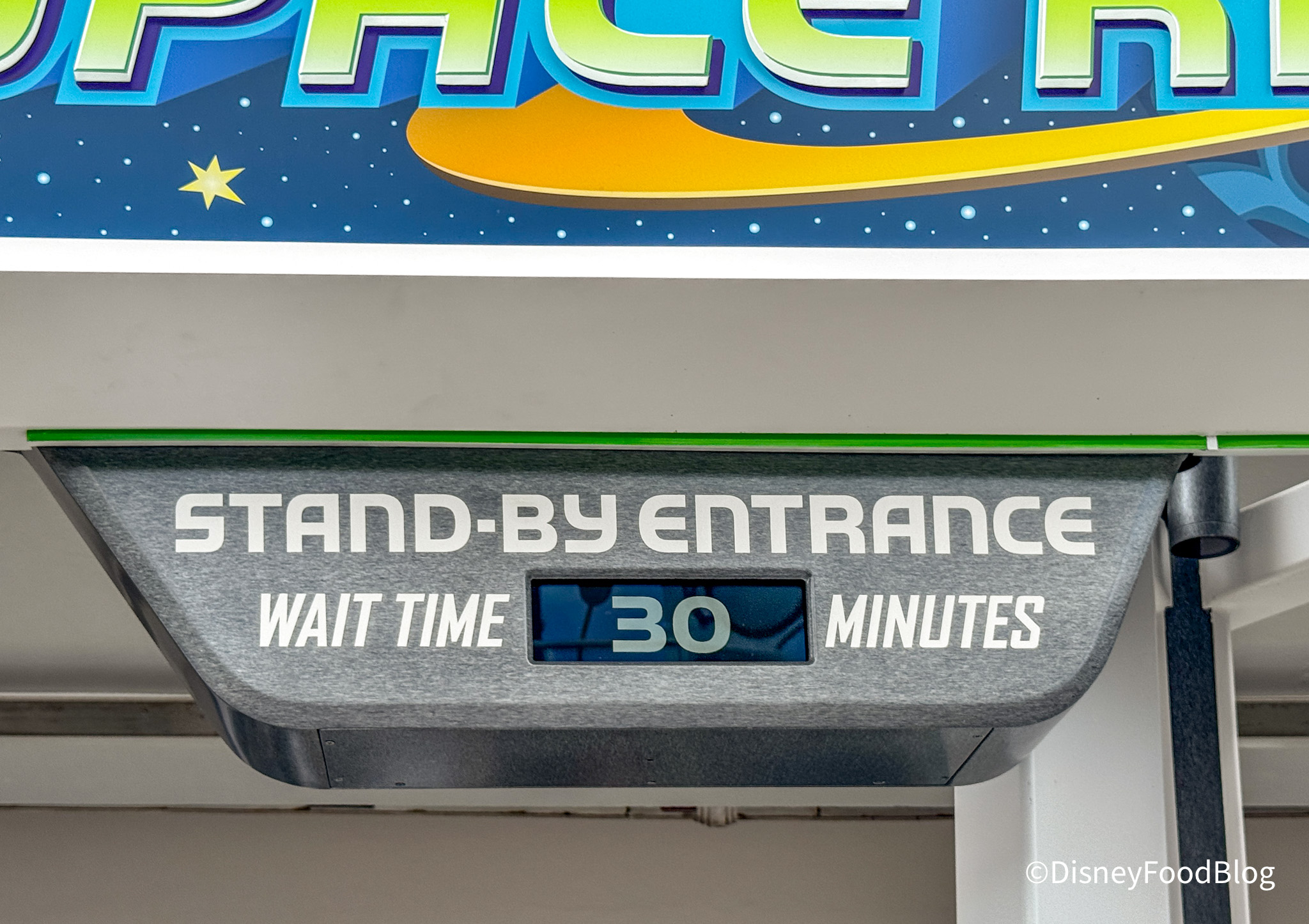
30-minute wait
There were quite a few problems with the ride going down intermittently during the first couple of days of Cast Member previews, so keep in mind that Disney is likely still working out some of the kinks, and the ride is subject to closing at any time during the soft opening phase.
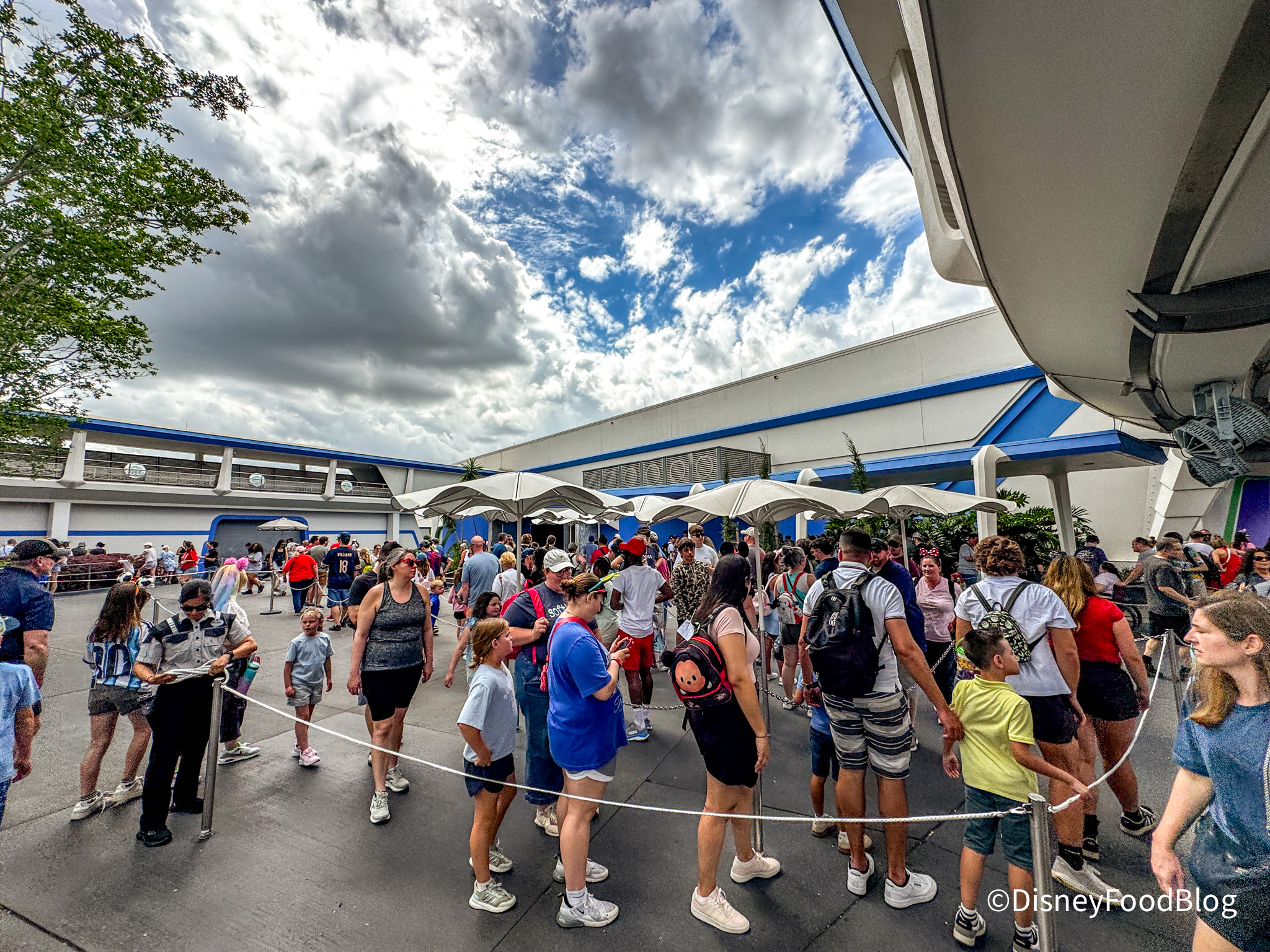
Line for Buzz Lightyear’s Space Ranger Spin soft opening
One of the biggest (and most celebrated) changes to the new version of Buzz Lightyear’s Space Ranger Spin is the replacement of the original, fixed blasters with new ones that can be picked up and aimed in any direction. Previously, you had to fully spin your ride vehicle to aim your blaster at the targets, but now, you can pick up your blaster and point it where you want it to go. This is an extremely welcome change, and we’re not the only ones who think so.
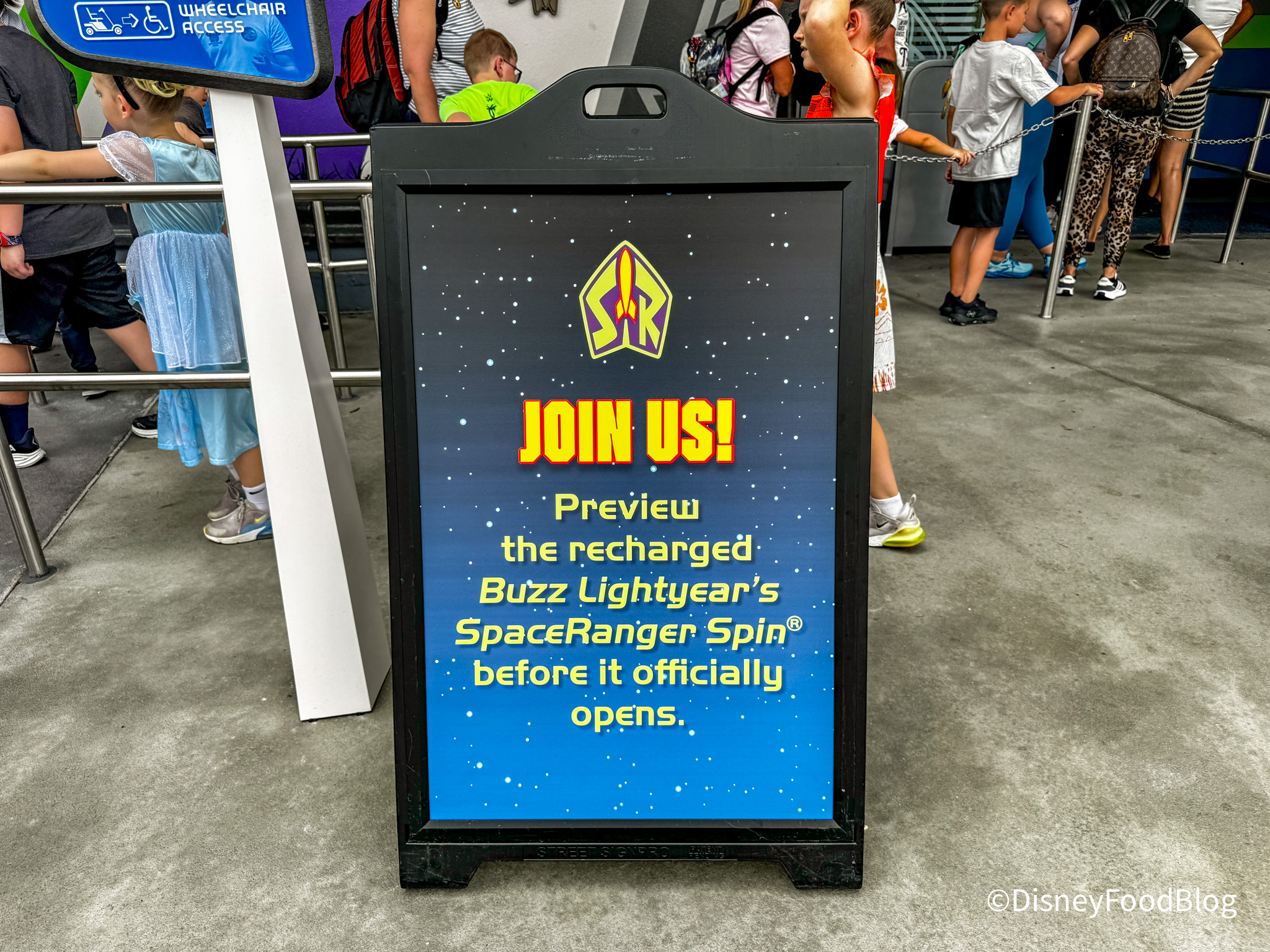
Soft opening preview sign
We had an absolute BLAST on this ride when we checked it out (pun intended!), and we can’t wait to hear what people think of it throughout this soft opening phase and the ride’s official opening on April 8th. We’ll be here on opening day to report on the crowds and any other details.
For more Disney World news, subscribe to our newsletter and our YouTube channel.
Here’s the 2026 Guide to Every Magic Kingdom Ride and Attraction!
Join the DFB Newsletter to get all the breaking news right in your inbox! Click here to Subscribe!
WE KNOW DISNEY.
YOU CAN, TOO.
Oh boy, planning a Disney trip can be quite the adventure, and we totally get it! But fear not, dear friends, we compiled EVERYTHING you need (and the things to avoid!) to plan the ULTIMATE Disney vacation.
Whether you're a rookie or a seasoned pro, our insider tips and tricks will have you exploring the parks like never before. So come along with us, and get planning your most magical vacation ever!
What do you think of these changes? Tell us in the comments!









 Our handy (and portable!) ebook guides make sure you get the best deals and can plan a vacation of a lifetime.

Can you let us know if they have reworked the stand-by line so that people that need to use an ESV will be able once again take the ESV thru the line like we use to be able to. For those of us that can not stand in lines for a long time is really needed. They want you to use a wheelchair but then someone needs to push you thru the very tight lines. Please let us know. Thank you.
Okay, the new addition of all the (extremely distracting!) flashing and dancing paid advertisements on these articles is VERY disappointing.
Far be it from me to deny someone making a little extra money, since I was in the TV/advertising business myself for my entire career, but this is WAAAAYYYY too much – especially when some of these ads are for “Arousal-Enhancing” products!
This is a Disney-adjacent site – if it has ads at all, they should be family-friendly ads. READ THE ROOM!!!
Hi Donna! We do not place the ads you’re seeing. Ads are displayed to you through automated, real-time auctions that analyze your browsing behavior, search history, location, and interests, often within milliseconds. They appear on search results, websites, mobile apps, and social media, typically in formats like banner ads, video ads, and native ads. We have no control over what you’re seeing there or whether or not they’re appropriate for a Disney audience. To stop them, you can personalize or turn off ad tracking via Google’s My Ad Center, enable “Limit Ad Tracking” on Apple devices, use Private DNS on Android, and activate browser pop-up blockers. I would recommend you look into this more so you’re not seeing any unwanted ads.
Hi, DFB Gigi —
I’m not really buying that these ads are based on my browsing history. I have never once looked for Oreo Puffs cereal, Adobe Acrobat Pro, PediaSure, arousal-enhancing pills, men’s underwear, Lactaid, incontinence supplies, Cosentyx, etc.
Anyway, despite the fact that I have ad-blocking enabled on my computer, the ads that are getting through are so annoying and distracting that I may have to limit my viewing.
Thanks anyway.
We rode Buzz today as part of the soft opening, but it was not listed anywhere in the app when looking at wait times or available rides. If someone is trying to determine if the ride is open, the only way to do so was by walking over to it, at least that was the he case today.
Just checked wait times in MDE as we will be in MK tomorrow and Buzz isn’t even listed anymore. When I checked yesterday it was on the list but demoted as not available. Guess we will be checking the standby queue IRL to see if we can ride it.
I understand your frustration and I wish that it was something we could fix on our end, but it’s not, unfortunately. You are likely seeing ads for Oreo Puffs because they are a new product replacing the popular Oreo O’s cereal, triggering a massive, broad-reach marketing campaign to build awareness. Marketers often target general demographics or shoppers who purchase similar items (like cookies or sugary cereals) rather than just people who have specifically searched for that exact product. You are likely seeing PediaSure ads due to broad demographic targeting rather than direct search history. Advertisers target parents or grandparents of young children based on age (even if you don’t have children or grandchildren, they assume you might), location, or predicted life stage, and PediaSure is currently running aggressive marketing campaigns. You are likely seeing Adobe Acrobat Pro ads due to pre-installed “bloatware” from your computer manufacturer, or because Adobe utilizes broad, audience-based marketing that targets general professional, student, or office software users, rather than just those who have explicitly searched for it. You are also likely seeing these ads due to broad demographic targeting (age/gender), browsing behavior associated with similar topics, or data sharing by third-party brokers. I did a quick Google search on how to potentially stop seeing these on your computer and the advice I got is as follows: “To stop seeing ads with an ad blocker, install a reputable extension like uBlock Origin or Adblock Plus, update your filter lists, and disable “acceptable ads” settings. If ads persist, remove malware, clear your browser cache, or switch to a private DNS provider.” I wouldn’t install anything without speaking to a professional first, however.
The most likely cause of these specific ads targeting you is age, gender, location and browsing history, which doesn’t necessarily mean YOUR browsing history, but could be someone in your vicinity/area and there’s no way for us to stop you from getting those ads. It’s something you have to do on your end, unfortunately. We do understand if you need to unfollow us, but I just wanted to try and help you fix the problem first.