
Over the last couple of decades, MagicBands have become an integral part of a Disney World vacation. They serve as room keys, park tickets, the physical manifestation of Lightning Lane entry, credit cards, and even collectibles.
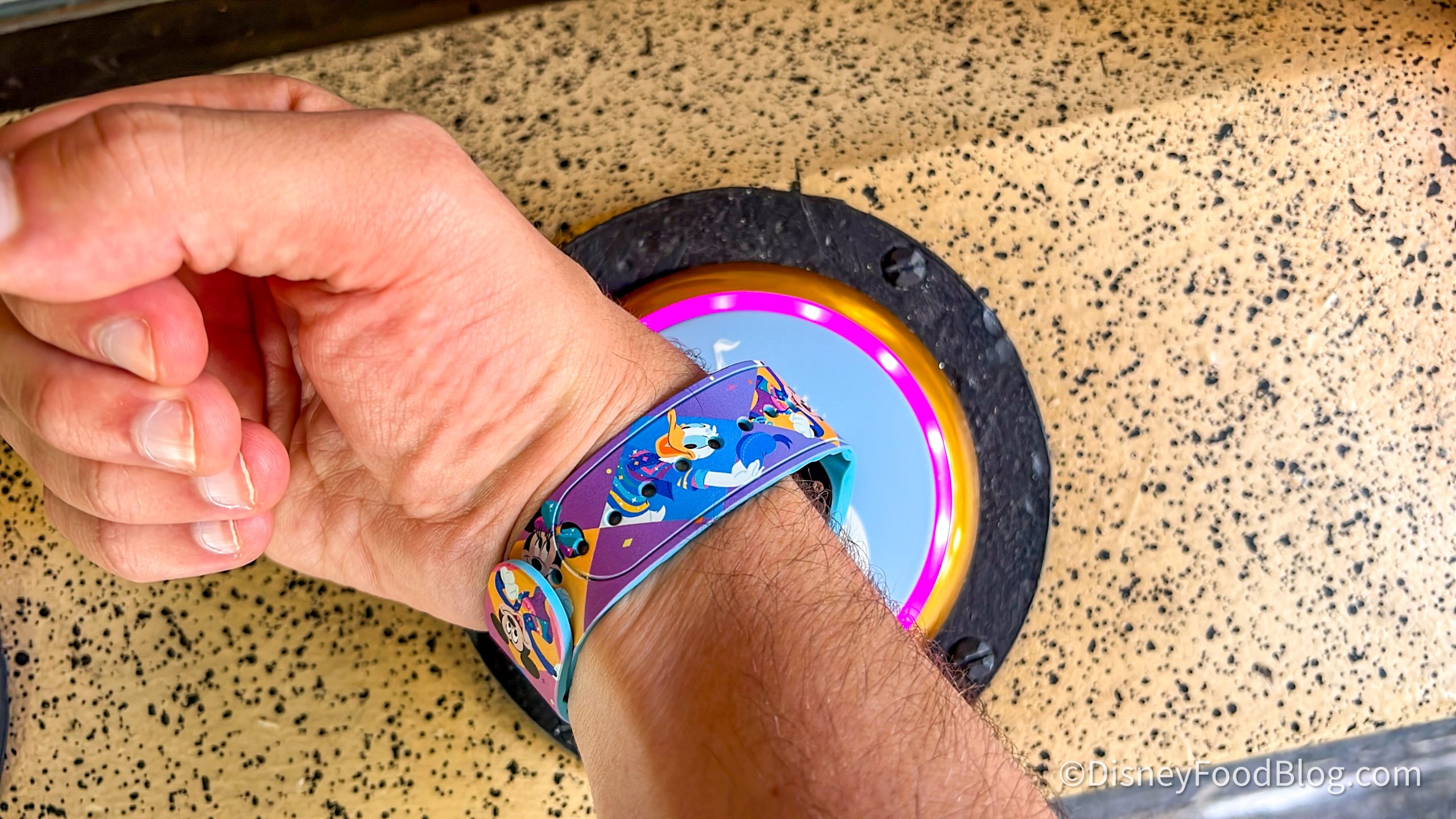
MagicBand
Given all that, it’s no shock that there are MagicBand hacks. And, as you know, we love hacks. From hacks that’ll help you save money to tricks for how to get on rides faster to the ultimate snack hacks, if there’s a new tip out there, chances are that we’ll try it out to see if it works. And along with that list, we’ve tried quite a few MagicBand hacks over the years…now we’re sharing our favorites!

What IS a MagicBand?
For starters, let’s break down what a MagicBand is and does. MagicBands have been around in some variation in Disney World since 2013, but in that time, they’ve had quite a few versions. The latest version of the technology is the MagicBand+, which added some interactive features that the previous MagicBand 2 didn’t have.
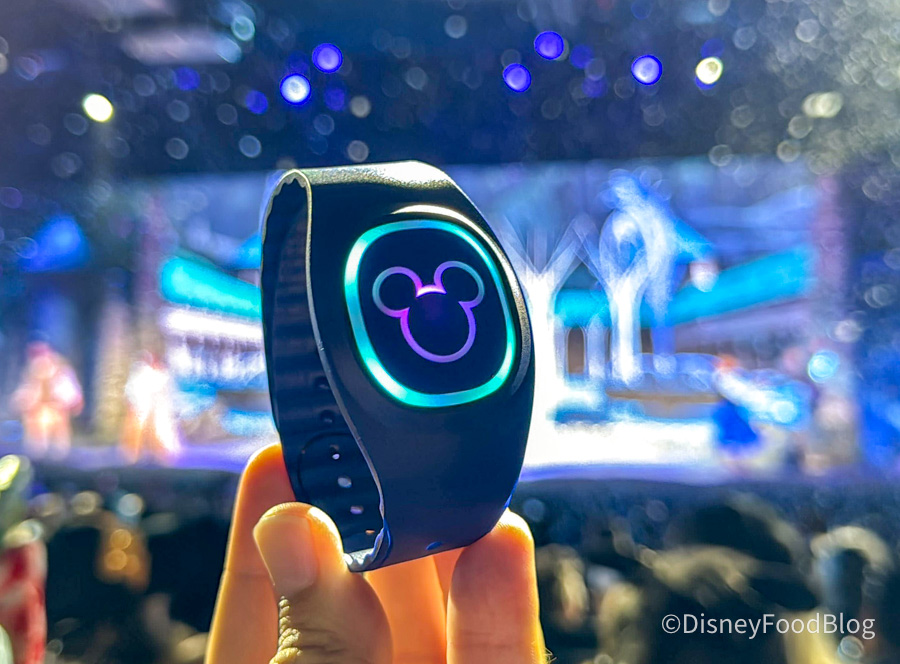
MagicBand+
These days, you won’t find many MagicBand 2 designs for sale in the parks or online, as Disney seems to be phasing them out slowly in favor of the newer MagicBand+ option. A MagicBand+ is a rechargeable wristband with a light-up puck in the center. It uses RFID technology to assist you in the parks, and can be scanned at various touchpoints to act as your park ticket (IF you already have a park ticket and the MagicBand+ linked to your My Disney Experience account).

Star Wars R2-D2 Magicband+
You can use your MagicBand+ to do quite a few things, including scanning into the parks, scanning into Lightning Lanes, unlocking your hotel room door, and even charging purchases to your hotel room. So what are the BEST features and hacks that the MagicBands offer? Let’s break it down.
Remove the Puck to Wear It With Your Watch
One of our favorite MagicBand+ hacks is that you can purchase a puck holder for your Apple Watch or other smart watch. With this device, you simply remove the center piece of the MagicBand+, put it in the puck holder, and then slide the holder onto your watch band. It allows you to wear both devices at the same time!
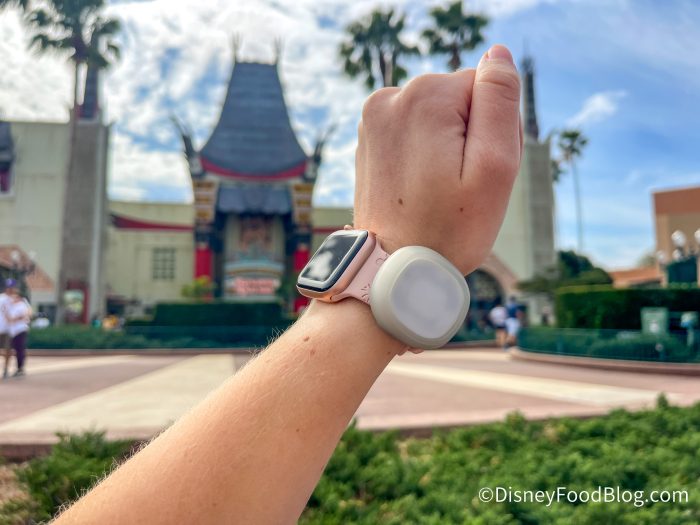
Apple Watch band MagicBand+ converter
This Luke3DP Watch Adapter Compatible with New 2022 Disney MagicBand+ is available on Amazon currently, and we’ve used it ourselves in the parks! You can order it in several different colors for each of your family members.
GET THE PUCK HOLDER ONLINE HERE!
Charging Purchases to Your Hotel Room
We mentioned above that MagicBands could be used to charge purchases to your hotel room, and many people forget about this particular feature! In order to use this hack, you’ll need to have the card you want to use listed on file for your “incidentals” and be staying at a Disney World Resort. You’ll set up a PIN for each person in your hotel room — without that PIN, they won’t be able to charge their purchases. (Prevents the kiddos from spending recklessly on mom and dad’s dime!)
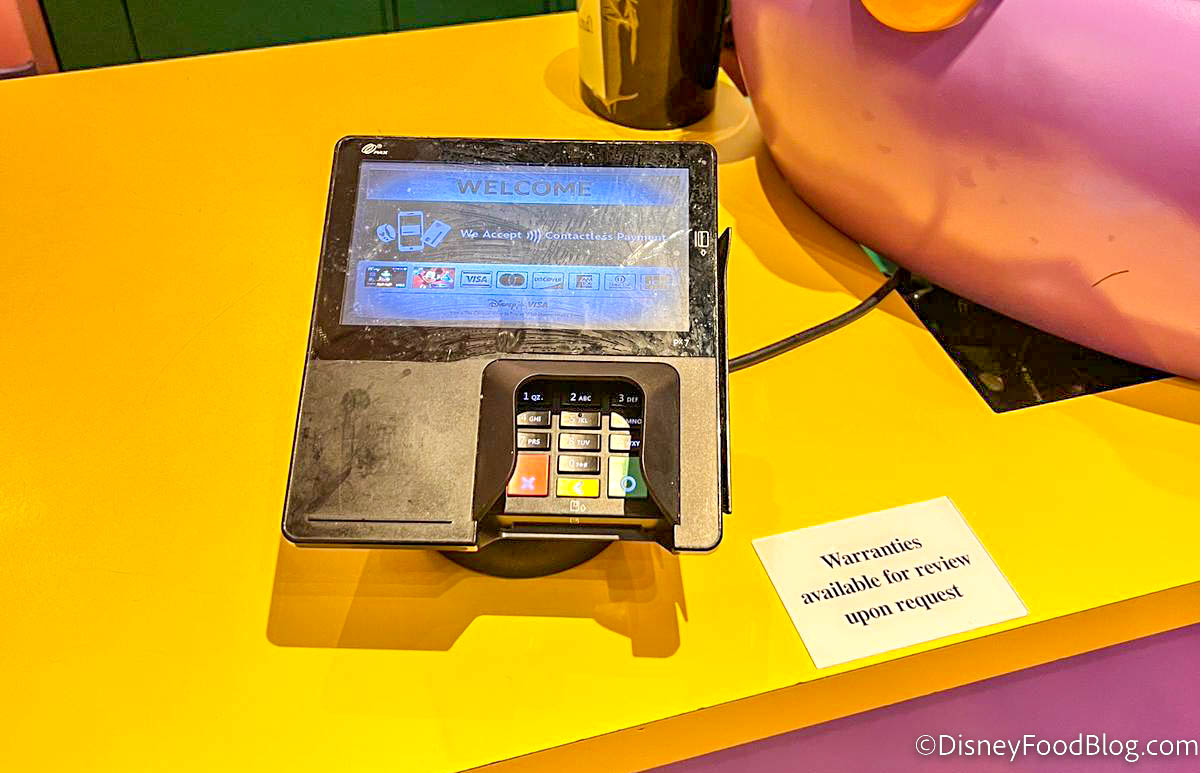
Card Reader
Once those things are set up, you can scan your MagicBand to pay at gift shops, snack stands, and various other locations around Disney World. Your purchases will be charged to your hotel room account. How convenient!
Look Out for Special Interactive Elements
And finally, we’ve got to talk about the fun interactive elements of the MagicBand+! You may already know that you can use the MagicBand+ to interact with the Disney Fab 50 character statues around the parks, but did you know that your band may also light up for rides, attractions, and fireworks shows?
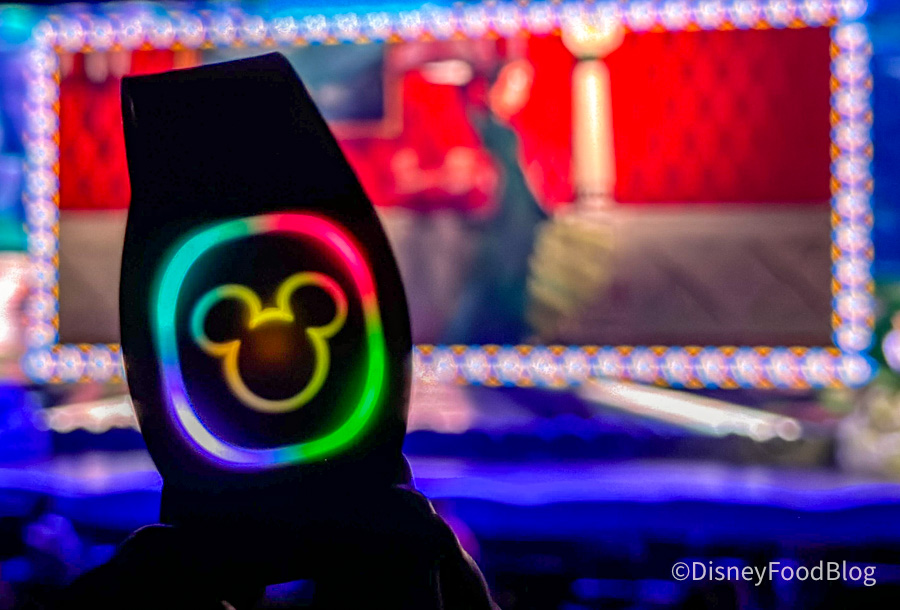
MagicBand+
Depending on the attraction, you may look down at your wrist and discover that your MagicBand+ is lighting up with special haptics and effects to match your experience. We’ve noticed this with some entertainment offerings, newer attractions, and the nighttime fireworks shows. It’s a fun little addition that we think kids in particular will enjoy!
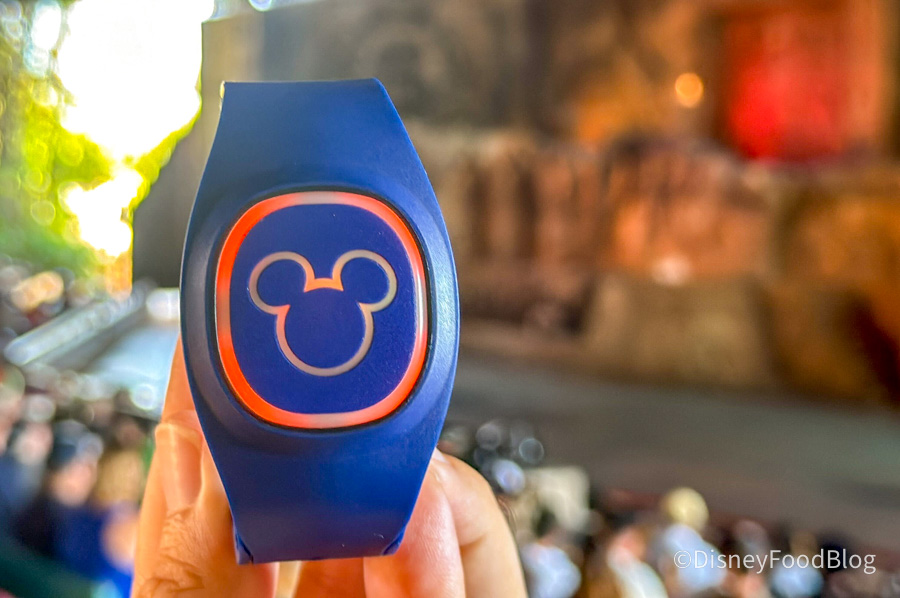
Effects at the Indiana Jones Epic Stunt Spectacular
So there you have it — our favorite hacks for using MagicBand+ in Disney World. Stay tuned to DFB, and we’ll keep you in the loop with more tips and tricks for your vacation, so stay tuned.
Click Here for the Guide to MagicBand+!
Join the DFB Newsletter to get all the breaking news right in your inbox! Click here to Subscribe!
WE KNOW DISNEY.
YOU CAN, TOO.
Oh boy, planning a Disney trip can be quite the adventure, and we totally get it! But fear not, dear friends, we compiled EVERYTHING you need (and the things to avoid!) to plan the ULTIMATE Disney vacation.
Whether you're a rookie or a seasoned pro, our insider tips and tricks will have you exploring the parks like never before. So come along with us, and get planning your most magical vacation ever!
Do you own a MagicBand+? Tell us in the comments!













 Our handy (and portable!) ebook guides make sure you get the best deals and can plan a vacation of a lifetime.

I bought a magic band plus last year, used it for two days, and now I cannot get it to charge. It still connects to the app by Bluetooth but not enough charge to update or do anything with. Any ideas?
I thought about ordering a Magic Band+ for my upcoming trip through the MDE app, but was very disappointed to see that only some of the bands available were discounted. The one I really liked was full price, and since I can use my AP or DVC discount to get 20% off once I get there, it’s not wort pre-ordering. It will only cost me $1 more to use my discount on-site than to order ahead, and I’ll be able to get the one I like best.
My magic band did not respond to the fireworks or anything when I was last in WDW. Everyone else’s did. It was fully charged. Any suggestions?
We took our first family trip last year, there are 5 of us. I bought our magic vand+ at the Character Warehouse. Then got my youngest, who was 5, the puck holder for the apple watch, but slid it down a lanyard for her to use. She loved to make the statues come to life
I wish you could buy a watch or smart watch face that could replace the puck at home. I would love to keep the magic alive at home by turning my Magicband+ into my watch band.
I got one for my teenage daughter who went with her Aunt to another park for the day from us and had no trouble getting into Animal Kingdom, purchasing food and merch plus get back into the room by the end of the day.
I have several sets of “Original: Magic Bands, as well as a set of “Magic Band 2”. We haven’t been in a while, sadly, and I’m never sure if I can rely on some/any/all of them to still be working on our next trip in 2026.
Tiffany, the “original” magic band I bought in 2021 still opened my hotel room door and got me into the parks when I was just at WDW in February 2025. It’s definitely worth a try – you just need to make sure the bands are still listed as “Active” in My Disney Experience.
@Mary > I bought a magic band plus last year, used it for two days, and now I cannot get it to charge. It still connects to the app by Bluetooth but not enough charge to update or do anything with. Any ideas?
If you’re confident you got your Magic Band seated on your charger and it’s still not taking a charge, I’d recommend talking to a cast member at one of the stores that sells a lot of magic bands. Sometimes they are not helpful, but you may get a replacement. I think they have some quality control issues.
@Kathy> My magic band did not respond to the fireworks or anything when I was last in WDW. Everyone else’s did. It was fully charged. Any suggestions?
Make sure your Magic Band is turned on. I know this sounds silly, but I personally find the on/off status of the Magic Band to be kind of confusing. If it’s off, it’ll still work for payments, getting into the park, and opening your room door. But to get the lights and haptics it needs to be turned on. If you press the little button on the back, it should light up (green for full, yellow for low, red for empty) to let you know it’s on.