
Genie+ is CHANGING.
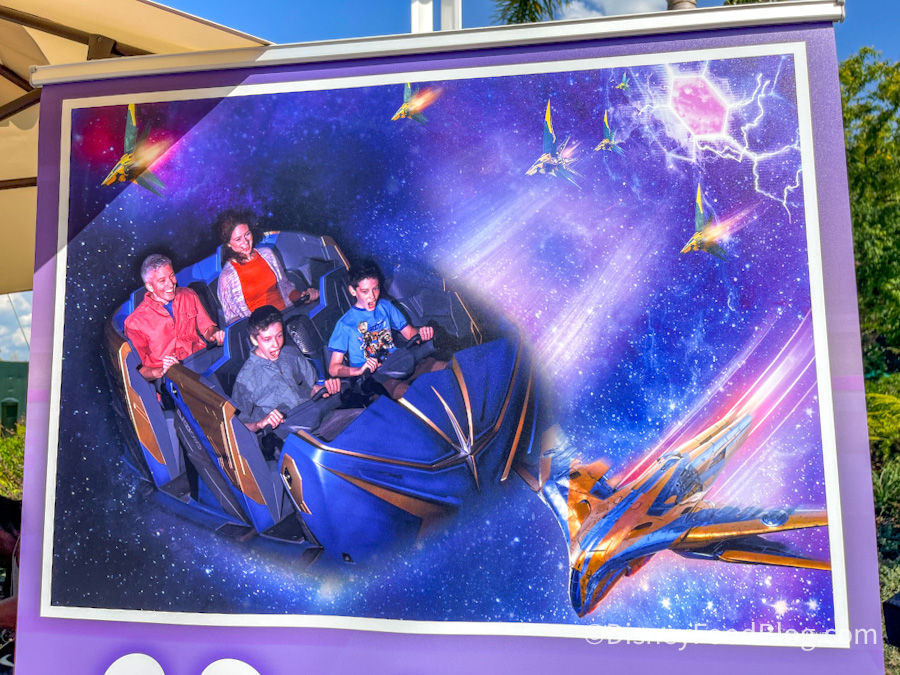
On-ride Photo for Guardians of the Galaxy: Cosmic Rewind
The paid FastPass+ replacement service is key to skipping the lines throughout Disney World and it has evolved since it was first released. Genie+ selections can now be modified, just what is available through Genie+ vs. Individual Lightning Lanes has changed over the past few months, and new attractions are sometimes added to the service. But soon, an important perk will be added to the Genie+ service. Here’s what you need to know.
Genie+ 101
A quick Genie+ 101. The Disney Genie service technically consists of 3 services, all housed within the My Disney Experience app:
FREE Disney Genie — This is a FREE trip-planning service that’ll create a customized park itinerary for you based on your interests. You’ll select items and tell the Genie what types of things you want to do or like, and then Genie will tell you where to go throughout the day, making suggestions and refreshing the itinerary to be “optimized” as things change.

©Disney
Disney Genie+ — This is a PAID service that essentially replaced FastPass+. You’ll pay a single price per person per day to access Genie+. With the service, you’ll look at available ride return times, and select the ride/return time you want. When your return time arrives, you’ll hop in the ride’s Lightning Lane (the old FastPass+ lane) to skip the standby wait.

You can continue to make 1 Genie+ selection at a time throughout the day (generally, there is a 120-minute rule to consider). Genie+ prices change depending on the day (we’ve seen them range from $15 to $29). You can start buying Genie+ at midnight of the day of your trip, and the first selection can be made at 7AM.

©Disney
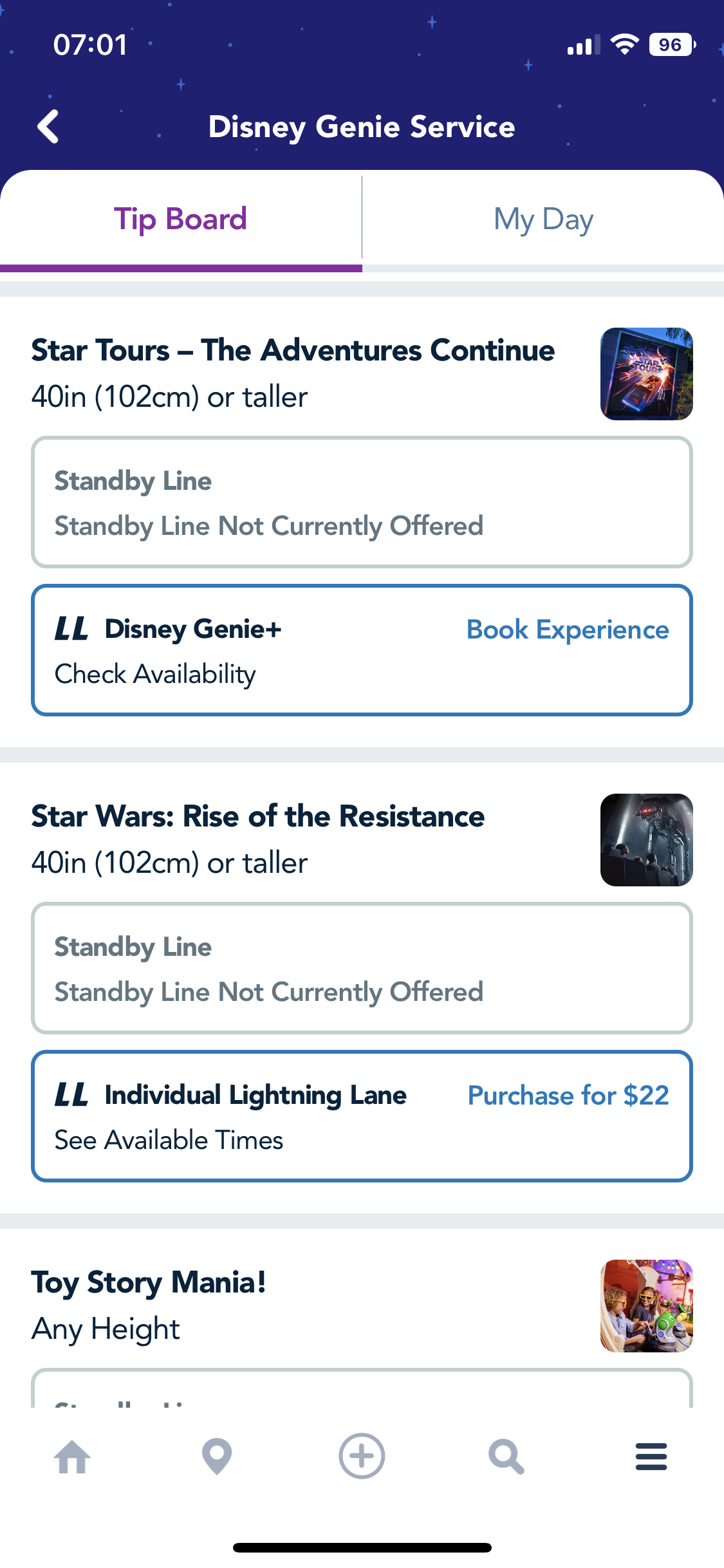
Individual Lightning Lane — While most Disney World rides are available through Genie+, select (very popular) rides are only available through Individual Lightning Lane. That means you will NOT be able to skip the standby lines for these rides by buying Genie+. Instead, to skip the standby lines (virtual queue if applicable) at Seven Dwarfs Mine Train, Guardians of the Galaxy: Cosmic Rewind, Star Wars: Rise of the Resistance, and Avatar Flight of Passage you need to buy an Individual Lightning Lane for the ride you want.
You can only buy 2 Individual Lightning Lanes (per person) per day. Prices on these vary depending on the park, day, and ride. If you buy an Individual Lightning Lane, you’ll be able to use the Lightning Lane once for that ride. Disney World Hotel Guests (and guests at select other hotels) can make their Individual Lightning Lane purchases at 7AM, all other guests have to wait until the park opens.
©Disney
Whew. We know that planning a Disney World trip is A LOT. And this Genie+ thing can be so confusing – which is why we bring you posts like this so often But we’ve also put together a complete guide in ebook format that gives you all of the info you need, all in one place! Use code WDW2023 for 25% off our DFB Guide to Dining at Walt Disney World.

Worksheets to help you plan are inside!
Those are the basics, now let’s get to the change.
The BIG Change
Disney has announced that beginning “in the next few months,” guests who buy Disney Genie+ will also get FREE digital PhotoPass downloads for attraction photos taken on the day of their purchase.
Let’s break this down. If you buy Genie+ you will NOT get digital downloads of all of your PhotoPass photos. Instead, you’ll ONLY get digital downloads of the ATTRACTION photos taken that day.

©Disney
And keep in mind that you won’t get free downloads of ALL attraction photos throughout your trip. Instead, you’ll only get those free downloads for the attraction photos taken on the DAY you buy Genie+ (remember you don’t need to buy Genie+ for every day of your trip, you are free to buy it only on the days you want it).
This change goes into effect on March 20th, 2023. Keep in mind that Disney PhotoPass terms and conditions, and the PhotoPass expiration policy do apply.
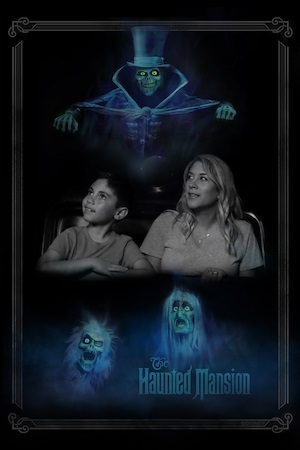
Haunted Mansion On-ride Photo ©Disney
Attraction photos are taken at more than a dozen of Disney’s popular rides, so you might be wondering “just WHAT ride photos will I get for FREE if I buy Genie+?” Good question!
On-Ride Photos
Here’s a complete list of the Disney World rides that offer on-ride photos:
- Buzz Lightyear’s Space Ranger Spin
- Haunted Mansion
- Seven Dwarfs Mine Train
- Pirates of the Caribbean
- Space Mountain
- DINOSAUR
- Expedition Everest
- Rock ‘n’ Roller Coaster Starring Aerosmith
- The Twilight Zone Tower of Terror
- Slinky Dog Dash
- Frozen Ever After
- Guardians of the Galaxy: Cosmic Rewind
- Test Track
How Do On-Ride Photos Work?
Okay, so you’ll soon get downloads of your on-ride photos for FREE if you buy Genie+, but how do you make sure you even get those on-ride photos linked to your account? There are some important things you’ll want to do.
MagicBand
If you’ll be using a MagicBand throughout your visit, then your MagicBand will be key to collecting your on-ride photos. Several rides use on-ride RFID technology to automatically link your on-ride photo to your account, thanks to your MagicBand!
At some rides, you might exit and see a photo preview wall. At those attractions, tap your MagicBand to the appropriate spots to link the photos to your account.

Attraction photo at Disney’s Hollywood Studios
BUT before going on the rides with your MagicBand, make sure you’ve linked your MagicBand to your My Disney Experience account, have properly set up your My Disney Experience account in the app, and have your park ticket/Genie+ purchase properly set up. You’ll want to make sure it’s all linked to you!
And if you’ll be using a MagicBand+, remember to charge it. While your MagicBand+ will still function like an original MagicBand even if it has no battery left (allowing you to scan into the parks, etc.), some of the more interactive features of MagicBand+ won’t work until it is charged, so it’s best to keep it charged just to be safe!
No MagicBand? No Problem
What if you won’t be using a MagicBand? No worries! You can actually utilize your mobile device to get the attraction photos. What you’ll want to do is use Magic Mobile, a service that basically transforms your phone into a MagicBand (in some ways).
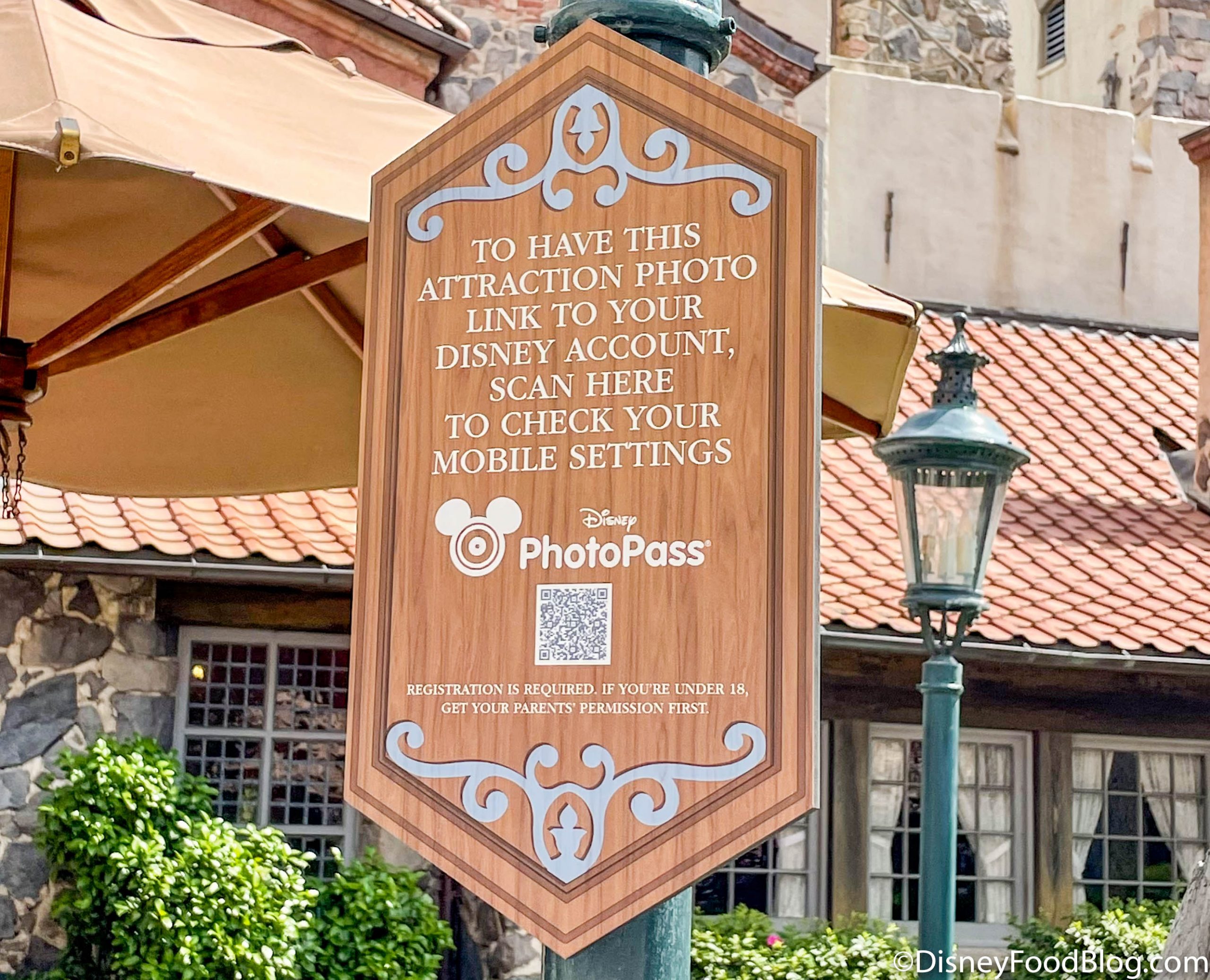
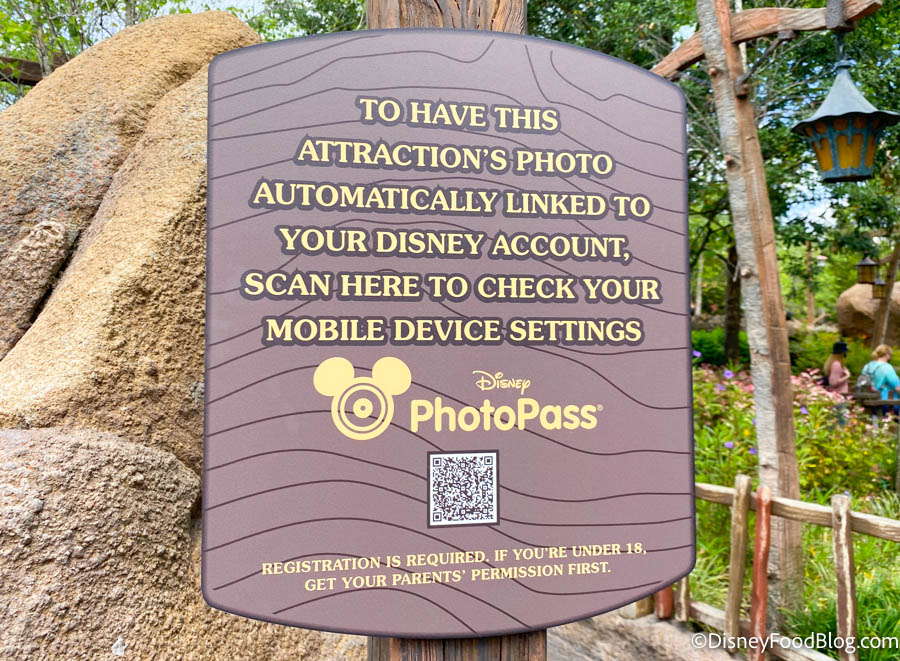
At some attractions, you may find a sign like the one below, notifying you to check your mobile settings you link the PhotoPass photo to your account.
Frozen Ever After Ride Photos
Basically, what you want to do is set up your Magic Mobile pass — we’ve got a step-by-step guide here. Before getting on the ride, make sure to sign into your My Disney Experience app. Keep your mobile device out of any kind of low power mode when on the ride. Make sure you’re using a mobile device that has Bluetooth technology ENABLED for the My Disney Experience app.
On rides where the photos are automatically linked, this should get you the photos you need. On rides where there is a photo preview wall, you can tap your mobile device with a Disney MagicMobile pass to link it to your account.

PhotoPass Area Turned Off
Just keep in mind that while MagicMobile can be very helpful and you can even use it to link your park ticket to your Apple Watch, your Apple Watch CANNOT be used to automatically link ride photos and videos.
Note that Disney also says for attractions with photo preview walls, you can tap your park admission card to link those photos.
There are lots of things to scan in Disney World now!
And that’s the basics of PhotoPass, on-ride photos, and the upcoming Genie+ update. Again, this change is happening on March 20th. Until then, you’ll have to buy those on-ride photos either by buying a Memory Maker package or buying them individually. For more about PhotoPass in general and Memory Maker, click here.
And stay tuned for ALL the latest Disney news.
Click here to see how Bob Iger could CHANGE Genie+

Are you a fan of Genie+? Tell us in the comments.
 Our handy (and portable!) ebook guides make sure you get the best deals and can plan a vacation of a lifetime.

TRENDING NOW
Disney just changed mobile ordering, and you're not going to like it!
Take advantage of these Amazon deals and get started on your Halloween shopping!
Here's everything confirmed for this year's Mickey's Very Merry Christmas Party.
Disney Adults, Dollywood is NOT just Disney World with cinnamon bread and banjos. These are...
There's a new offering coming to Mickey's Not-So-Scary Halloween Party this year!
Mickey's Very Merry Christmas Party tickets got a PRICE INCREASE this year.
A popular character meet-and-greet just reopened early!
There were TONS of Disney World updates from this week and we've got them all...
Things are always changing in Disney World. Here are seven things changing in Disney World...
A Cool Kids' Summer favorite has returned this year!
This new Disney Springs rule starts today!
The new coaster coming to Disney's Hollywood Studios is starting to build upwards!
We're getting worried about the holiday season at Disney World...
Some Lightning Lane rules are meant to be broken...
FOUR new hotel deals have dropped for Disney World, and they'll save you BIG this...
A new Florida line will affect dining in Disney World.
Lakeshore Lodge is set to have a massive pool complex.
Tormenta Rampaging Run at Six Flags Over Texas was just postponed, with no reopening date...
This EPCOT restaurant is giving you three courses and a drink for just $40!
This is the best way to save money in Disney World before your trip even...