UPDATED June 7, 2026
My Disney Experience is a free online vacation planning tool and app for Walt Disney World Resort guests.
My Disney Experience app ©Disney
Since its debut in 2013, the features have only expanded. From the very start of your vacation planning to the final day of your trip, My Disney Experience offers several features to help you make the most of your Walt Disney World vacation.
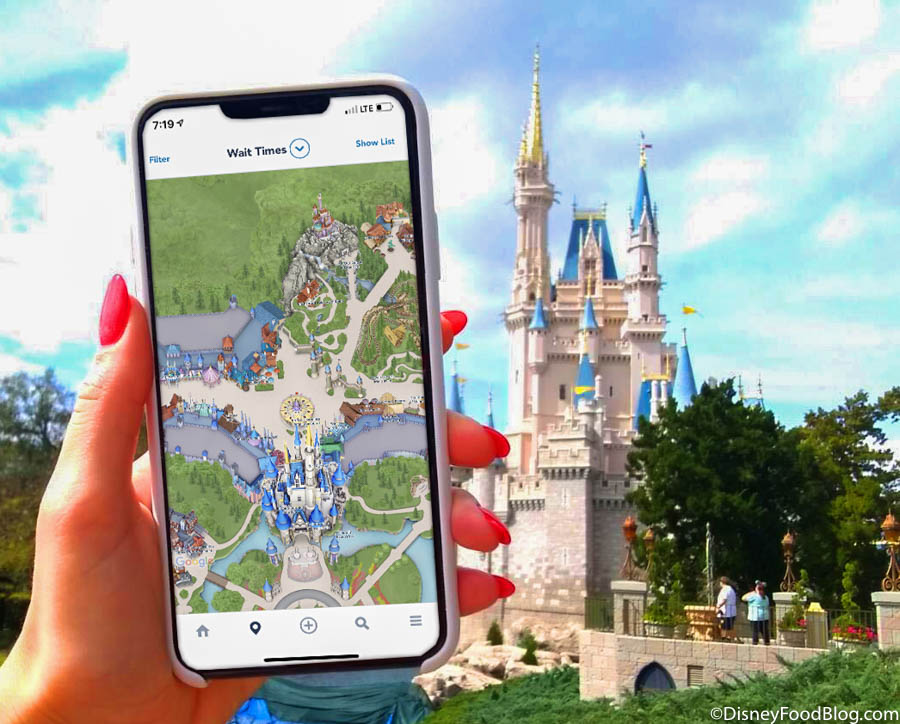
My Disney Experience app
Here we are exploring everything My Disney Experience has to offer, beginning with how you can set up your own free My Disney Experience account. BUT FIRST…
If you would like to jump to a specific topic, simply click any of the links below:
- My Disney Experience — Getting Started and Registering for an Account
- My Disney Experience — Before Your Trip
- My Disney Experience — At Your Resort Hotel
- My Disney Experience — In the Parks and Around the Resort
- My Disney Experience — Dining Features
- Mobile Checkout at Merchandise Locations
- My Disney Experience for Annual Passholders
- Need Assistance?
My Disney Experience — Getting Started
Register for an Account
All you need to get started with My Disney Experience is a free Disney account, which you can register for on the Walt Disney World website.
Set up your My Disney Experience account ©Disney
It’s also highly recommended that you install the corresponding My Disney Experience app on your smart device (free for iOS and Android), which will offer you additional features that will be especially helpful during your trip.
From here you can:
1. Set up your Profile by providing the requested information.
2. Create and CONNECT your Family & Friends list so you can make and share plans with your traveling group.
This step ensures that your entire group has access to the same Advance Dining Reservations, Lightning Lane reservations and selections, and more.
Ways to connect include the following:
- If your party is already included in your shared vacation reservation with a Resort hotel booking, you can simply use your reservation number, which will automatically pull everyone on the same reservation onto your list.
- You can scan their linking code if they have their own My Disney Experience app account. (This only works, however, if you are in proximity to scan their device.)
- You can search for someone by their name and email address as long as they are 18 or over and have chosen to make themselves searchable. Just click “Allow” when asked if you’d like to allow others to find you. OR you can send them an invite to link by providing their email address.
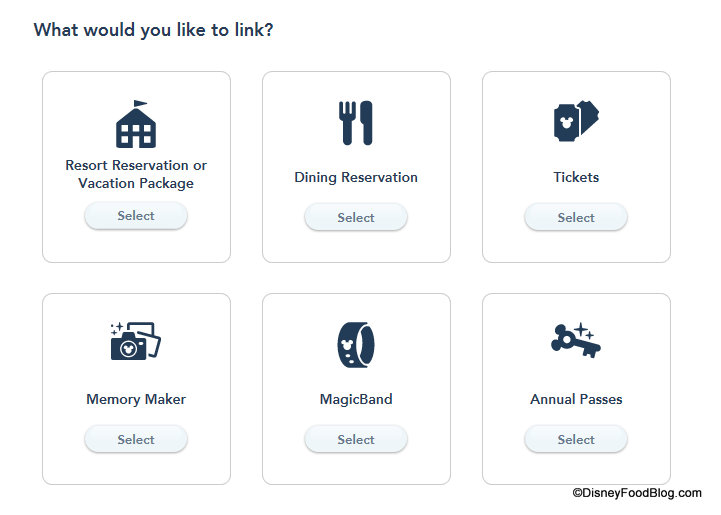
3. Link your Reservations and Park Tickets. (Note that if tickets are included in your Vacation Package, you do not need to link them separately.)
My Disney Experience screenshot
4. Make and manage your plans!
And, if you enjoy vacation planning as much as we do, THIS is where the real fun starts…
My Disney Experience — Before Your Trip
Purchase Theme Park Tickets
If you did not purchase valid theme park admission as part of a Disney World Resort Vacation Package, you can purchase your tickets in My Disney Experience.
Reserve Dining
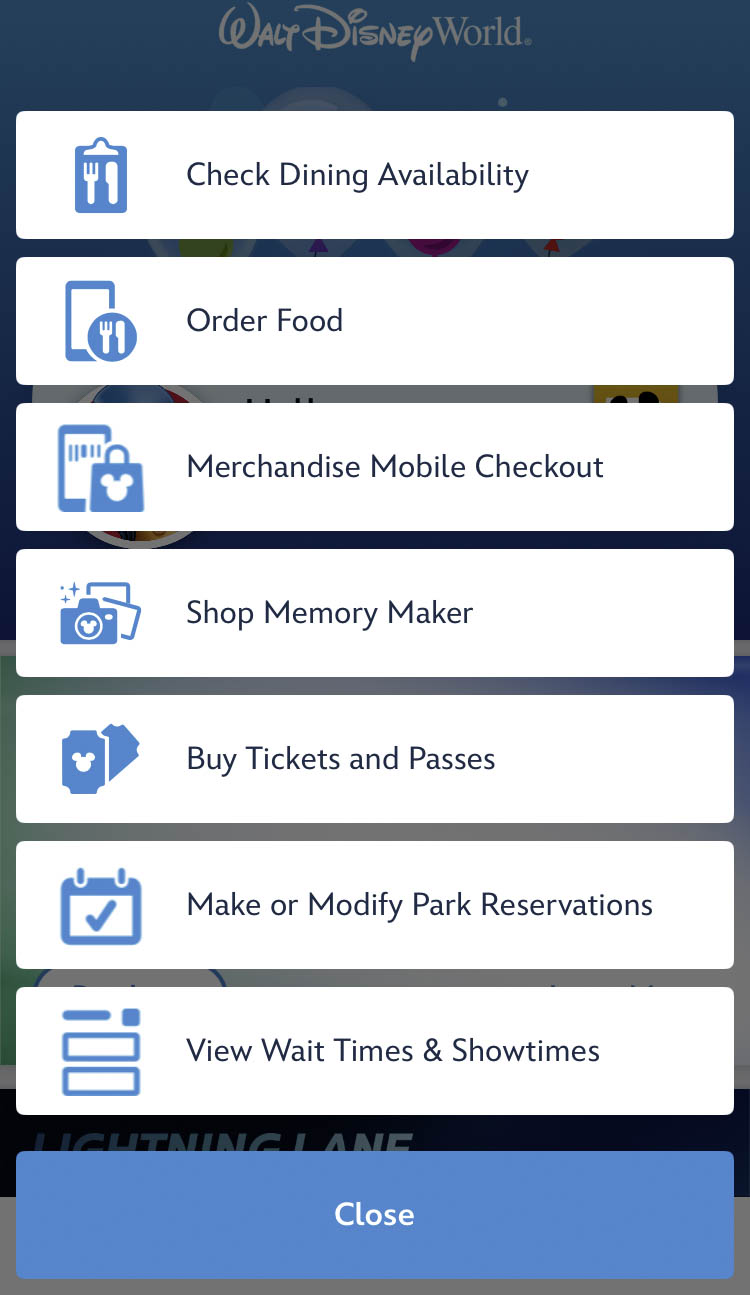
You can use My Disney Experience to make and modify dining reservations for participating Table Service restaurants throughout Walt Disney World prior to your trip.
My Disney Experience Menu ©Disney
On My Disney Experience, the process starts by selecting Check Dining Availability. The window to make Advance Dining Reservations opens up 60-days ahead of when you wish to dine, and you can learn more about the process by clicking here.
View Your Plans
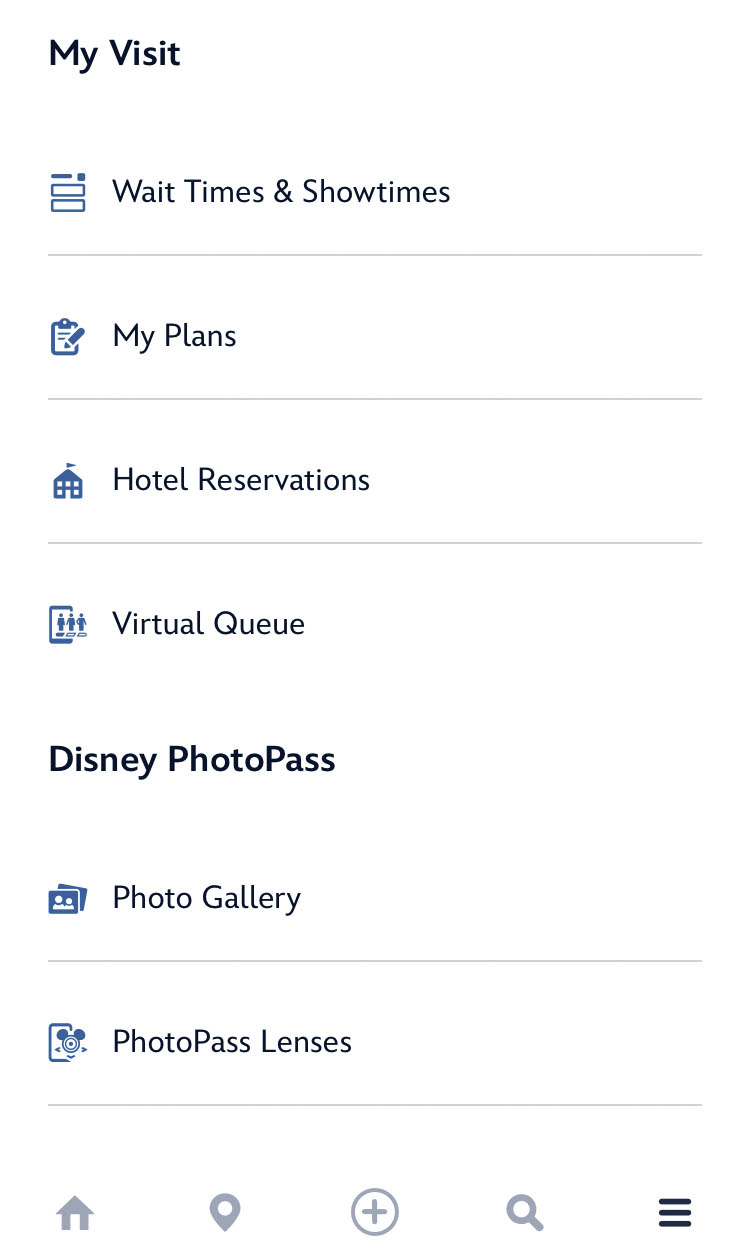
You can view any plans you’ve made in advance of your trip under “My Plans” online or in the app. (In the app, you’ll find this option on the final screen option.)
Select “My Plans” to see everything you have booked! ©Disney
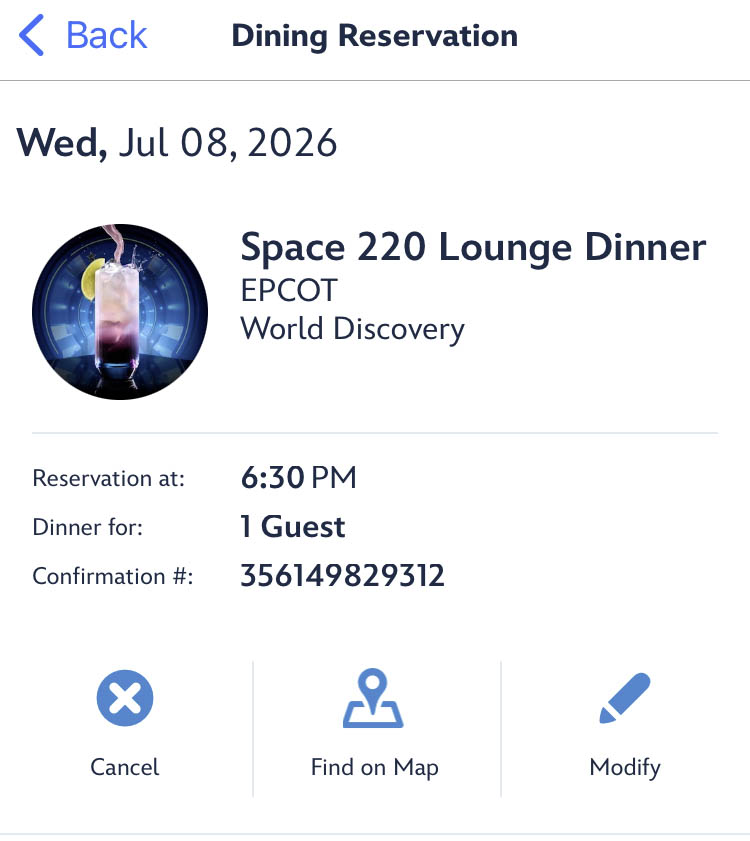
These include any Advance Dining Reservations, booked Tours or experiences, and the like!
View Advance Dining Reservations in My Disney Experience ©Disney
My Disney Experience — At Your Resort Hotel
Once you arrive in Walt Disney World, you can utilize My Disney Experience in many additional ways.
Online Check-In
If you’re staying in a Walt Disney World Resort hotel, you can use My Disney Experience to check in to your Disney Resort up to 60 days ahead of your trip and bypass the front desk upon arrival with the Online Check-In feature.
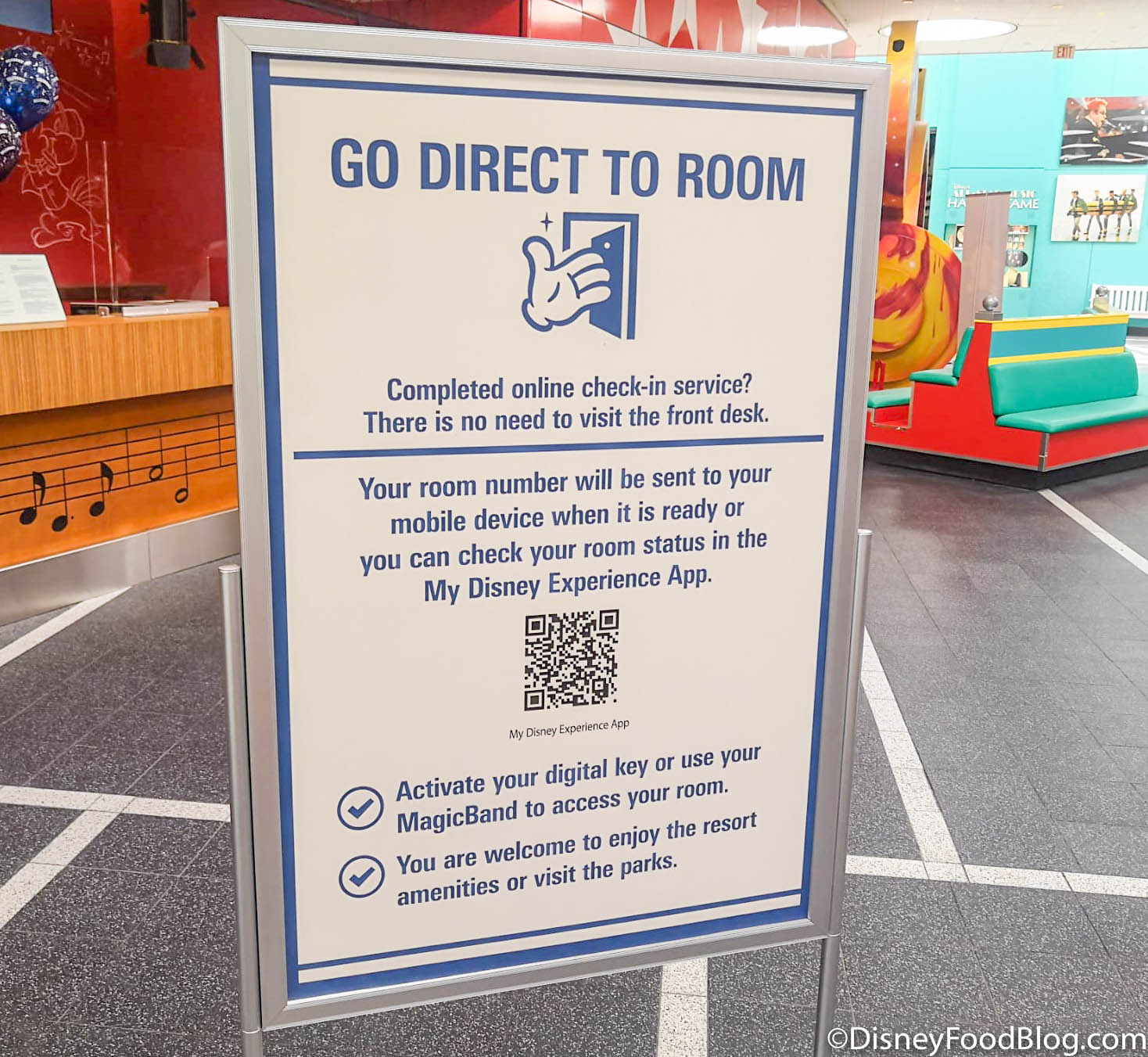
Mobile Check-In
You will be notified via text when your room is ready! And once it is, you can use the next feature.
Digital Key
The Digital Key feature allows guests to unlock their Resort room with their smart device! By enabling Bluetooth, you can view your Disney Resort hotel reservation in My Disney Experience, and can select “Unlock Door.”
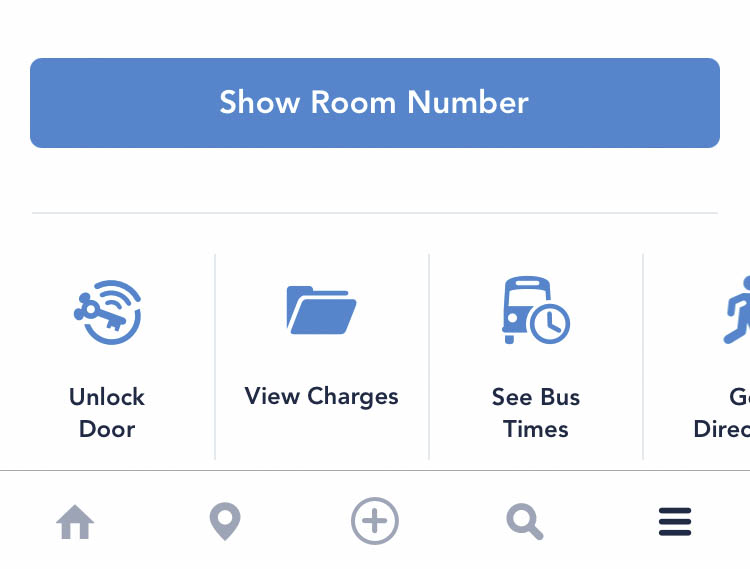
“Unlock Door” ©Disney
Upon giving the appropriate permissions, simply hold your mobile device against the door lock to enter.
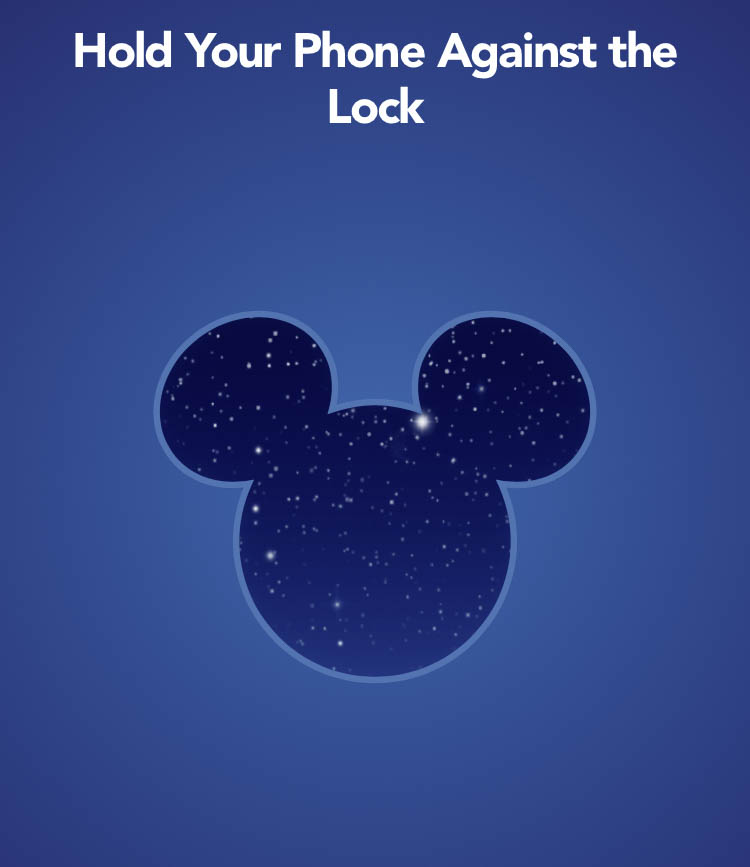
Digital Key Feature ©Disney
Note that you may also opt to use your MagicBand or MagicBand+ to unlock your room.
Bus Transportation Schedule
If you’re relying on Disney transportation, My Disney Experience allows Resort guests to see real-time estimates for when the next buses will depart from their Disney hotel, as well as when they will arrive at their destination!
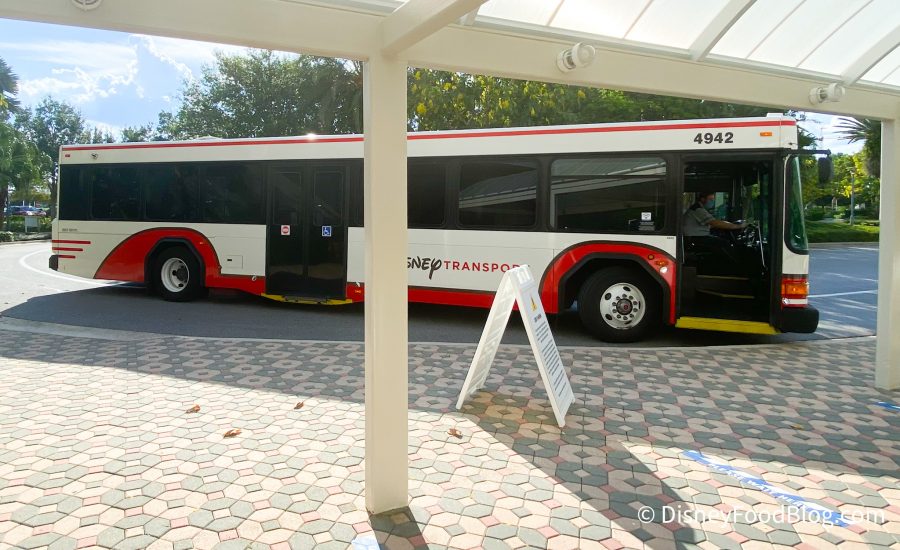
Disney World Bus at Contemporary Resort
The estimates include bus times for all four theme parks, both Disney water parks, and Disney Springs. The “See Bus Times” feature will become available for viewing on your device when you are staying at a Disney World Resort hotel under an active reservation.
Check Out
Guests may always opt for the automatic check out, which takes place on the scheduled check-out date at 11AM. However, guests may now opt to use a check out service through the My Disney Experience app instead. Through this mobile check out service, you’ll be able to check out through the app after you’ve left your room.
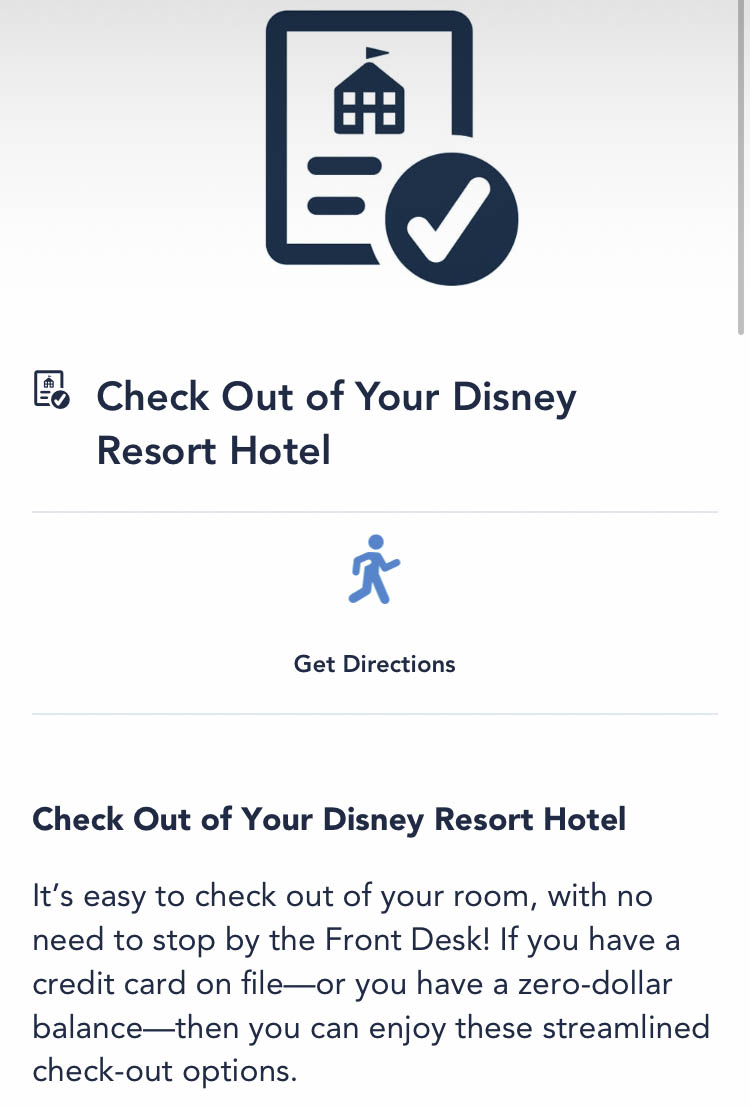
Check Out Feature ©Disney
To use this feature, you’ll need to have a credit card on file or have a zero-dollar balance. You can first ensure that you meet those criteria by opening the My Disney Experience app, going to your reservation details, and selecting “view charges.”
Once you’ve done that, and you’ve confirmed that you qualify for this feature, you can view and approve the charges. Then you’ll hit “check out now” in the “Mobile Resort Checkout module” to start the checkout process.
My Disney Experience — In the Theme Parks and Around the Resort
The My Disney Experience app offers LOTS of additional features to help you make the most of your visit to any of the four Walt Disney World theme parks: EPCOT, Magic Kingdom, Animal Kingdom, and Hollywood Studios.
Disney World Lightning Lanes
Lightning Lane services are available to purchase within the My Disney Experience app.

©Disney
There are three different Lightning Lane systems guests may opt to utilize. Lightning Lane Multi Pass, Lightning Lane Single Pass, and Lightning Lane Premier Pass.
Once you are in the parks, you will also use the My Disney Experience app to manage your Lightning Lane use. There is a LOT to learn about Lightning Lanes, so you can find ALL the info you need HERE.
CLICK HERE to learn everything you NEED to know about Disney World Lightning Lanes!

Navigating the Theme Parks
You can navigate your way around the park with the park maps in My Disney Experience!
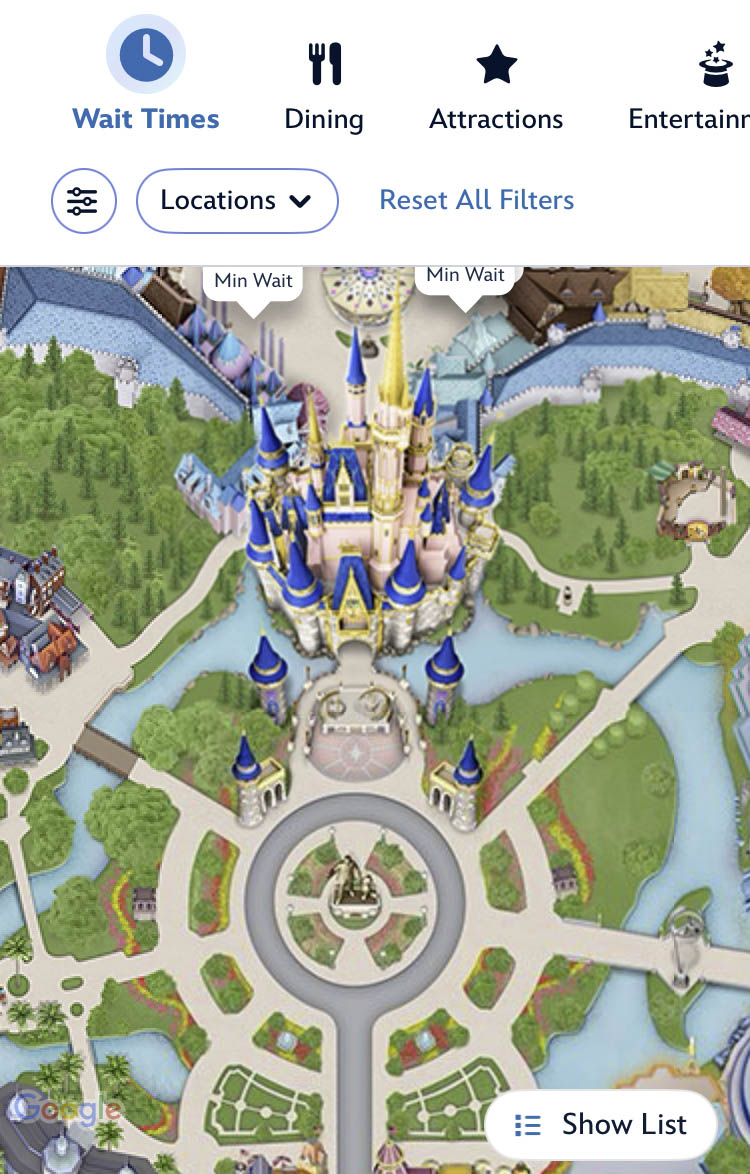
Maps in My Disney Experience ©Disney
You can also use the app to find locations such as Guest Services, restrooms, phone charging stations, restaurants, merchandise locations, and even PhotoPass photo spots (including Character Greeting locations that have a PhotoPass photographer present). You can view all the available categories by swiping the menu options on top of the map screen.
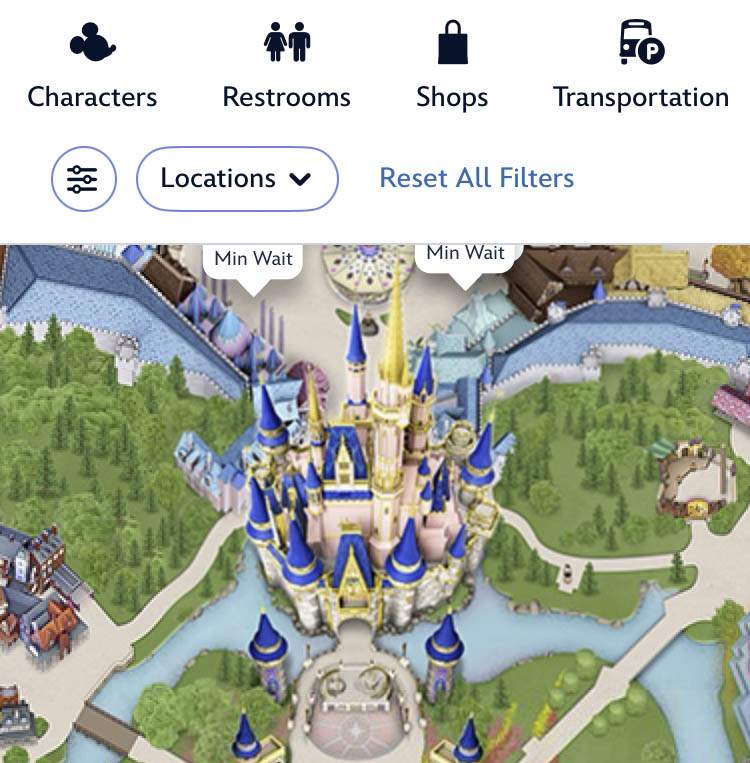
Find more Categories on top ©Disney
And to help make the most of your time, you can view park hours, attraction Wait Times, entertainment options and show times, attraction refurbishment schedules, and more. You can even find information and wait times for Character Meet and Greets, and filter by the park you are currently in.
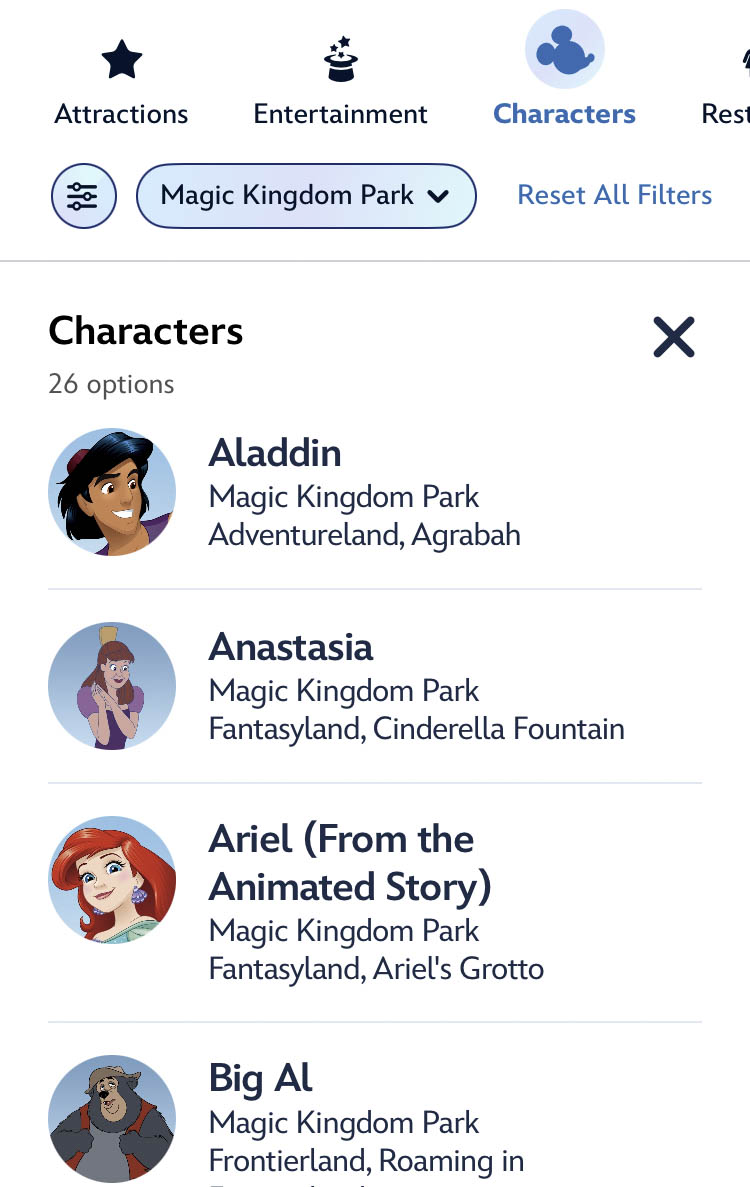
Find Disney Characters using My Disney Experience ©Disney
Say you’d like to meet Jack Sparrow, for instance… when you see him appear on the list, simply click to find the times he’ll be making appearances!
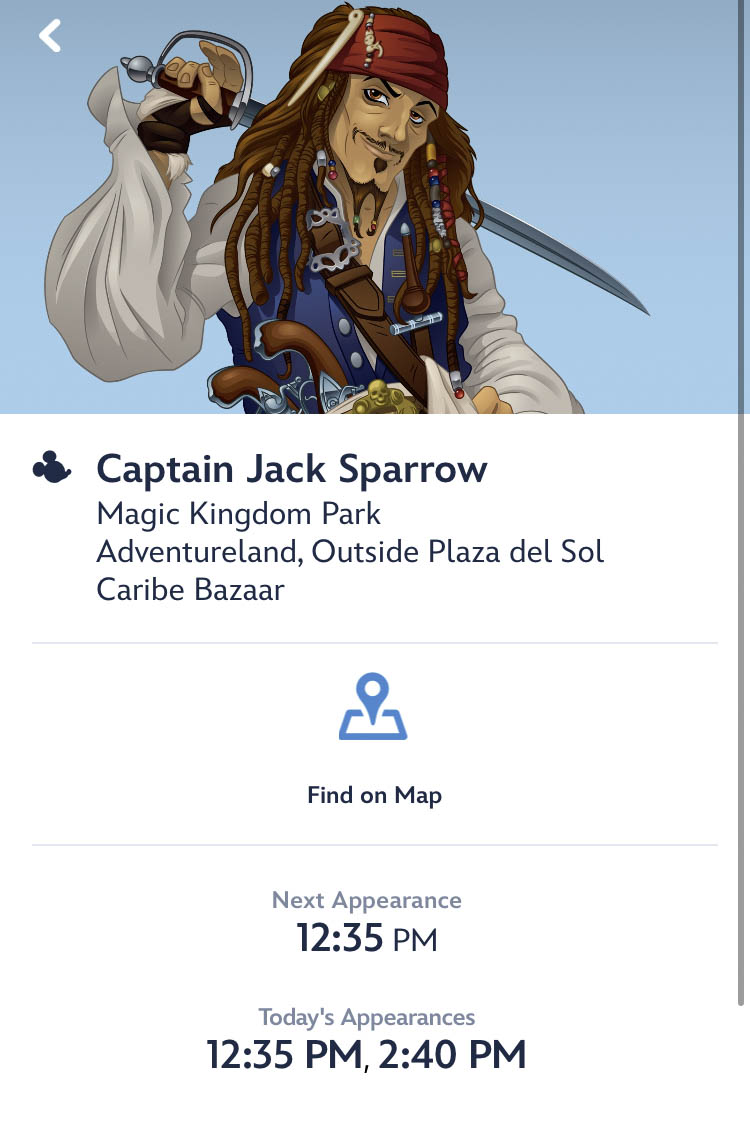
Character Greeting Information ©Disney
You can even view menus for individual restaurants and snack kiosks to help you choose where you might like to dine!
Guest Services
When you filter to Guest Services under “Select Categories” in the expansion menu, you may be surprised by the wealth of information you can access right at your fingertips!
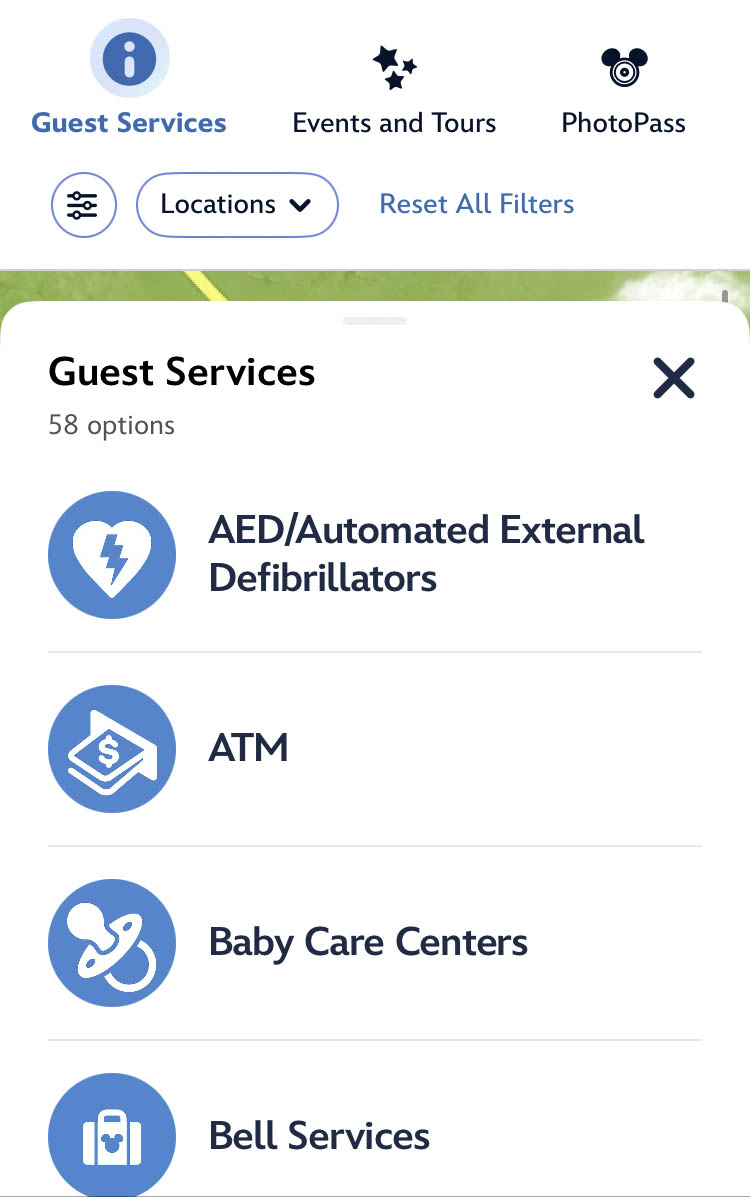
Just a few Guest Service options ©Disney
Guest Services features include — but are not limited to — the following:
- ATMs
- Car Care Center and Car Rentals
- Coin Press Machines
- Designated Smoking areas
- Information for Service Animals
- Services for Guests with Disabilities
- Lost and Found Locations
- Mobile Charging Stations
- Stroller, ECV, and Wheelchair Rentals
- Disney Transportation options
- Picture Spots
- Restrooms
- … and MORE!
And as part of Disney’s partnership with AdventHealth, there is a section on the app called Guest Care Health Services. You can find it by typing “AdventHealth” in the app’s Search Tool.

AdventHealth Guest Health Care Services ©Disney
Should guests find themselves in need of non-emergency medical assistance during their trip and are not sure where to turn, this is a great place to start! Below are just a few examples of what kind of services you can get quick answers to:
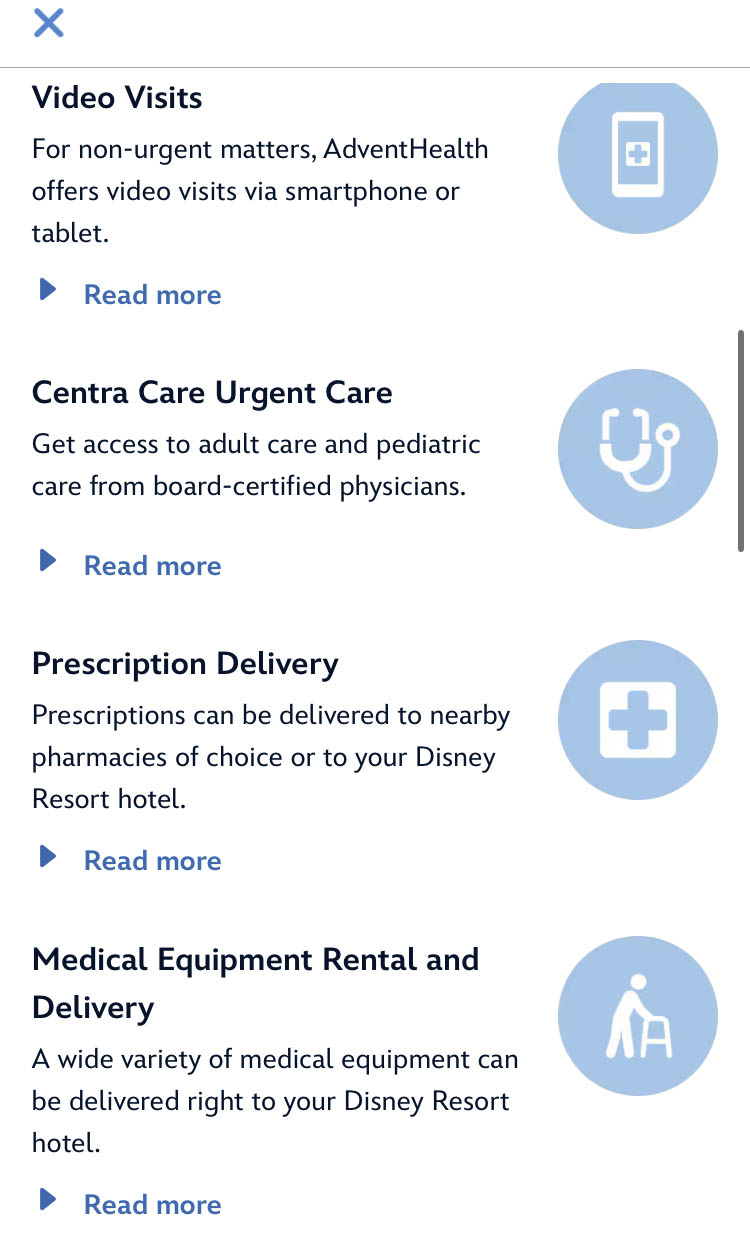
AdventHealth Guest Health Care Services ©Disney
You can see the range of virtual care services here!
Chatting with a Virtual Assistant
What are today’s park hours? How do you rent a wheelchair? What are the details about other rentals in Disney World? You’ve got questions, Disney has answers. But sometimes getting on the phone with Disney or chatting with a Cast Member through the My Disney Experience app can take a LONG time. So…what do you do?
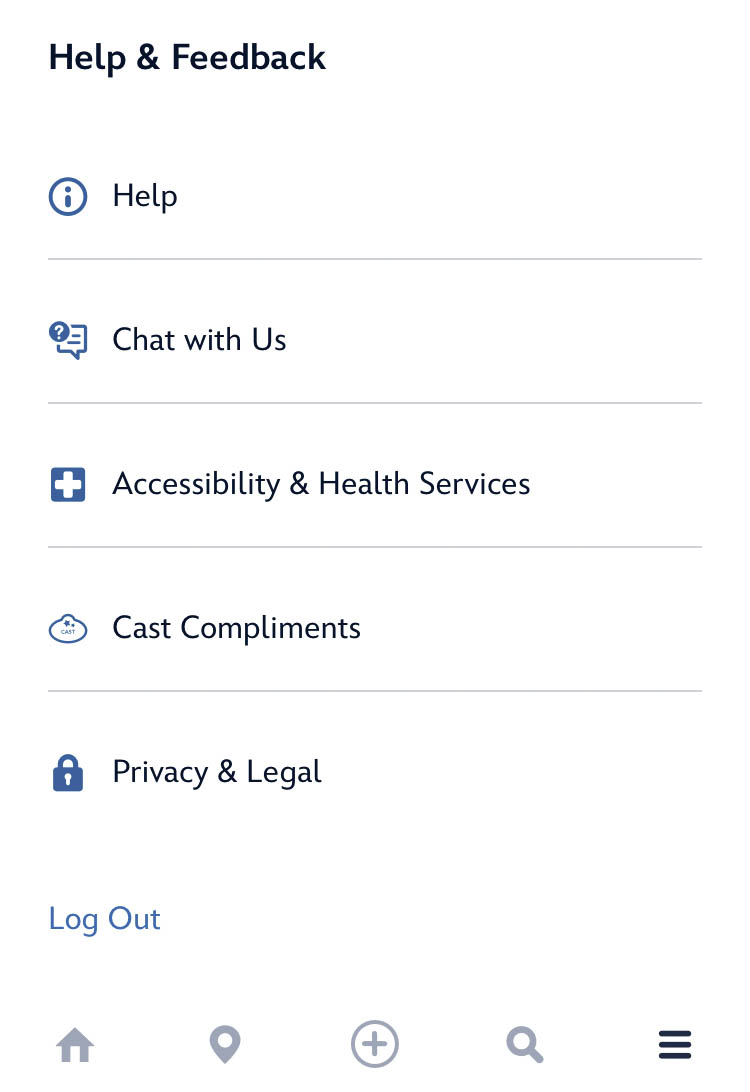
“Chat with Us” ©Disney
Disney World offers a “Virtual Assistant” feature within the Disney app chat function (under “Chat With Us” on the final menu screen).
While the virtual assistant function can’t answer all of your questions, it can be helpful to get some basic (and sometimes critical) information sooner than a Cast Member may be available via chat. So, the next time you have a basic question, head to the chat and see if the virtual assistant can help. If not, you can tap the “Get a Cast Member” to speak with someone, call Disney directly, or speak with Cast Members in the parks.
Click HERE to learn to navigate the Virtual Assistant feature!
Joining Virtual Queues for Attractions
Disney parks often utilize a Virtual Queue as a line management tool for new attractions during their opening months. The key to joining the virtual queue lies in your My Disney Experience app.

Virtual Queue Prompt on My Disney Experience Home Screen
You can learn about the entire process for joining the virtual queue here.
Click HERE to learn the ins-and-outs of joining a Virtual Queue!
Get Directions
Wondering how to get from here to there around Disney World? You can find directions on the My Disney Experience App. Just search for your destination (using the search feature, which is the little magnifying glass at the bottom of the screen) and click “Get Directions.”
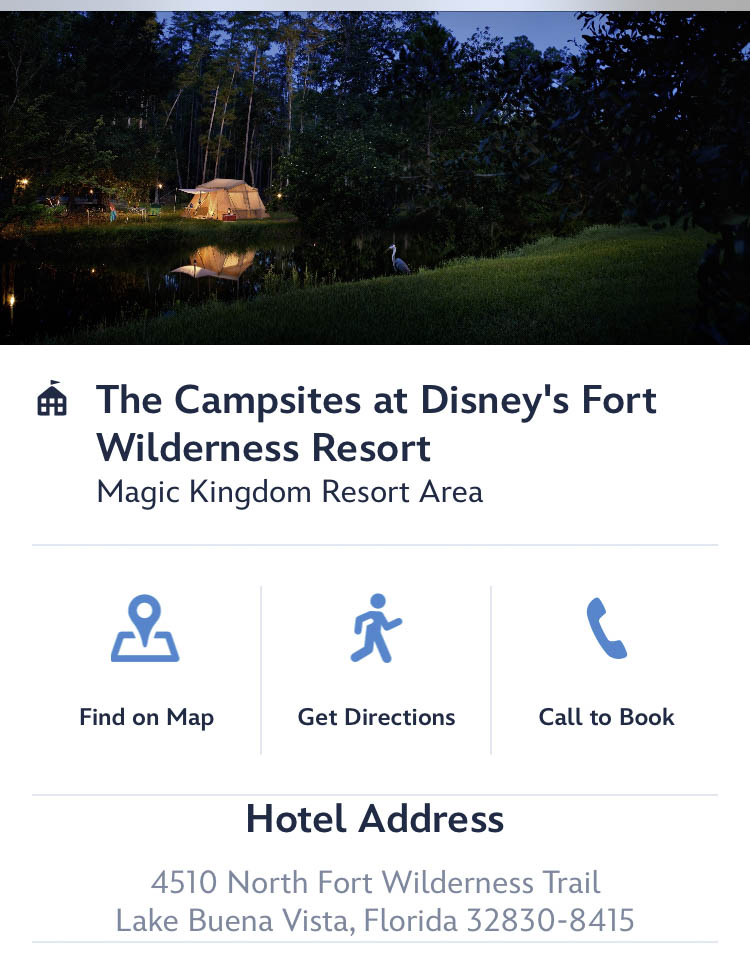
Get Directions option ©Disney
Enter your starting point, and directions will pop up!
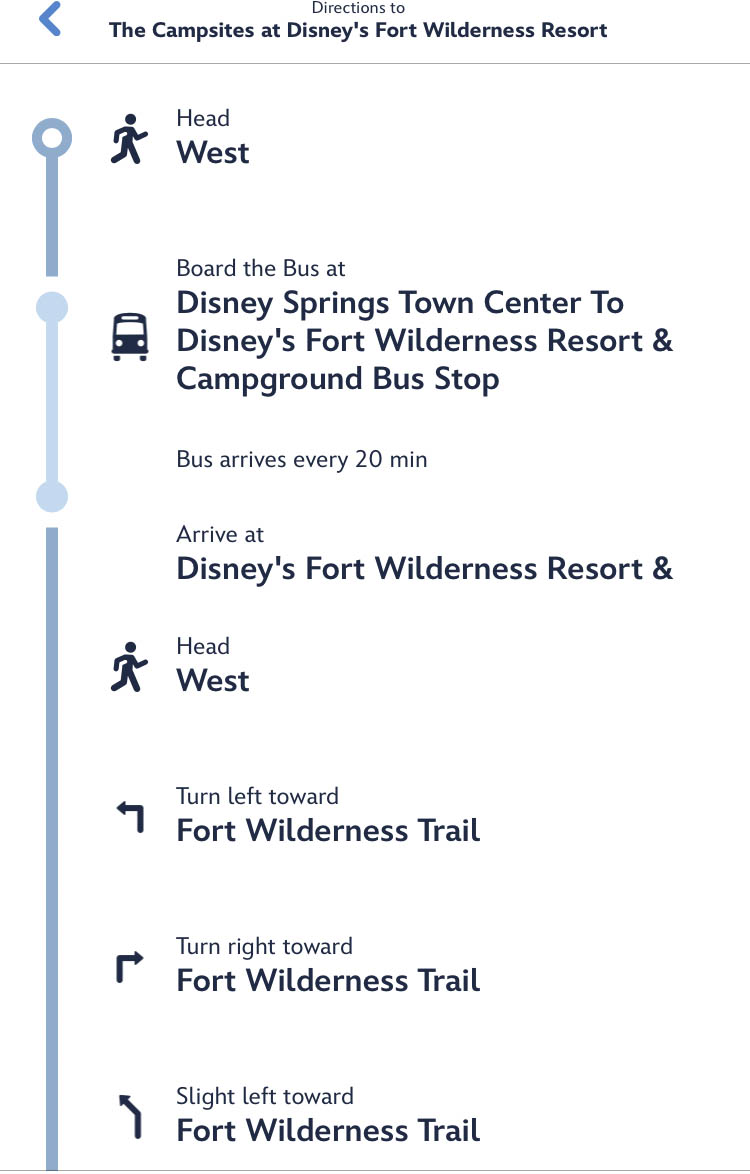
Get Directions ©Disney
You will be notified of all the ways you can utilize free Disney World Transportation to get to your desired destination.
Click HERE for a Step-by-Step Guide to using the Get Directions Feature in My Disney Experience!
Cast Member Compliments
Has a Disney World Cast Member helped you or added some extra magic to your vacation? You’ll find a section on the My Disney Experience app for sharing Cast Member appreciation.
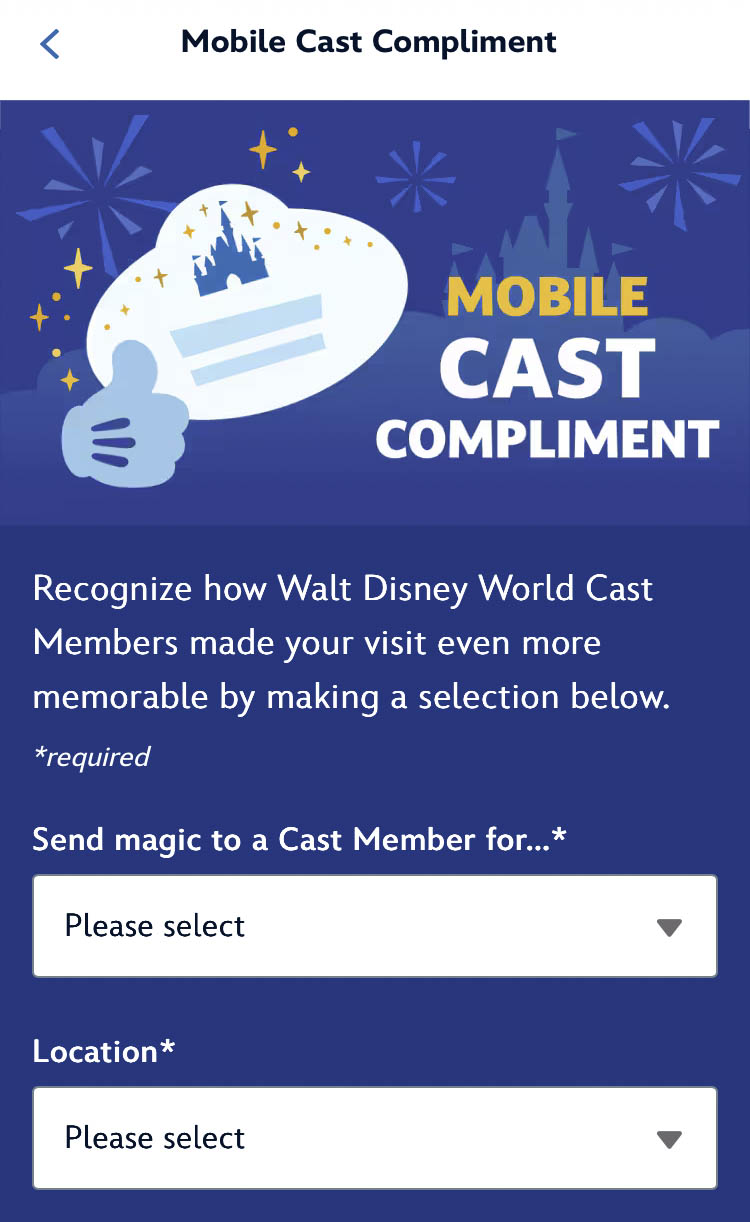
Mobile Cast Compliment Feature ©Disney
To leave a mobile Cast Compliment, open the app and search “Cast Compliment.” From there, you can enter the reason for your compliment, the location, name, hometown, and date of your interaction so that they can be recognized for their amazing work!
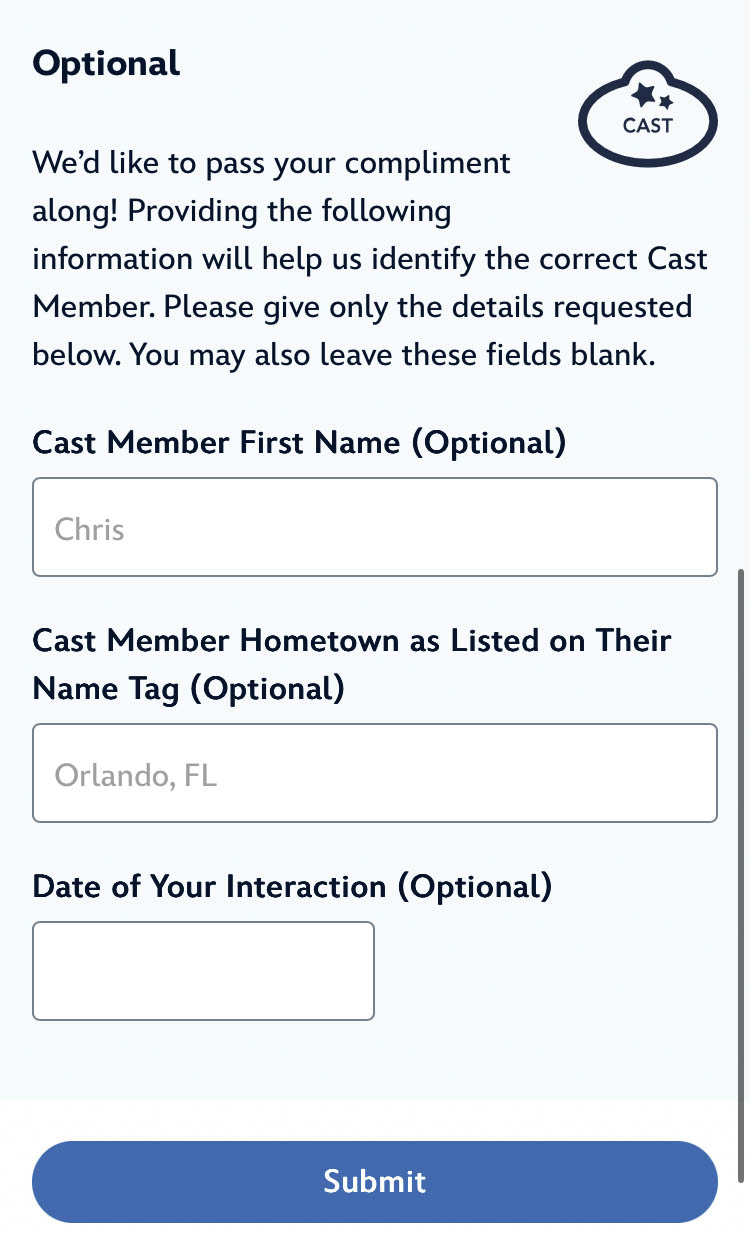
Mobile Cast Compliment Feature ©Disney
By the way, the names and hometowns (or college) of Cast Members can be seen on the Cast Member nametags.

Cast Member Name Tags
But if you didn’t happen to see the Cast Member’s name, you can still leave a compliment by describing the location where they assisted you and created a little extra magic!
Setting Up a MagicBand+
MagicBands are the wearable technology (a band worn on the wrist containing a Radio-Frequency Identification or RFID chip) that connects — or “unlocks” — all the experiences booked through My Disney Experience once guests arrive at Walt Disney World.
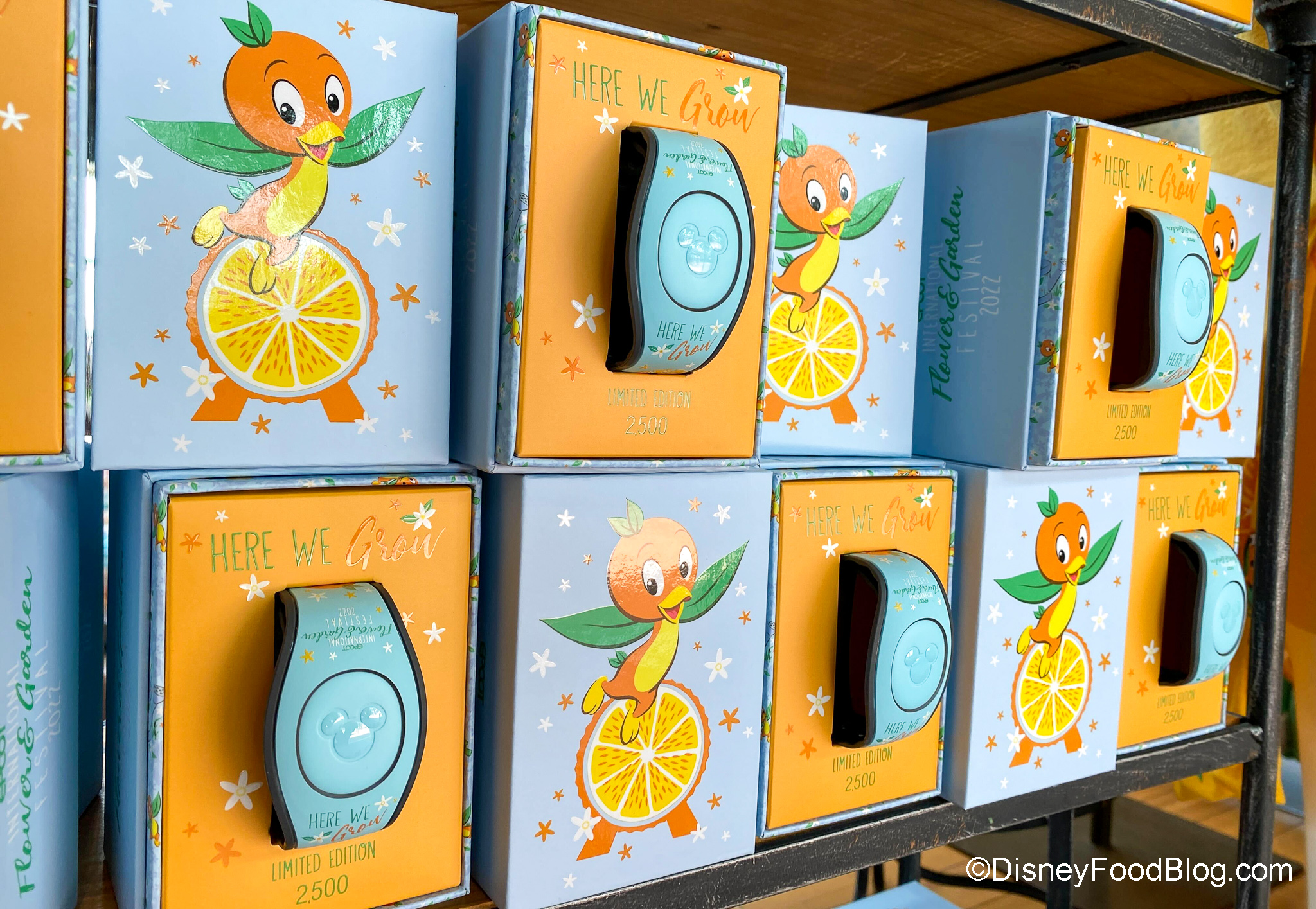
Orange Bird MagicBand
MagicBand+ is a type of INTERACTIVE MagicBand. Guests who purchase a MagicBand+ will use the My Disney Experience app to set up their new MagicBand+. Follow the instructions on the app to (1) link your MagicBand+ to your Disney account, (2) assign it to a guest, and (3) pair it to your phone.
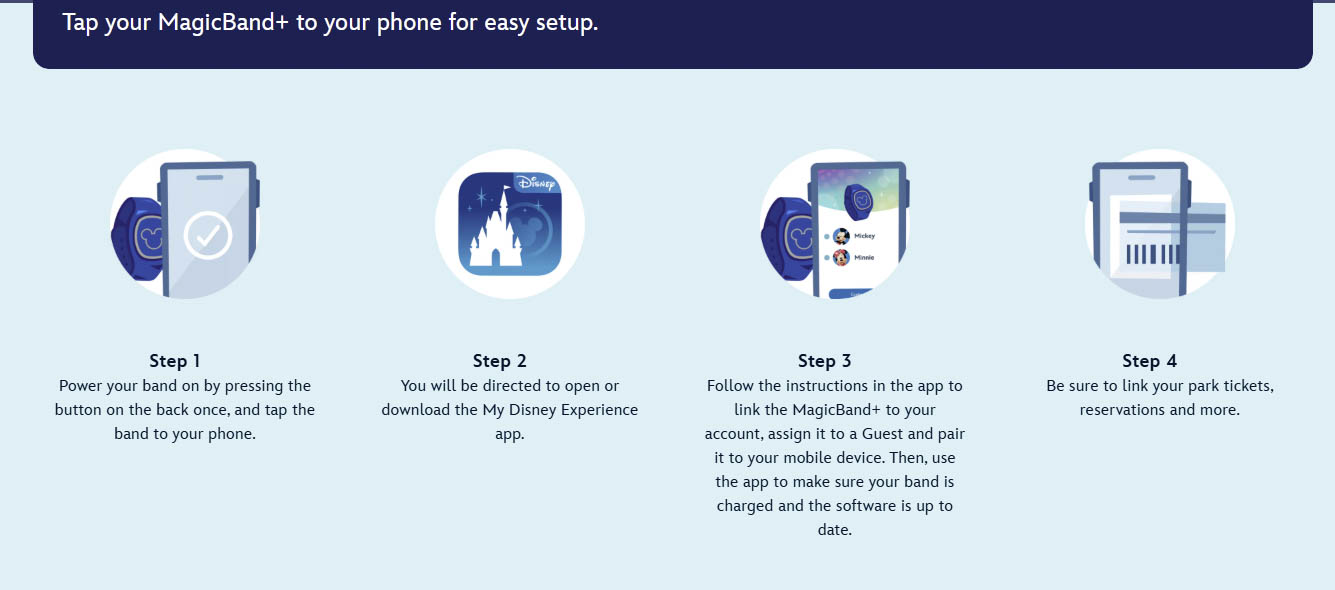
Set Up Your MagicBand+ ©Disney
The My Disney Experience App also informs if your band is charged and if the software is up to date.
Click HERE for a Step-By-Step Guide for setting up a MagicBand+ with My Disney Experience!
Disney MagicMobile Service
If you prefer not to purchase a MagicBand, no worries! Disney MagicMobile (available through the My Disney Experience app) allows guests to access those same features of a MagicBand directly from their smart device.
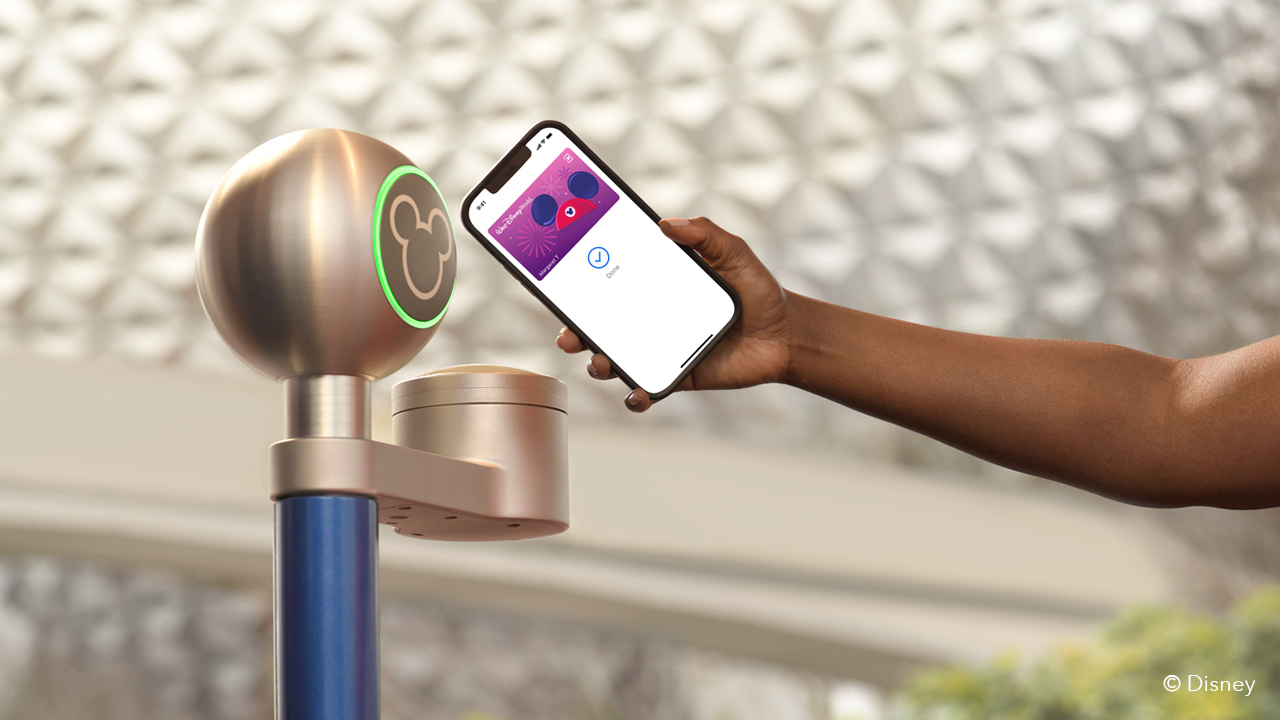
MagicMobile ©Disney
You can enter theme parks (with your valid admission), connect PhotoPass photos, and access Virtual Queues for in-demand attractions with your pass. And you can even charge to your Disney hotel with MagicMobile, just like you would with a MagicBand!
Your MagicMobile pass can be created and managed through your My Disney Experience app, and you can find the complete steps HERE.
Click HERE to learn how to set up and use Disney MagicMobile!
Disney PhotoPass Service
Disney Photopass photographers are available throughout the Resort to take pictures of your traveling group together! They are situated at spots including iconic locations in the park (such as Magic Kingdom’s Cinderella Castle and Animal Kingdom’s Tree of Life), select restaurants, and Character Greeting locations.
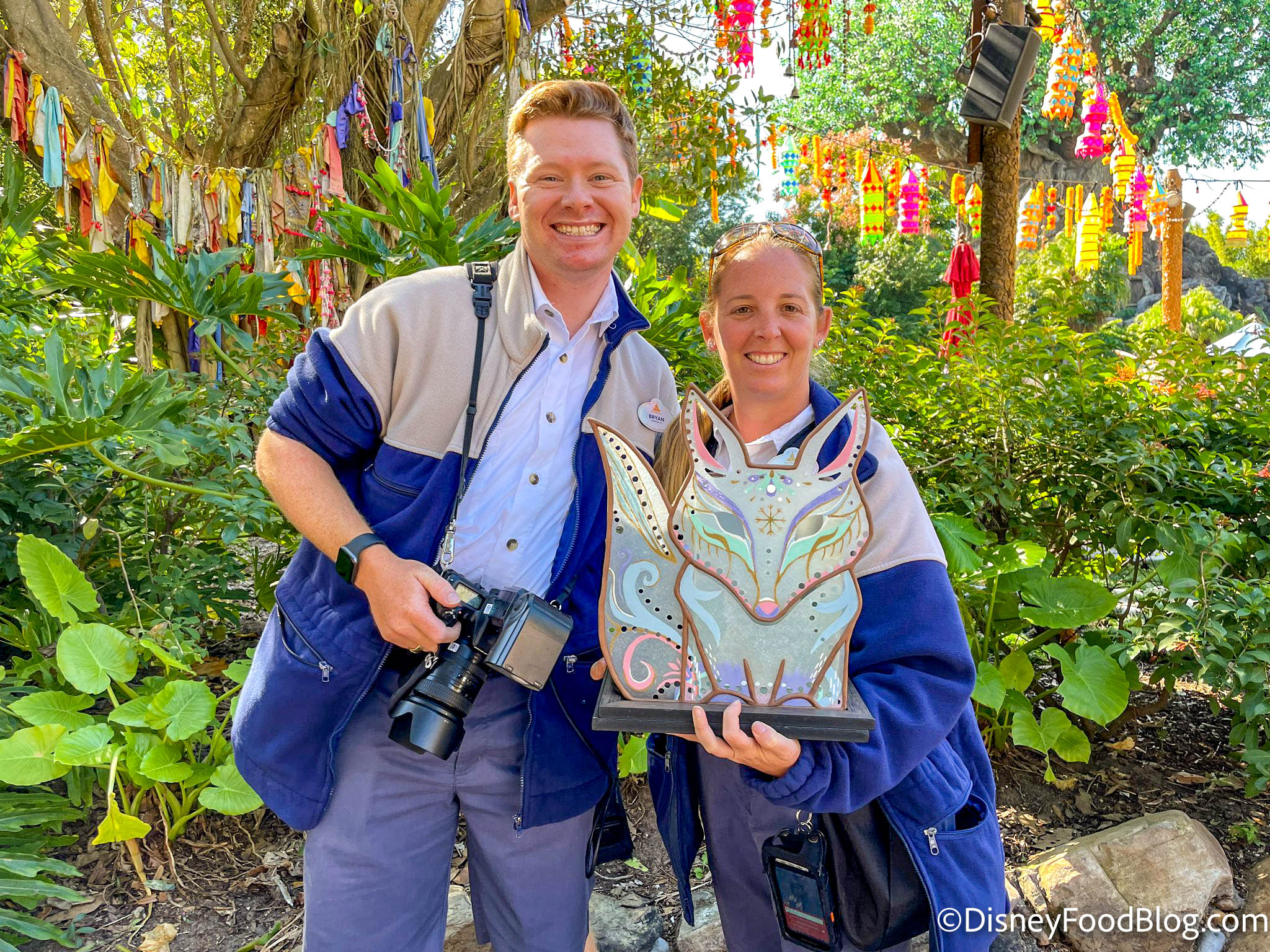
Disney PhotoPass photographers
Select attractions like Haunted Mansion, Rock ‘n’ Roller Coaster Starring The Muppets, and more even offer on-ride attraction photos.
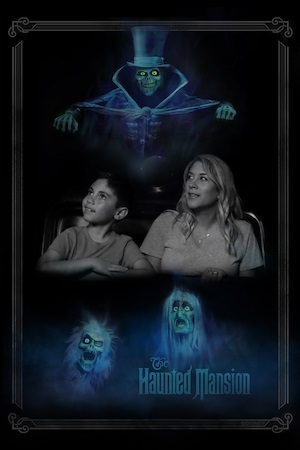
Haunted Mansion On-ride Photo ©Disney
Photographers will scan your MagicBand or theme park ticket before or after taking your picture, and your photos will automatically be linked to your My Disney Experience account where you can view and purchase images for individual download.
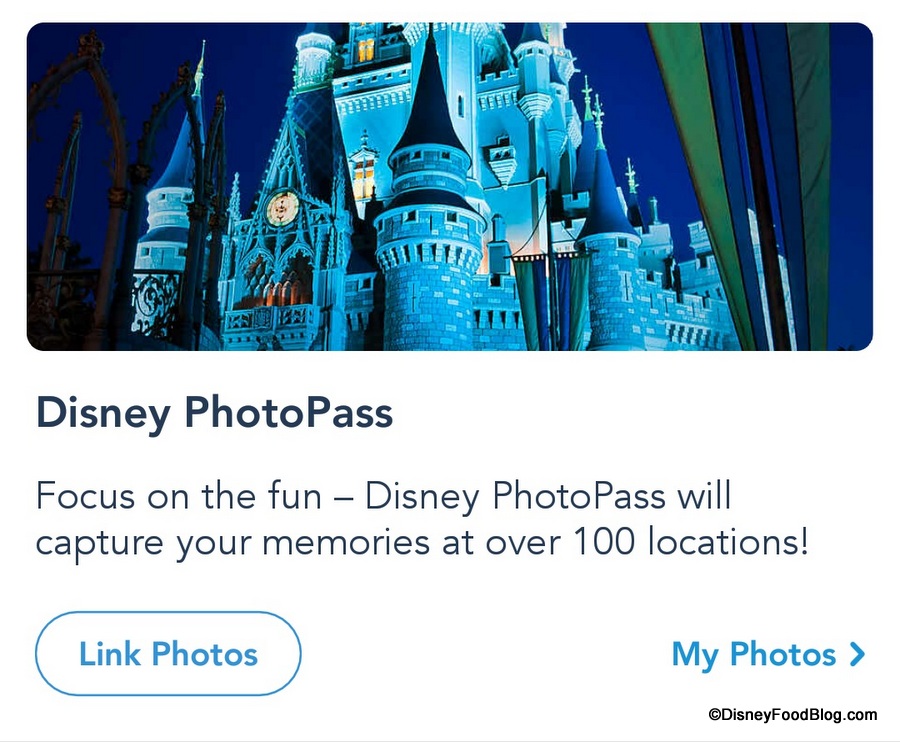
Disney PhotoPass on My Disney Experience
Disney also offers Memory Maker, which allows unlimited downloads of all of your PhotoPass pictures and videos for one price — either $210.00, or $185.00 for advance purchase.
Special Events
Disney is greatly expanding the offerings available on My Disney Experience, and it is not unusual to see new items pop up on the home screen of the app, specifically regarding current Special Events in the parks. For example, guests visiting Walt Disney World during Cool KIDS’ SUMMER have access to a digital Event Guide in the app.
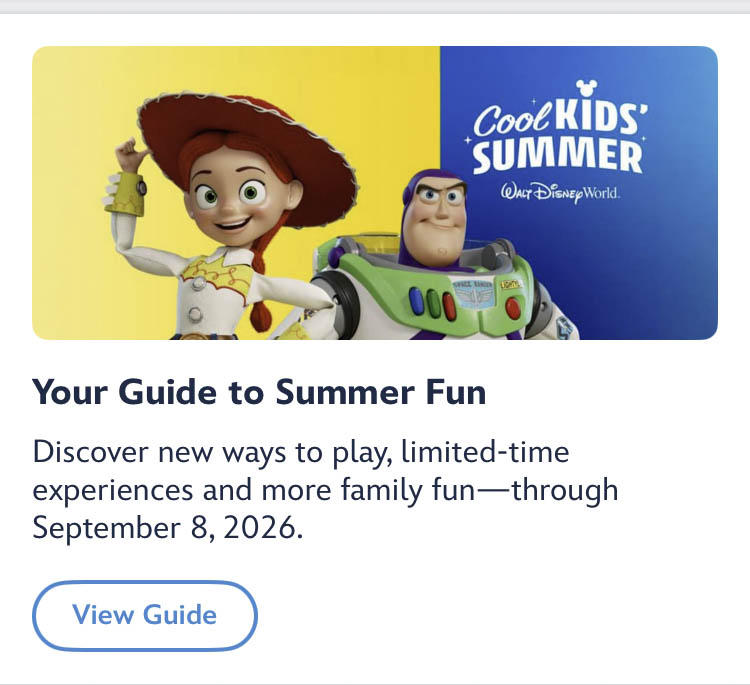
Cool KIDS’ SUMMER Event Guide in My Disney Experience ©Disney
And that’s just one example! Remember, additional features may be available depending on the time of year of your visit, so be sure to check.
Transportation Options and Car Locator
Disney has introduced a “Transportation” portion in the My Disney Experience app to find information about the Disney Skyliner, Minnie Vans, parking, Disney buses, and more.
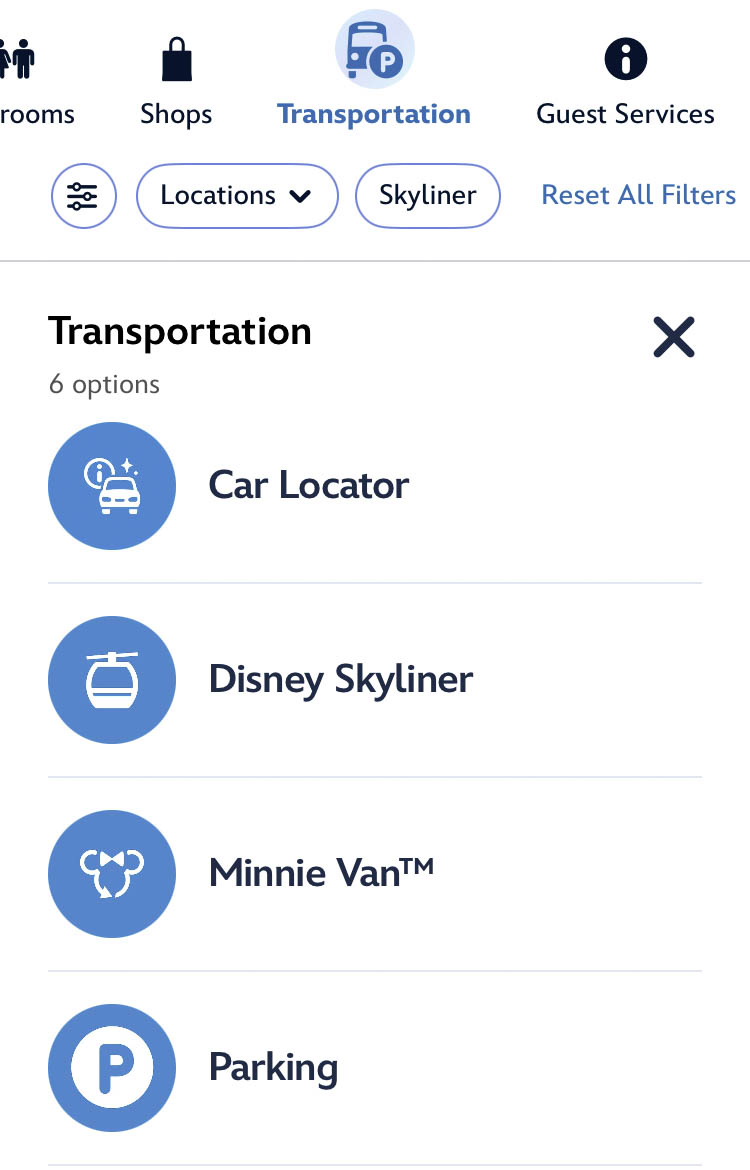
Transportation options ©Disney
Each tab displays more information about the different transportation options, pricing details, and more, which could all be helpful as you navigate around the Most Magical Place on Earth.
If you drive to Disney World, you are gonna LOVE this feature: the Car Locator presented by State Farm! The feature uses location technology to find and save your parking details. It is available at all four Walt Disney World theme parks, Disney Springs, the Disney World water parks, and the ESPN Wide World of Sports Complex.
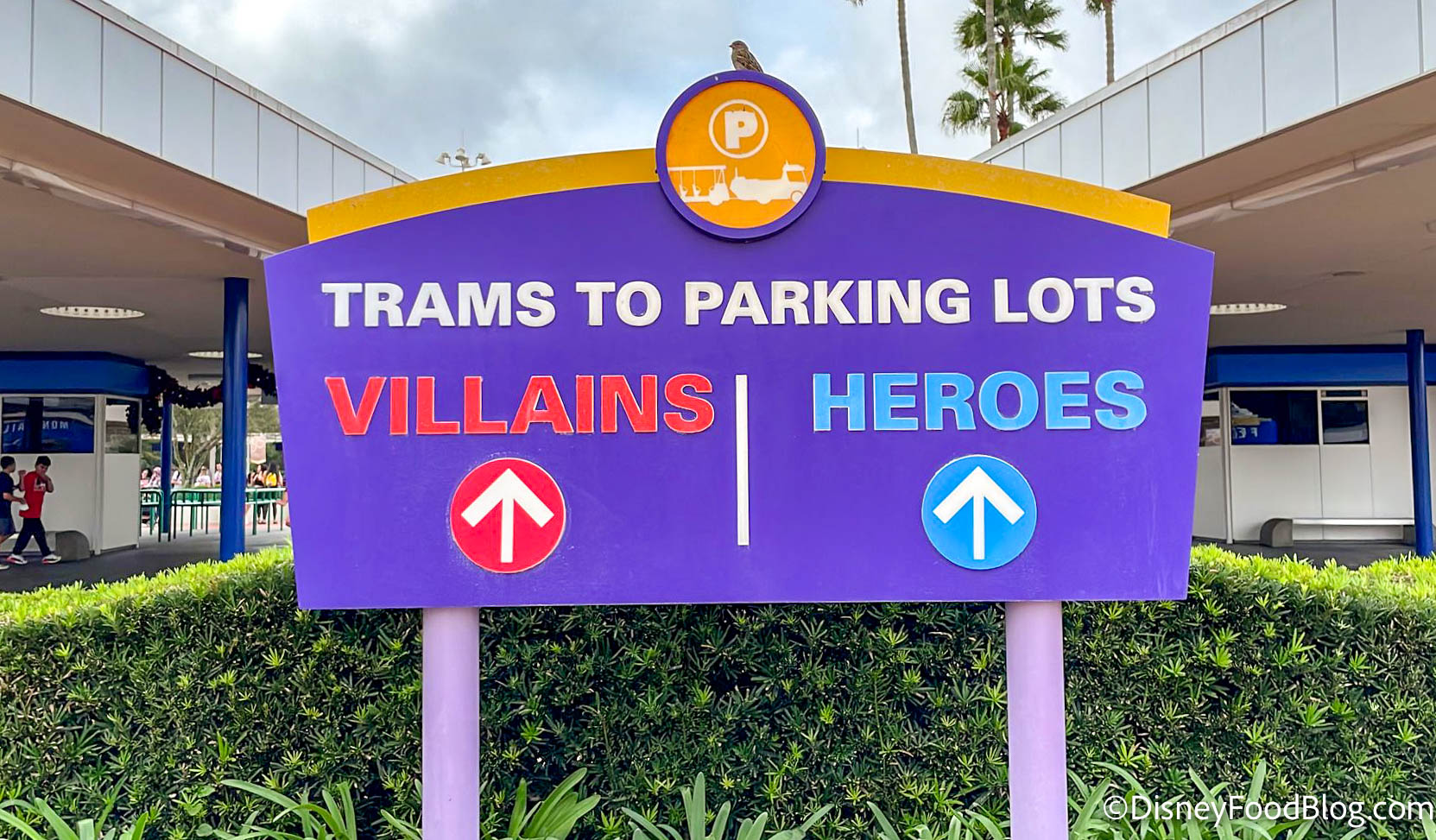
Magic Kingdom parking lot signs
Simply open the My Disney Experience app and tap the car locator card on the home screen (or you can use the feature menu with this symbol “☰” for access). In order for the feature to work best, you will need to enable location services, bluetooth, and notifications on your phone.
Then, just follow the prompts and enter your parking info.
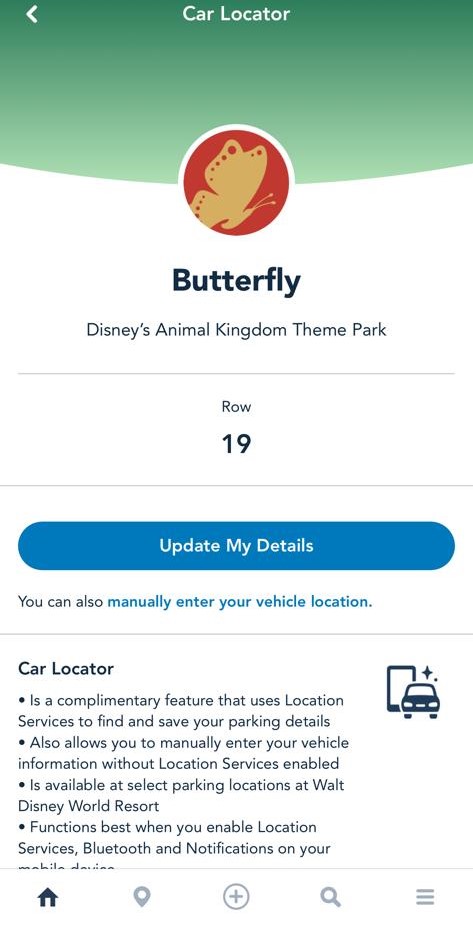
©Disney
(If you choose to enable location permissions on your device, the car locator feature will help fill in the details for you.) Ready to leave? Return to the car locator function to see your parking info again!
My Disney Experience — Dining Features
Mobile Order — Quick Service
Mobile Order is a feature available within the My Disney Experience app which allows guests to pre-order and pre-pay for their food at participating Quick Service restaurants around Disney World.
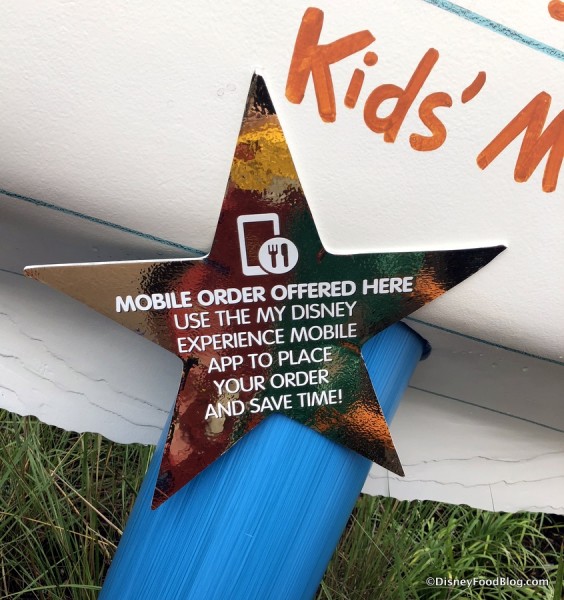
Mobile Order sign at Woody’s Lunch Box in Hollywood Studios
Upon arrival to the restaurant, guests using Mobile Order can bypass the ordering queue and go straight to a designated Pick Up Counter or Waiting Area to get their food.
See a step-by-step guide to using Mobile Order for Counter Service restaurants here!
Mobile Order Table Service To Go
Mobile Order Table Service To Go functions similarly to the Mobile Order Quick Service feature mentioned above; however, select Table Service restaurants at Disney World Resort hotels offer a Mobile Order “To Go” service, too!
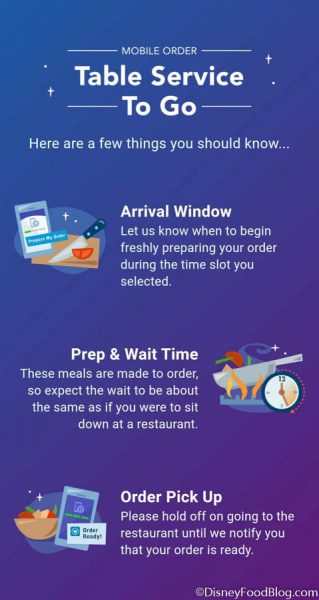
Table Service To Go Screenshot
While the ordering process is quite similar, there are a few differences to keep in mind. (For instance, at Quick Service locations, you dine in the restaurant after getting your meal, whereas the Table Service option is for meals taken To Go to eat elsewhere in the hotel.) You can find out more about this feature here.
Check out Mobile Order Table Service To Go by clicking here!
Mobile Dine Check-In
A large number of Table Service locations offer Mobile Dine Check-In, which allows guests to check in for their Advance Dining Reservation and bypass the check-in host counter using the My Disney Experience app.

Mobile Dine Check In
You can see the full list of participating restaurants — and also see how the process works — by visiting our Guide to Mobile Dine Check-In here.
Find out more about Mobile Dine Check-In here!
Check Walk-up Dining Availability
If you are hoping to dine at a Table Service restaurant, but do not have an Advance Dining Reservation, select restaurants offer the Mobile Dine Walk-up Waitlist feature.
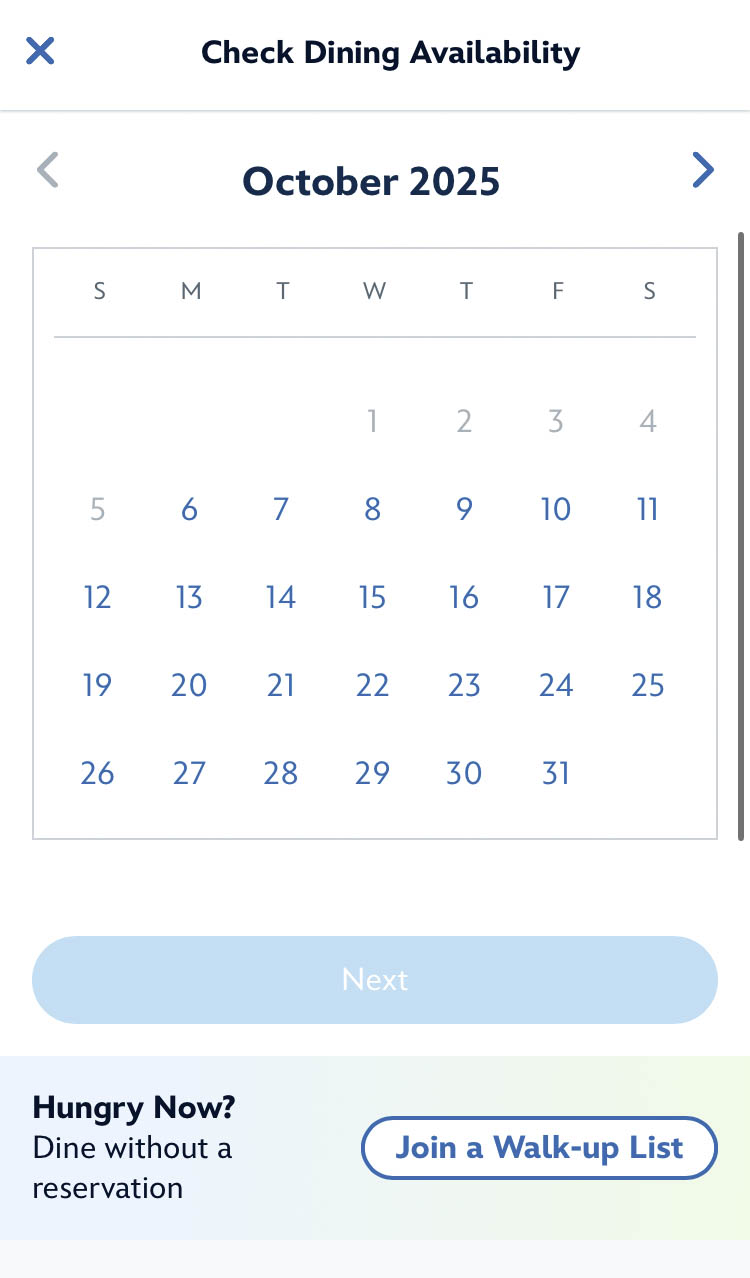
Walk-up List button ©Disney
If you’d like to learn more about how you can see if a restaurant that you’re interested in has available seating to accept walk-up guests, you can learn more here!
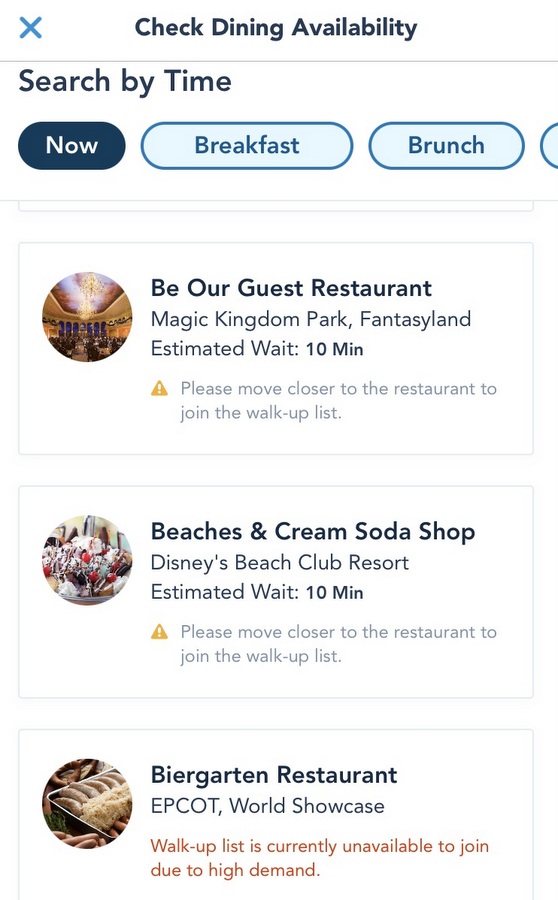
My Disney Experience Screenshot — Walk-up Waitlist Example ©Disney
Learn about the Mobile Dine Walk-up Waitlist here!
Track Disney Dining Plan Credits
Guests participating on the Disney Dining Plan may use the My Disney Experience app to track the balance for their remaining Table Service, Quick Service, and Snack credits.

©Disney
To access this feature, guests may click on their Disney Resort hotel reservation under “Resort Hotel” in the app.. Here you will see “Check Dining Plan” to discover your credit usage and how many you have remaining!

©Disney — My Disney Experience app
For example, you can see that this guest has redeemed 1 snack credit of 2 issued, and therefore has 1 snack credit left to use. Ditto goes for Table Service meals!
Not familiar with the Disney Dining Plan? Click HERE!
Mobile Checkout at Merchandise Locations
Mobile Checkout is a time-saving feature available at select major merchandise shops throughout Disney World.

Mobile Checkout
This option allows guests to grab a designated shopping bag, scan their chosen merchandise items, and even pay for their items, contact-free.
This feature is available at the following retail locations around the Resort:
- Emporium in Magic Kingdom
- Star Traders in Magic Kingdom
- Creations Shop in EPCOT
- Treasures of Xandar in EPCOT
- Mickey’s of Hollywood in Disney’s Hollywood Studios
- Discovery Trading Company in Disney’s Animal Kingdom
- Island Mercantile in Disney’s Animal Kingdom
- World of Disney in Disney Springs
Learn how to use Mobile Checkout here!
Features for Disney World Annual Passholders
Disney World Annual Passholders have access to special features on the My Disney Experience app. The Passholder Buzz section ensures that Passholders can easily learn about any Disney World Passholder discounts and limited-time happenings such as the popular Annual Passholder Magnet releases!

©Disney
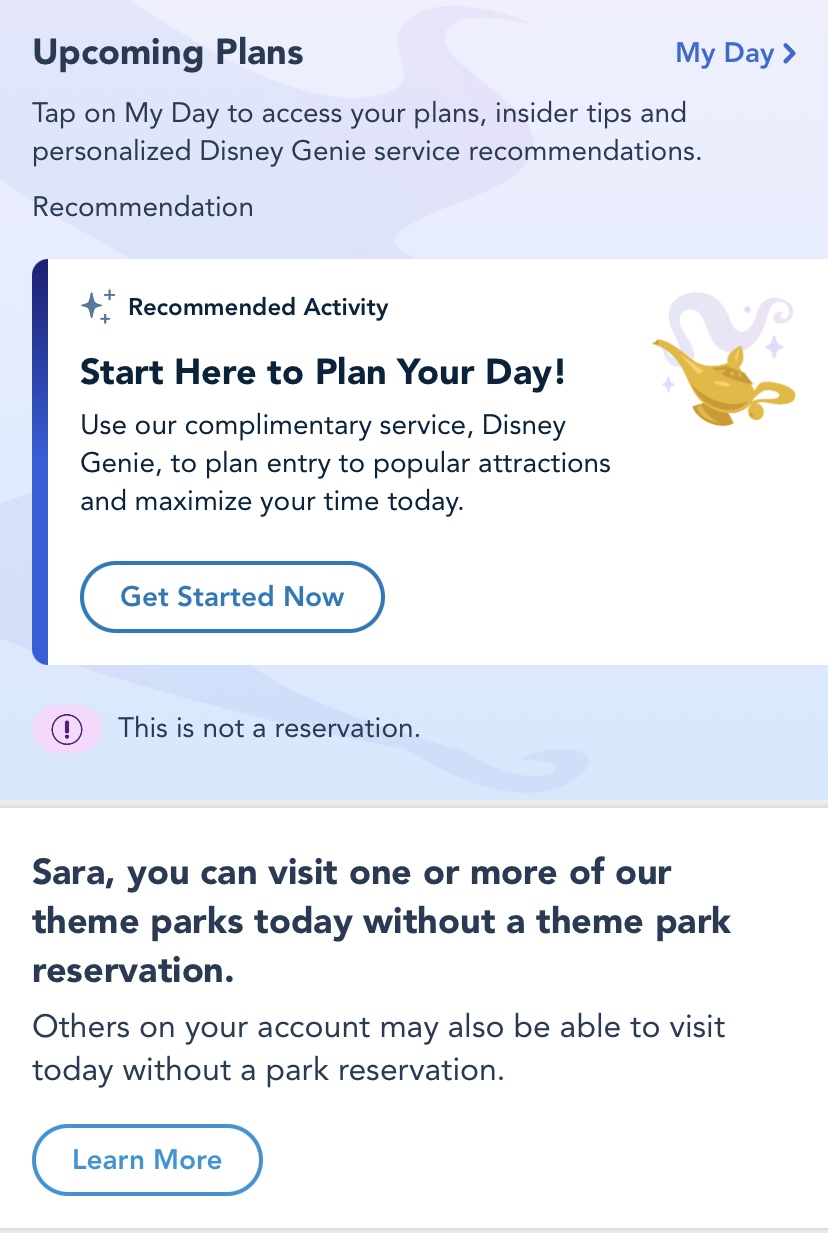
Additionally, on “Good-to-Go” days, Annual Passholders do NOT need a Park Pass Reservation to go into the Disney World theme parks. My Disney Experience makes it easier for Passholders to find and remember when those days are scheduled!
©Disney
You’ll find that message on “Good-to-Go” days on the home screen of the app if you just scroll down a little bit from the top. It’s great to have this reminder so that Passholders know when they do and don’t need a Park Pass. (That said, if you DO need a Park Pass, you can make your reservation directly in the app!)
Need Some Help?
If you encounter problems with My Disney Experience, Disney has a dedicated phone line where you can find help: (407) 939-4357.
Join the DFB Newsletter to get all the breaking news right in your inbox! Click here to Subscribe!
WE KNOW DISNEY.
YOU CAN, TOO.
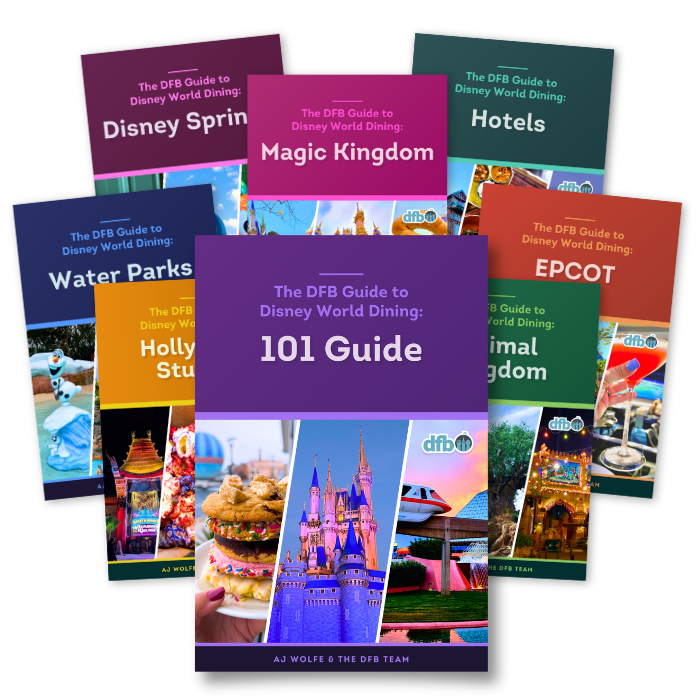
Oh boy, planning a Disney trip can be quite the adventure, and we totally get it! But fear not, dear friends, we compiled EVERYTHING you need (and the things to avoid!) to plan the ULTIMATE Disney vacation.
Whether you're a rookie or a seasoned pro, our insider tips and tricks will have you exploring the parks like never before. So come along with us, and get planning your most magical vacation ever!
 Our handy (and portable!) ebook guides make sure you get the best deals and can plan a vacation of a lifetime.