
Most people spend months obsessing over every detail of their Disney World trip, from dining reservations booked at the 60-day mark to packing lists reviewed three times over.

Magic Kingdom
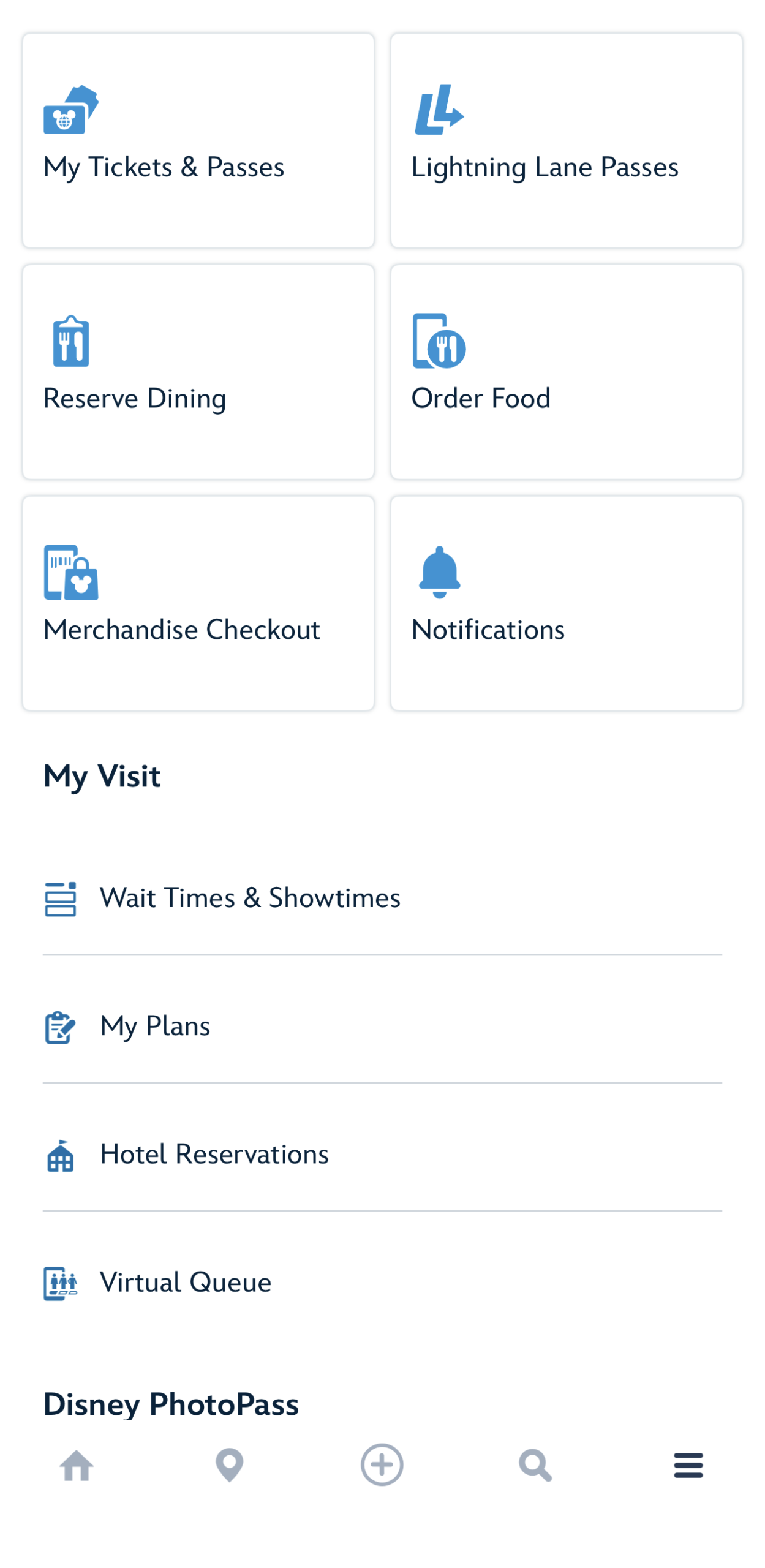
But there is one step that consistently gets skipped, and it tends to cause the most unnecessary stress once guests actually walk through the park gates. Before your trip, you need to spend real, dedicated time inside the My Disney Experience app, not just downloading it and assuming you’ll figure it out later. Getting comfortable with the app at home, on your couch, with no crowds and no pressure, is one of the smartest things you can do to set your vacation up for success.
Why the App Feels Harder Than It Should
My Disney Experience is genuinely powerful. It handles everything from mobile food ordering and virtual queue access to Lightning Lane reservations and live wait times across all four parks.
©Disney
The problem is that the app has a lot going on, and trying to learn it in real time while surrounded by thousands of people on a busy park day is not the move. The navigation is not always intuitive, menus are layered, and if you have not touched it before your trip, you will absolutely be fumbling around when you should be enjoying yourself. Set aside 30 to 45 minutes before your trip to click around, explore the different menus, and get a feel for where things live. It is a low-effort step that pays off significantly once you’re in the parks.
Get a Feel for Mobile Order Before You’re Starving
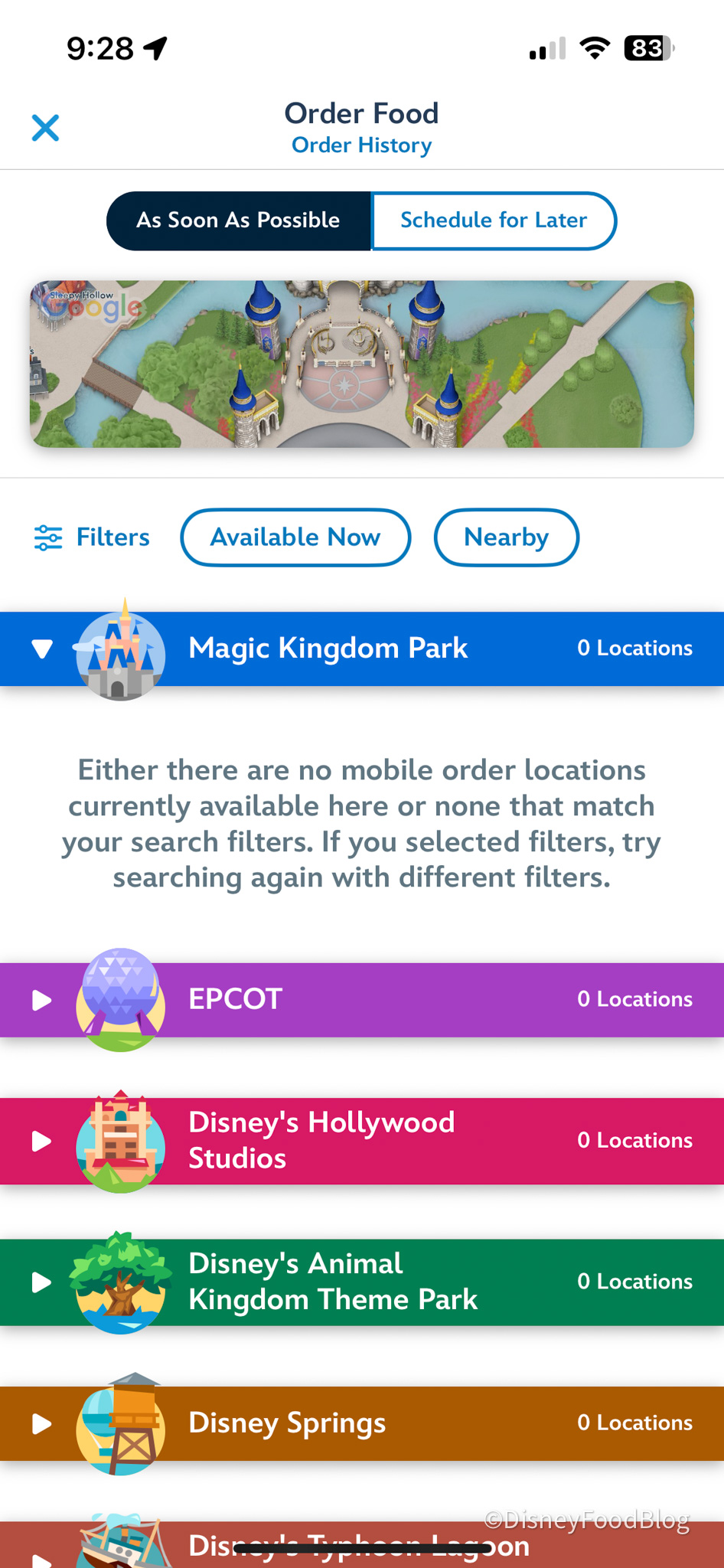
Mobile Order is genuinely one of the best features at Disney World, but first-timers often don’t realize it requires a few more steps than just tapping a button. You select your restaurant and arrival window, build your order, and pay through the app. When you arrive, you tap “I’m Here, Prepare My Order,” and you get a notification when it’s ready to pick up.
©Disney
Knowing how the system works ahead of time means you won’t be standing in a doorway trying to read instructions while your group waits. Try browsing a few menus and walking through a practice order before your trip. You don’t have to complete a purchase, but getting familiar with the flow makes a real difference. Previewing the menus also means you can walk into the day with a loose game plan for meals, which makes lunchtime decisions a lot less stressful when you are tired and hungry.
Confirm Your Tickets and Park Passes Are Linked Correctly
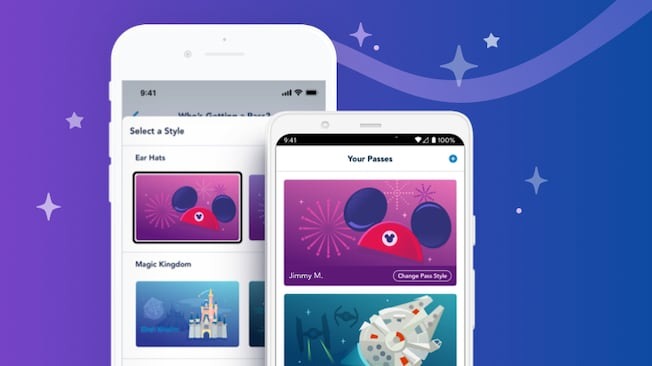
This one might seem basic, but you would be surprised how often guests arrive at a park entry point and discover their tickets are not properly linked to their My Disney Experience account. Before your trip, open the app and confirm that every person in your party has their ticket associated with their profile. If you’re traveling with family members or friends who have their own accounts, make sure your group is connected so you can manage plans together.
©Disney
The same goes for your MagicBand or MagicMobile setup. MagicMobile lets you use your phone as your ticket, hotel room key, and Lightning Lane scanner, which is especially handy if you prefer to travel light in the parks. You can set it up directly through My Disney Experience, and it works even if your phone’s battery dies. Getting this sorted at home means one less thing to troubleshoot at the park entrance.
Learn How Lightning Lane Selections Work
Lightning Lane Multi Pass and Lightning Lane Single Pass are the current systems for skipping the standby queue at Disney World. If you’re planning to use either, it’s worth understanding how they work before your trip so you’re not scrambling to figure out the rules on the fly.
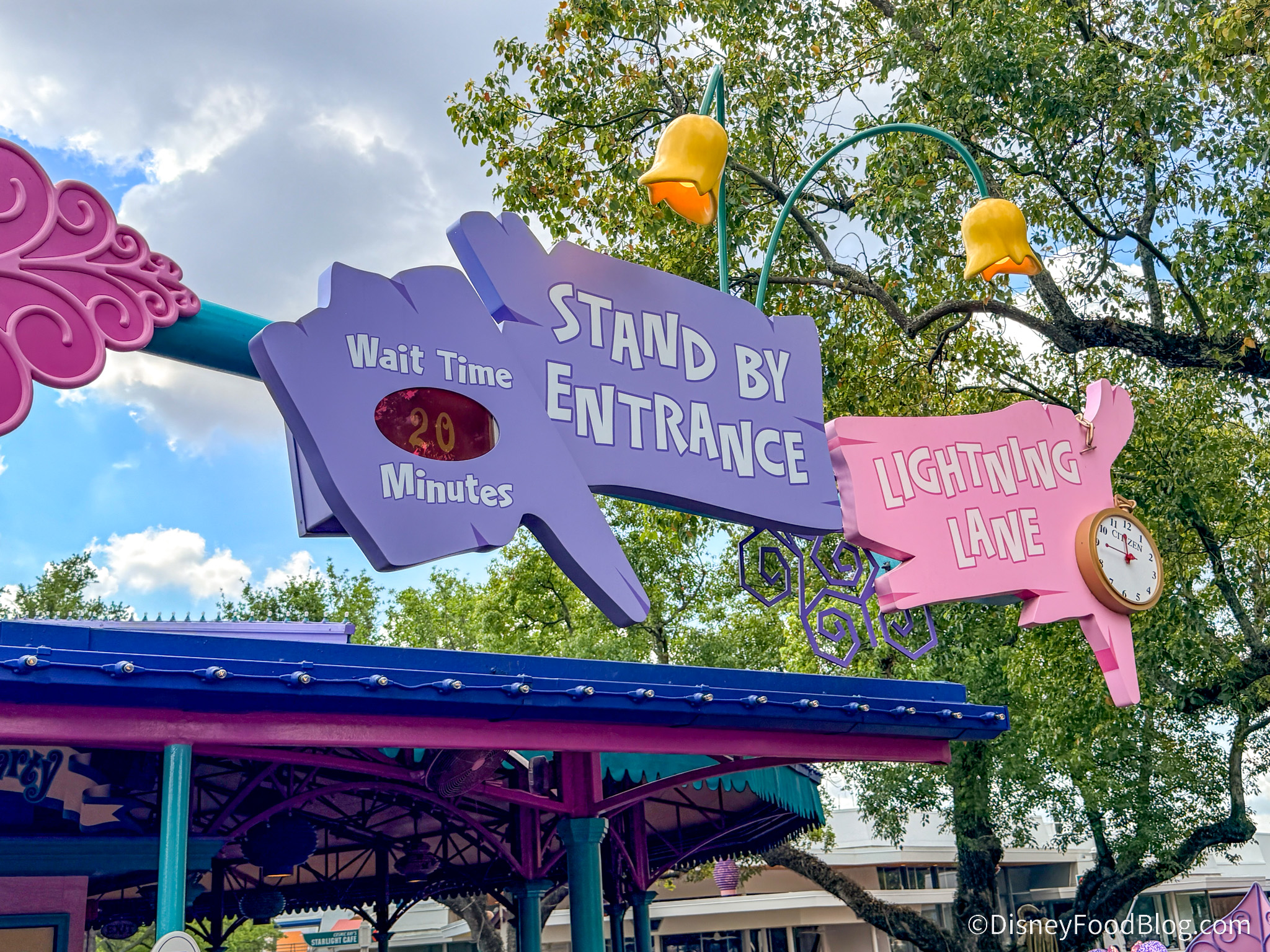
Lightning Lane
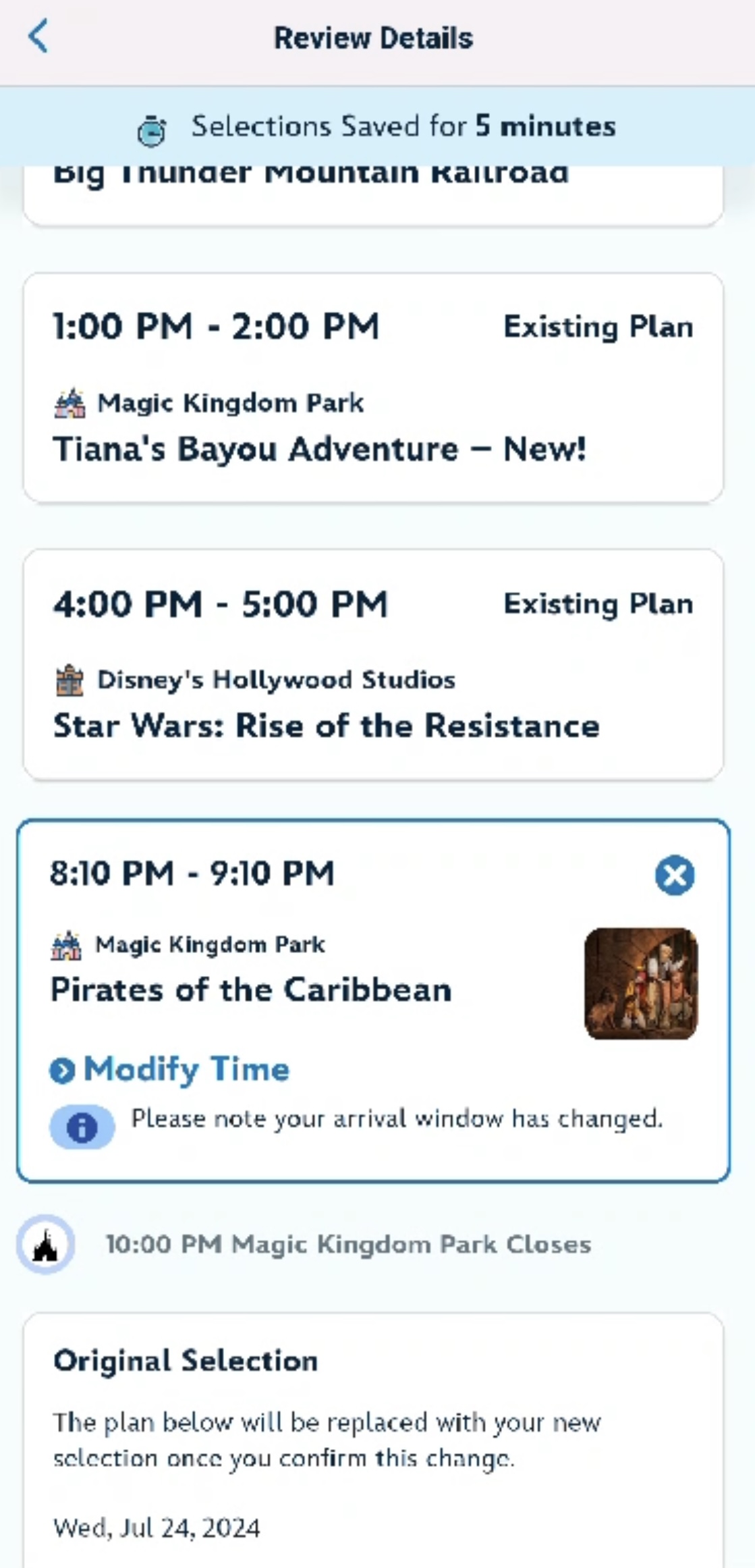
With Lightning Lane Multi Pass, guests staying at a Disney World resort hotel (along with select other hotels) can start making selections up to seven days before their check-in date for their entire stay, covering up to 14 days. All other guests get access three days in advance. You can hold up to three Lightning Lane Multi Pass selections at a time, and you can choose your arrival windows as you go. Lightning Lane Single Passes are purchased separately for individual high-demand attractions.
©Disney
Understanding this structure ahead of time means you will know exactly when to open the app and what to do when your booking window opens. Missing that window because you were not sure how the system worked is a frustrating and very avoidable situation.
Make Sure Your PhotoPass Is Ready Ahead of Time
If you have a Disney PhotoPass plan included with your ticket package or as an add-on, make sure it is activated and connected in My Disney Experience before you go.
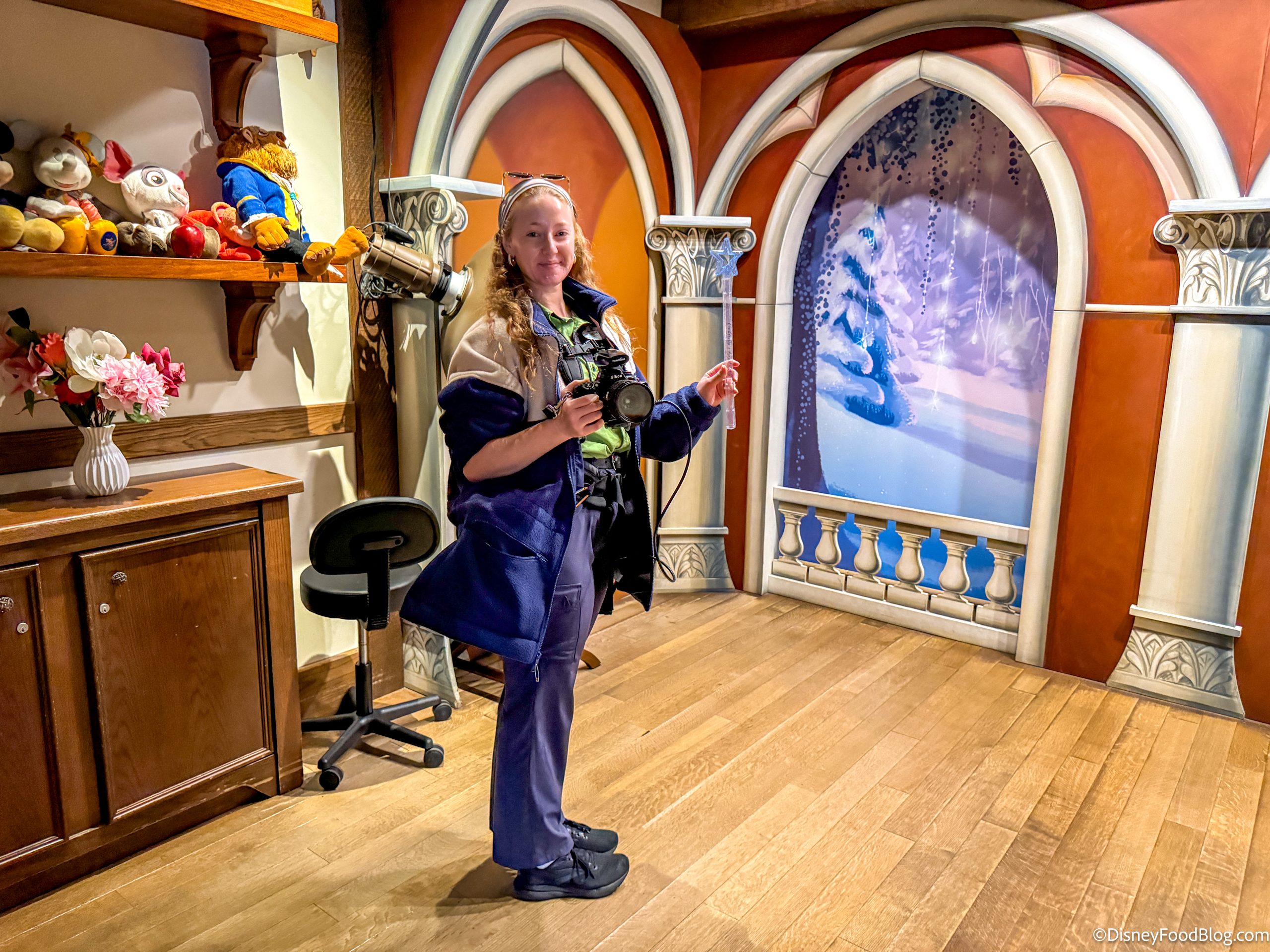
A Cast Member in Magic Kingdom!
PhotoPass photographers are stationed throughout the parks and at ride photo locations, and your images link automatically to your account. If it’s not set up properly, you may not see your photos populate, or worse, you may not realize it wasn’t working until after you’ve left the parks. A quick check at home takes two minutes and saves a lot of frustration later.
Learn How to Navigate Your Day With the App
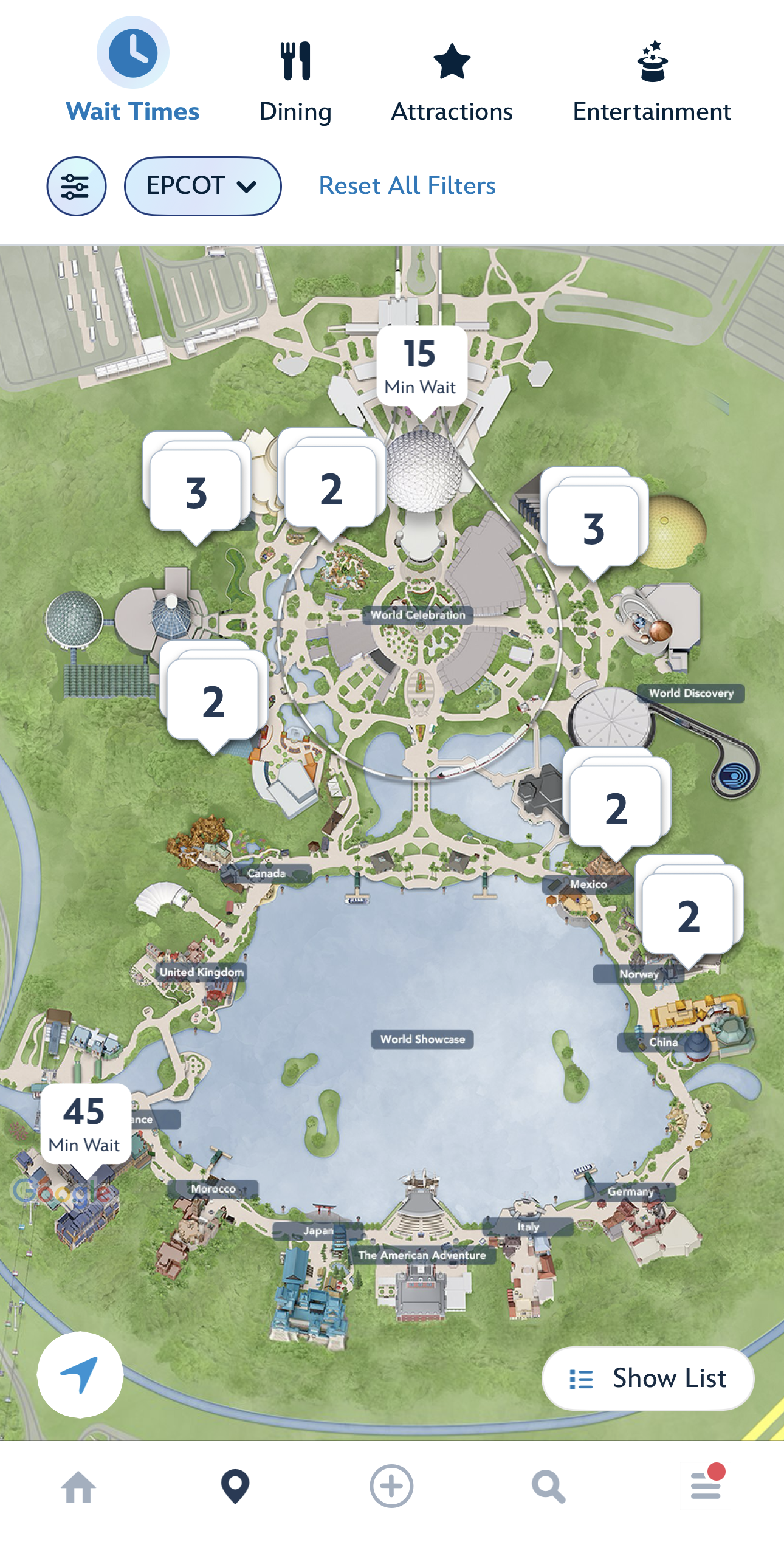
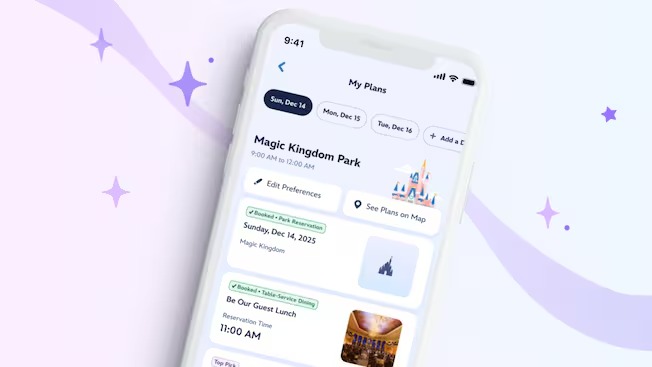
The My Disney Experience map is more useful than most guests give it credit for, and it is worth exploring before you arrive. Once you are inside a park, the map shows you live wait times for every attraction, the locations of every dining spot, restrooms, first aid stations, and character meet-and-greet areas. You can filter by category so you’re not sifting through everything at once, which makes it a genuinely practical tool rather than just a pretty graphic.
©Disney
Before your trip, open the map for each park you plan to visit and spend a few minutes getting your bearings. Knowing roughly where things are laid out, which lands connect to which, and where your must-do attractions sit relative to the park entrance, gives you a real advantage on the day. You’ll spend less time reorienting yourself and more time actually moving through the park efficiently.
Check Your Notifications and Settings
This is the step almost everyone skips, and it’s one of the easiest to fix before you leave home. My Disney Experience sends push notifications for things like Mobile Order pickup alerts, Lightning Lane return window reminders, and virtual queue boarding group calls. If your notification settings aren’t configured correctly, or if you have accidentally muted the app, you can miss these alerts entirely.
©Disney
Before your trip, go into your phone settings and confirm that My Disney Experience is allowed to send notifications. Then open the app itself and check what notification preferences are available inside. Missing a Mobile Order ready alert might just mean slightly colder food, but missing a boarding group call for a virtual queue attraction is a much bigger deal. A two-minute settings check at home is worth every second.
©Disney
Getting comfortable with My Disney Experience before your trip is one of the easiest ways to reduce day-of stress and spend more time actually enjoying your vacation. The app can genuinely make your visit smoother, but only if you know how to use it.
Now, who’s ready to plan your next Disney World vacation? If you’re looking for some help booking all the details, reach out to our friends at Small World Vacations! Their experienced agents monitor your reservation for possible future savings, compare discounts, and figure out which one works best for your travel party, dates, resort, and touring plans. And, they share expert tips and first-hand advice with you about your magical vacation.

Stay tuned to DisneyFoodBlog for the latest updates, tips, and planning advice to help you make the most of your Disney vacation.
8 Major Changes Coming to Disney World in May
DON'T DO IT ALONE!

Our favorite people over at Small World Vacations are ready to help you save time, headaches, and best of all, money, when you book your Disney trip or cruise.
Their agents compare current offers to find the best deal for you -- they've literally saved their guests millions of dollars since 1996. Plus, their services are 100% FREE FOR YOU! (They're DFB's recommended travel agency, and you can see why here!)
So book that trip now, then sit back and enjoy planning your Disney World Trip with a DFB-approved expert! Click here for a no obligation price quote today, and let them know DFB sent you 🙂
Have you used My Disney Experience before a trip, and is there a feature you wish you had learned about earlier? Tell us in the comments!













 Our handy (and portable!) ebook guides make sure you get the best deals and can plan a vacation of a lifetime.

We are not doing Lightning multipass this time. We are doing after hours for the banger rides this time. We will use the ap for wait times and mobile food ordering. We are hoping this will make for less stressful day. [redacted]