
There are a lot of things people will tell you that you “absolutely need” for a Disney World trip. Portable charger. Comfy shoes. A backup poncho because Florida weather has the emotional stability of a soap opera villain. But if we’re talking true essentials, the My Disney Experience app is way up near the top of the list.
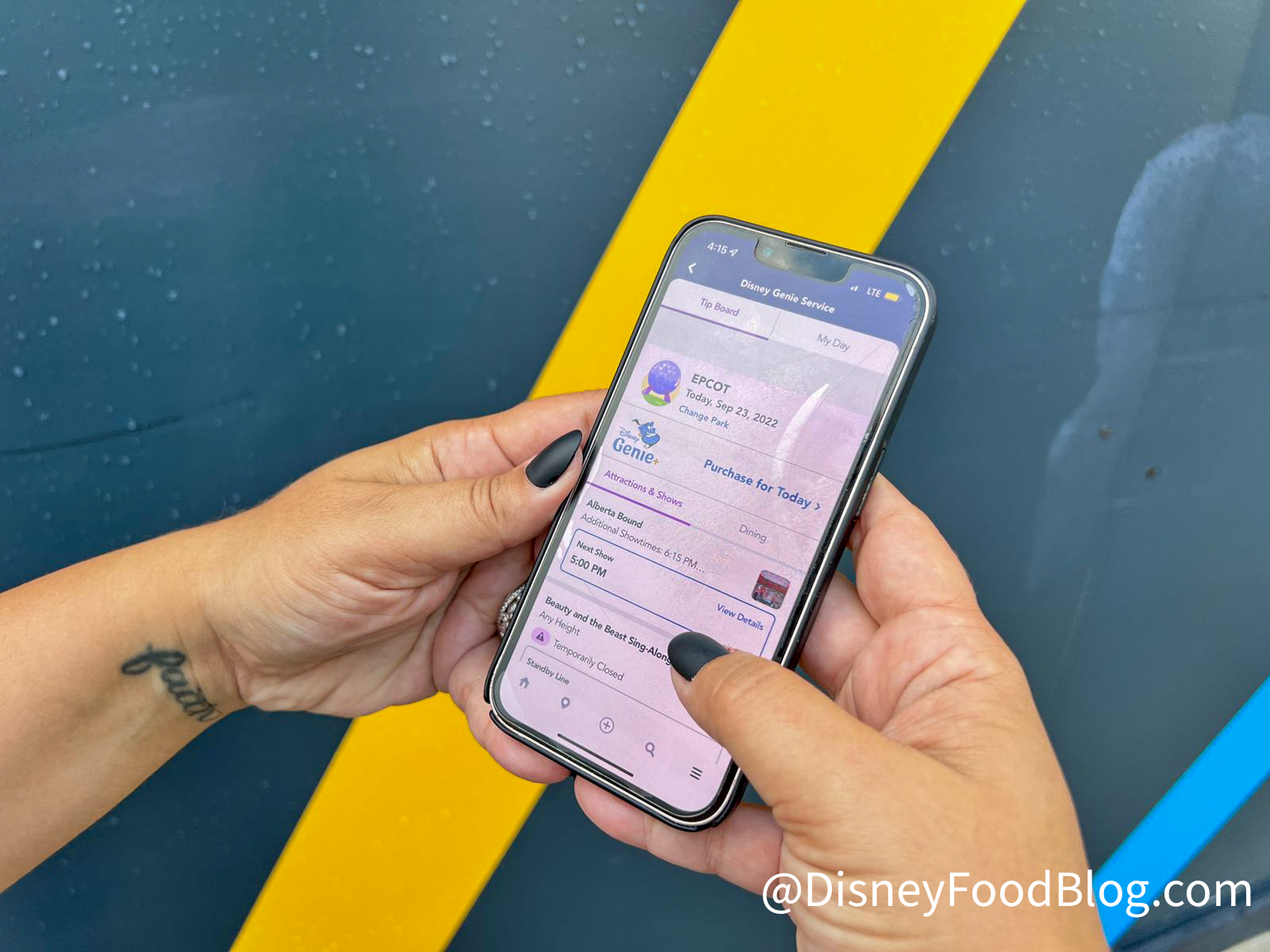
My Disney Experience App on our phone
At this point, the app is basically your digital trip sidekick, control center, and occasional chaos manager. It’s where you keep track of your plans, check wait times, place Mobile Orders, join select restaurant waitlists, manage Lightning Lane plans, unlock Disney Resort hotel features, and keep an eye on what the heck is happening around you in real time. In other words, this little app is doing a lot of heavy lifting while you’re busy chasing a snack or speed-walking to your next reservation.
Since rolling out in 2013, the app has seen some major upgrades and changes. Here we are over a decade later, and improvements are still being made. We love that Disney keeps coming up with new features for the app, making it easier and easier to navigate. Recently, the My Disney Experience app has seen eight changes, and we are fans of them! Let’s take a look!

©Disney || My Disney Experience
Your Whole Trip Lives Here
The biggest reason this app matters is simple: it pulls almost everything into one place. Your hotel reservation, tickets, dining plans, photos, and day-by-day itinerary can all be managed through My Plans, which is exactly the kind of organizational energy Disney adults pretend they don’t enjoy while color-coding their vacation spreadsheets.

©Disney
And yes, the MyDisney login is still part of that setup, which means one account can connect your Disney services across the broader Disney ecosystem instead of making you play Password Roulette every time you need to check something. That may not be the flashiest feature, but it is the sort of quiet administrative miracle that deserves more respect.
©Disney
The Biggest Change: Lightning Lane Works Very Differently Now
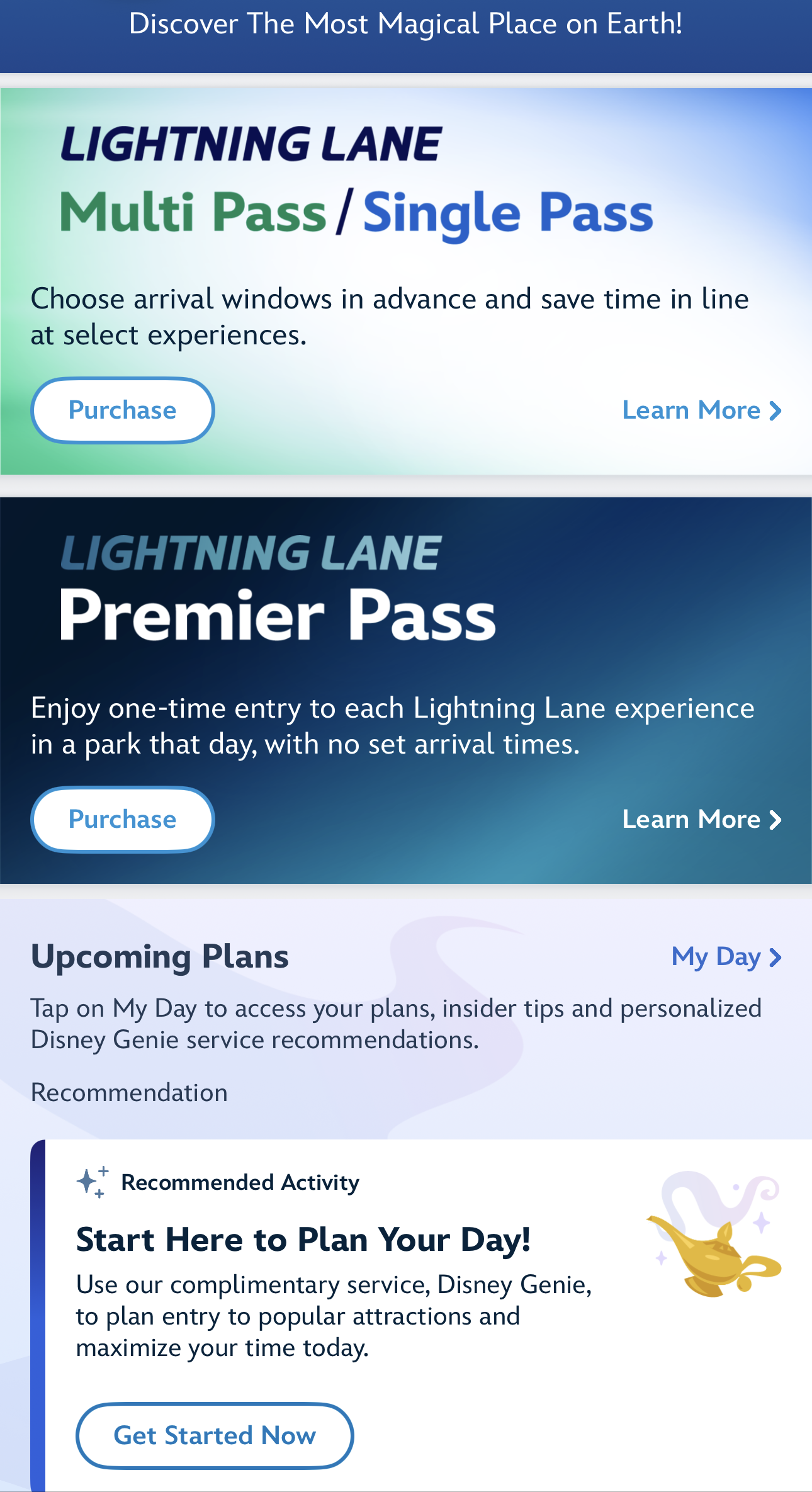
The most important app update since this topic was first making the rounds is the Lightning Lane overhaul. Genie+ is gone. In its place, the app now uses Lightning Lane Multi Pass and Lightning Lane Single Pass, and Disney also added Lightning Lane Premier Pass as a higher-flexibility option. Multi Pass lets you hold up to three selections at a time, Single Pass covers select top-tier rides, and Premier Pass gives one-time Lightning Lane access to every available participating experience in one park for the day without needing to book return windows for each one. The app is also where you view, modify, and track all of those plans.
©Disney
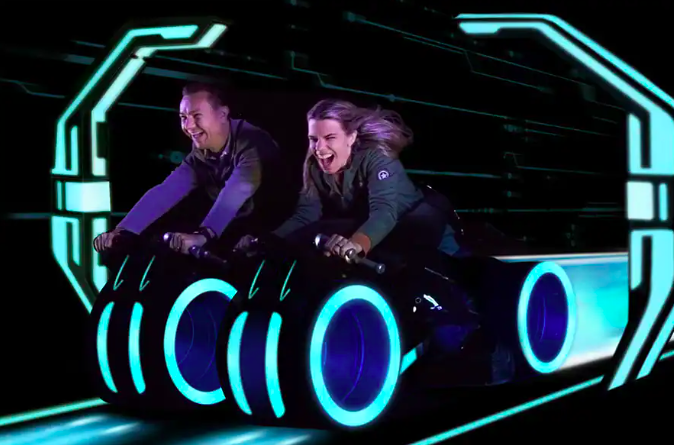
That change alone makes the app even more central than it used to be. It is no longer just a nice planning bonus. It is the place where your paid line-skipping strategy actually lives. Add in the fact that Multi Pass and Premier Pass come with digital downloads of select attraction photos and videos, plus access to Disney PhotoPass Lenses, and suddenly the app is part queue strategy, part photo hub, part vacation command deck. Very normal. Very casual. Not stressful at all.
©Disney
Dining Got A Whole Lot Smarter
Disney has also made some genuinely useful improvements to dining search. One of the best upgrades is the enhanced availability calendar, which lets you see available reservations for a single restaurant across multiple dates instead of forcing you to peck around one day at a time like a tired little planning pigeon. The app can also show availability across all locations in a date range and lets you filter and sort results by preferences, including tighter time windows and nearby locations.

©Disney || Select a Range of Dates
Not only can you search for multiple days, but you can also pick what reservations you want to be shown. It is divided into three categories. The first is morning/ breakfast time, which is any reservation before noon. The second is afternoon/ lunch, which is any reservation between noon and 4 PM. The third is evening/dinner which is any reservation after 4 PM. You can also search for all day reservations as well! This change makes it so much easier to find the time you wish to dine, as before, the app would show you every time available.

©Disney || Choose a Time to Dine
Once you’re actually on property, the app keeps earning its keep. You can browse menus, place Mobile Orders, check in to restaurants, make dining reservations, and join walk-up lists at select table-service spots. So whether you’re trying to snag a hard-to-get dinner or just need lunch before your group turns feral, the app has become much better at helping you find food without making you work for it like it’s a side quest.
It’s Your In-Park Survival Tool
When you’re in the parks, My Disney Experience acts like your live guidebook. The app includes in-park navigation, attraction wait times, showtimes, park hours, virtual queue info, and in-app chat. That means you can pivot fast when a line spikes, figure out whether you can still make a show, or check whether Disney is using virtual queue for a new attraction or limited-time offering.
Mobile Checkout
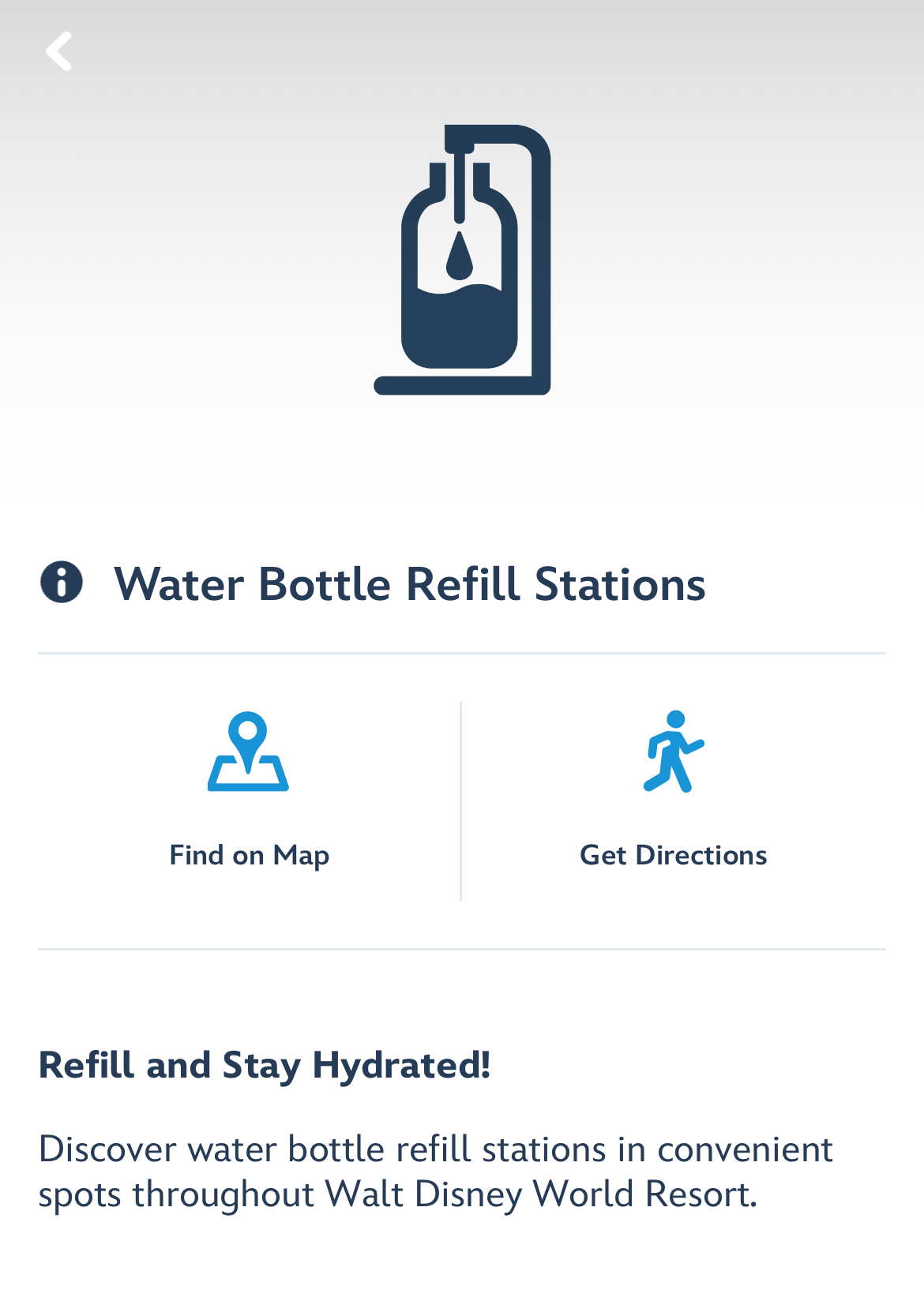
And for the love of all things churro-shaped, use the map tools. They’re good. One of the handiest features is the water bottle refill station map, which now makes it easier to find refill stations around the theme parks, water parks, Disney Springs, and other parts of the resort.
©Disney
That’s great for saving money, staying hydrated, and avoiding the deeply unserious experience of paying too much for bottled water because you got distracted by a popcorn bucket.
Resort Hotel Guests Get Even More Out of It
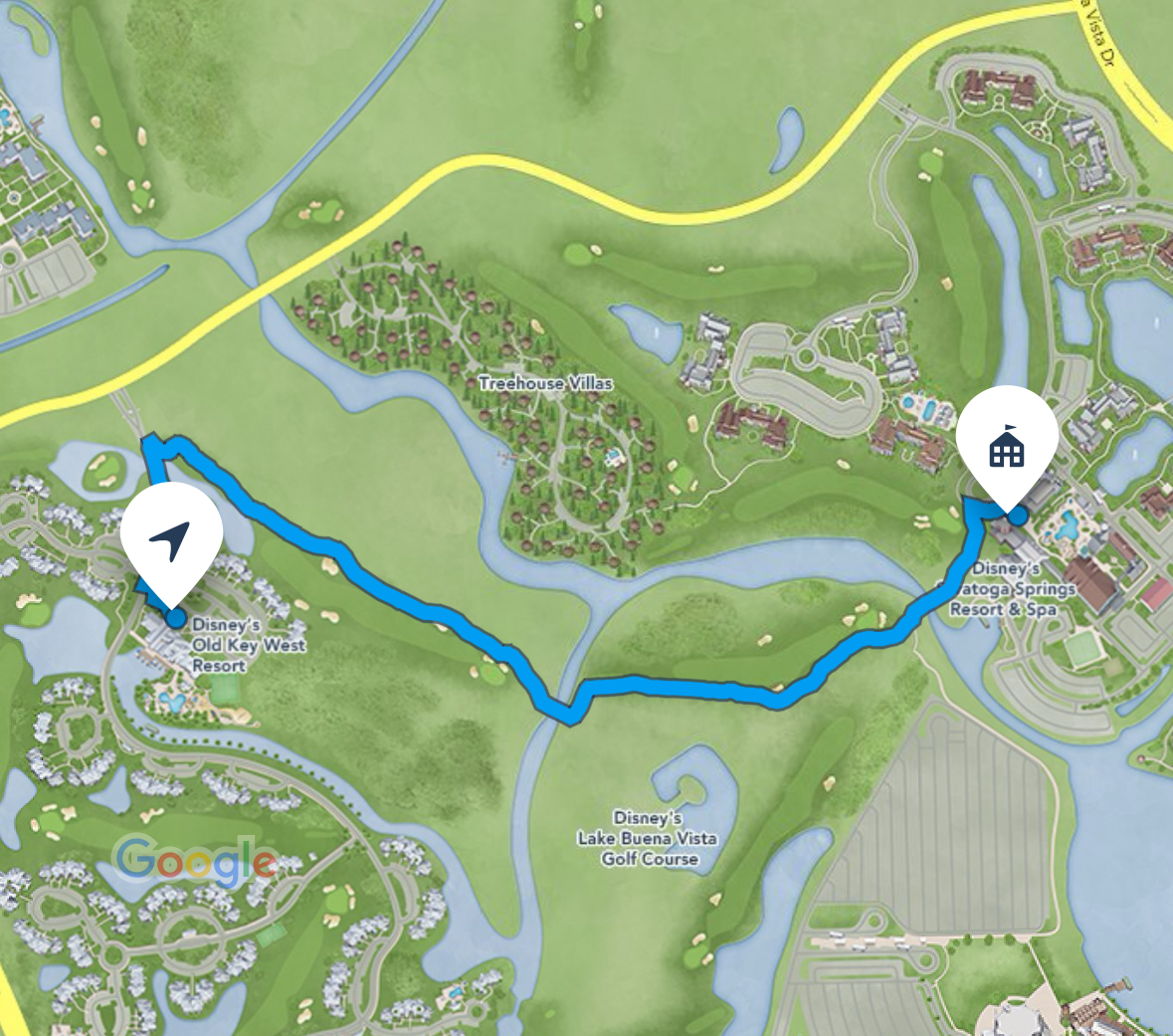
If you’re staying at a Disney Resort hotel, the app gets even more useful. Direct-to-Room features let you bypass the front desk, get real-time room-ready updates, unlock your door, access resort maps, and in many cases check bus arrival times right from the app. It also supports mobile check-in and check-out, so you can handle the boring logistics without standing in a line when you could be doing literally anything else.
©Disney
Disney MagicMobile also continues to be a big convenience play. Through the app, eligible phones and Apple Watches can be used to enter the parks, connect PhotoPass images, redeem virtual queue and Lightning Lane selections, and even charge purchases to your resort folio during your stay. That’s one less thing to dig out of your bag while you’re balancing a coffee, a park map in your brain, and whatever souvenir your travel party “was just looking at.”
A Few Underrated Features Deserve More Love
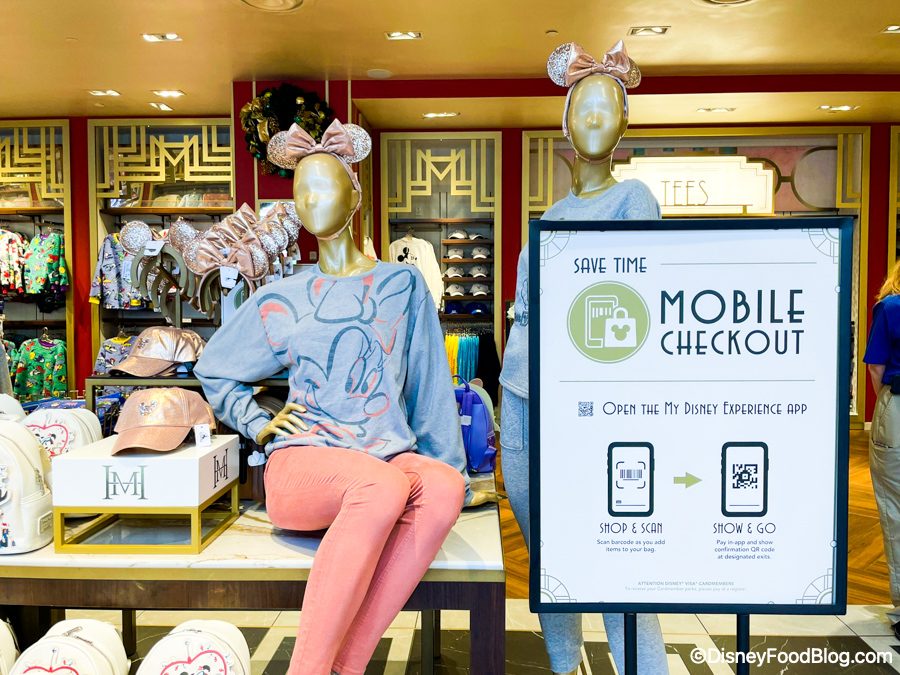
Two of the more slept-on tools in the app are Merchandise Mobile Checkout and Car Locator. Mobile Checkout lets you scan and pay for items right on your phone at participating stores, and eligible discounts can apply automatically for groups like Annual Passholders, Disney Visa Cardmembers, and Disney Vacation Club Members. That’s a pretty tidy little timesaver when a gift shop is packed, and you just want your impulse-purchase ears and emotional-support mug without another line.

Mobile Checkout at Creations Shop in EPCOT
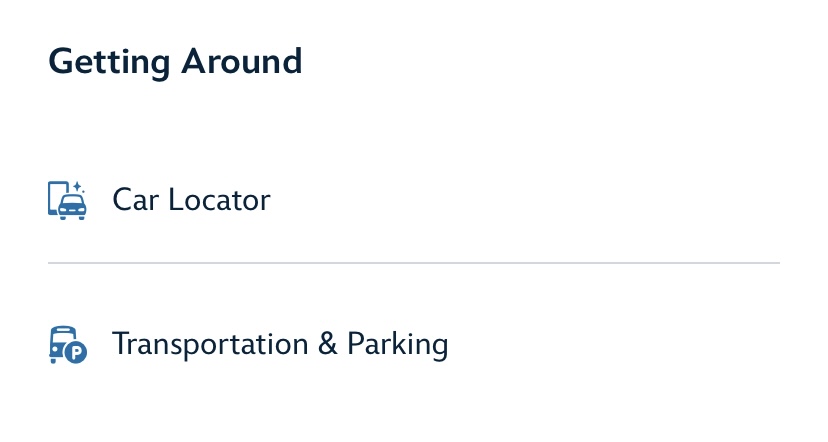
Car Locator is another quiet hero. Open the app, save your parking info, and let it help you remember where you left your vehicle at select parking areas across Walt Disney World, including the parks, water parks, Disney Springs, and ESPN Wide World of Sports. It is a simple feature, but after a full Disney day, your brain may be nothing but fireworks residue and snack crumbs. Respect the assist.
©Disney
MDE: Our Mobile Disney Planning Bestie
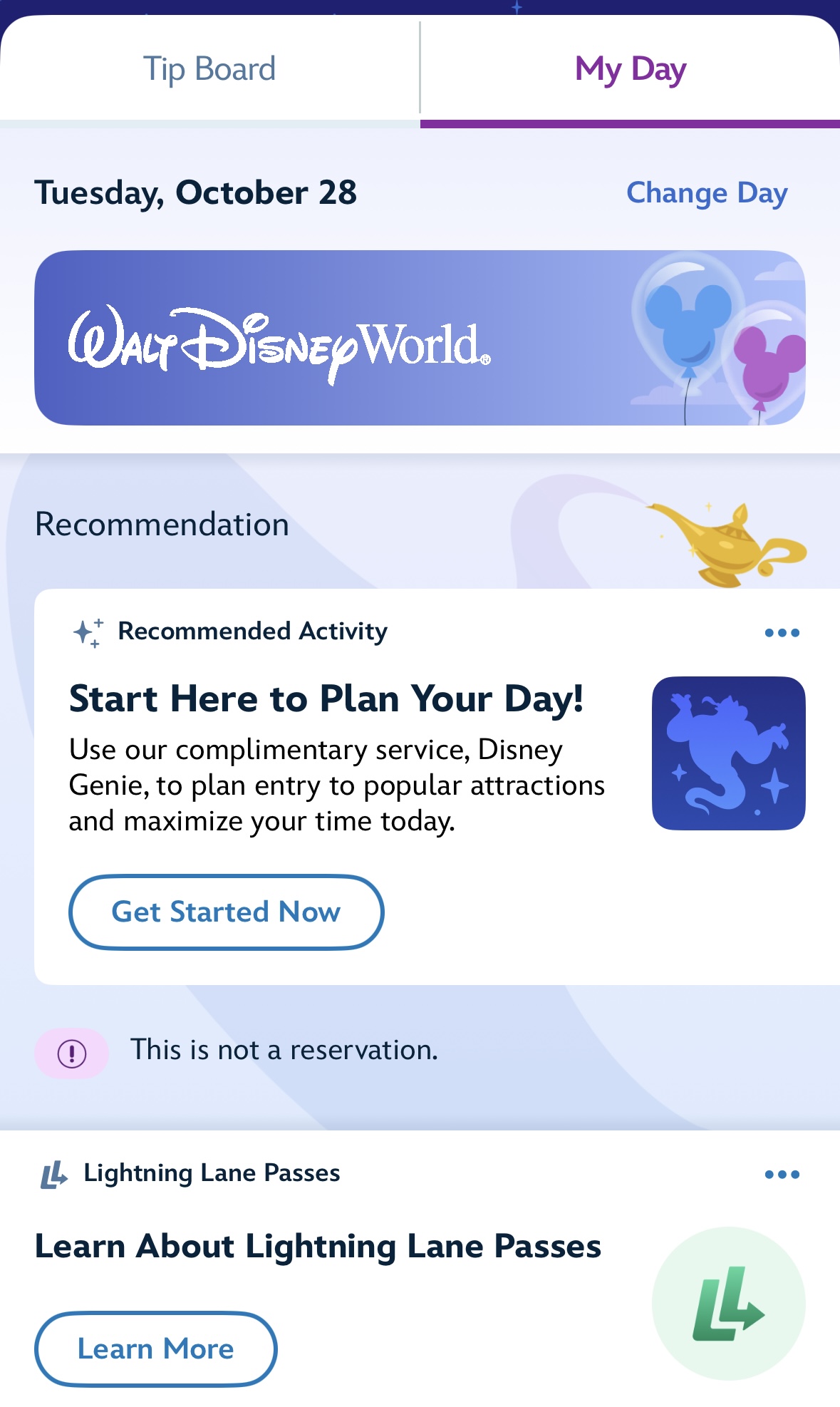
In 2026, the My Disney Experience app is not just something nice to have. It is one of the main ways you actually do Disney World now. The app handles the practical stuff, the planning stuff, the paid-stuff-that-makes-lines-shorter stuff, and a surprising number of little quality-of-life saves that keep your day moving.
©Disney
So yes, download it before your trip. Log in early. Poke around. Make sure your plans are linked. Because once you’re in the middle of a Disney day, this app can be the difference between “wow, that went smoothly” and “why am I standing in the sun holding a melting snack and making avoidable mistakes.” And frankly, Disney World will supply enough unavoidable mistakes all on its own.
We love that Disney is constantly improving this vital tool and making Disney World vacations even easier! Keep following DFB for more Disney World news!
Sneaky Things You Can Do on The My Disney Experience App That Will Make You Look Like a Pro!
Planning a Trip to Disney World? We’ve Got Everything You Need to Know
Tips, Hints, Lists, and Videos for Planning the BEST Disney World Trip









 Our handy (and portable!) ebook guides make sure you get the best deals and can plan a vacation of a lifetime.

I’m confused on the steps to locate ice water. It says to locate on map but can’t find where to display the map. Is it on My Disney Experience or on the Magic Guide app.
BTW Love the way to find the length of time for dining waitlist.
Hi Cheryl! In the My Disney Experience app you will go to the home screen, then click on the magnifying glass search feature and type in “water” which will bring up a list of options and you can select “Water Bottle Refill Stations” from there. The dining wait times are listed on the map in the app as well. You’ll see icons for mobile order, but then you’ll also see wait times for restaurants that are table service and do not have mobile order.
This is EASIER?????
Trying to see the gallery images of menu items and I’m not seeing any blue circles on restaurants. Am I missing a step?