
If you travel a lot, you may very well have a passport, but it’s kind of a hassle keeping all those documents handy at the airport, right? Well, you’ve already been able to use your iPhone for your plane tickets, so why can’t you use your phone for your passport, too?

Passport
Now, Apple has rolled out a feature that lets you do just that: Save your passport on your iPhone. And we’re going to tell you how to do it!

Okay, so if you have an Android phone, you’ve been able to save your passport to your digital wallet on your phone for nearly a year now. However, this feature is NEW to iPhones, so you can take advantage of the new Digital ID system that’s coming to airports. The program is rolling out in beta at over 250 U.S. airports for domestic travel.

MCO Airport Security
To use this at the TSA security checkpoint at the airport, here’s what you need:
- An iPhone 11 or later or an Apple Watch Series 6 or later, with the latest version of iOS or watch OS
- Face ID or Touch ID and Bluetooth turned on
- An Apple acocunt with two-factor authentication turned on
- An unexpired U.S. passport
- Your device region set to United States
Bibbidy Bobbidy Bow Pink Phone Case on an iPhone
To set up your Digital ID, do the following:
- Open the Wallet app on your iPhone.
- Tap on the “Add Card” button.
- Tap on “Driver’s License or ID Cards.”
- Tap “Digital ID”
- Choose whether you want to add your Digital ID to just your iPhone or to both your iPhone and paired Apple Watch
- Follow the onscreen instructions. You’ll be prompted to scan the machine-readable part of your passport photo page.
- Follow the onscreen instructions to read the passport chip with your iPhone. Place your iPhone on the chip as the screen indicates.
- You’ll then be promoted to take a Live Photo.
- When you’re ready, authenticate with Face ID or Touch ID and follow the onscreen instructions.
If you use an accessibility feature on your iPhone, you can use your passcode to set up and then use your license or ID.
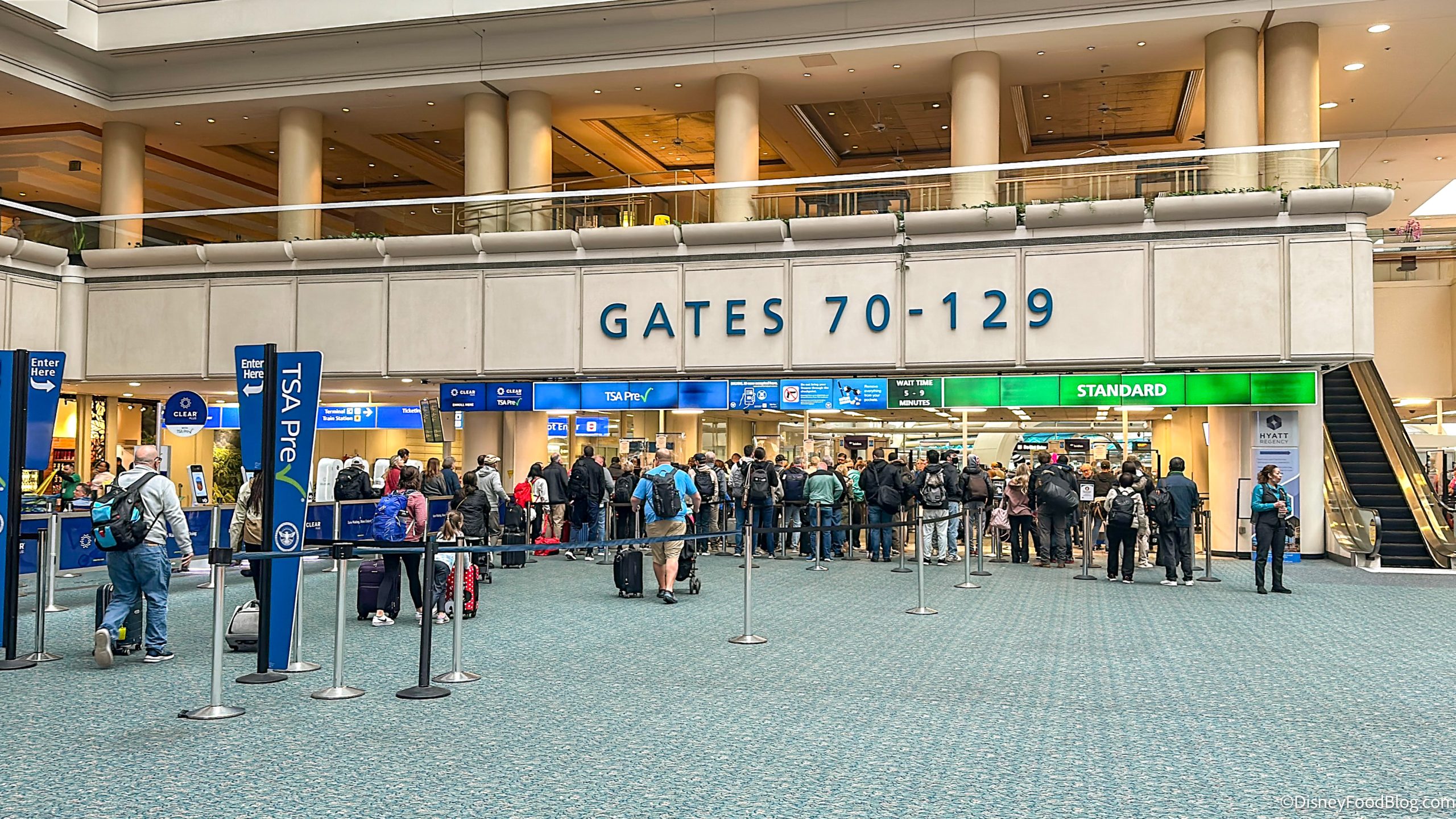
TSA lines at MCO
To use your Digital ID at TSA security at the airport, here’s what you should do:
- On an iPhone with Face ID, double-click the side button. On an iPhone with Touch ID, double-click the Home button. You may be prompted to authenticate with Face ID or Touch ID.
- Tap your Digital ID
- Hold the top of your iPhone or the display of your Apple Watch near the ID reader at TSA security.
- Review the information on your device screen. To consent, do the following:
- iPhone with Face ID: Double-click the side button.
- iPhone using Touch ID: Hold your finger on the Home button.
- Apple Watch: Double-click the side button.
When you successfully present your Digital ID, you’ll see a checkmark on your phone indicating you’re done.

Welcome to the Orlando International Airport
We’re not going to lie, it almost seems easier just to whip your passport out and show it to security instead, right? But if you don’t want to carry your passport around…or if you forget it (and trust me, it happens), this could keep you from having to deal with a big hassle at the airport. Note that you can only use Digital ID at airports in participating states. You can check if your state is listed on the TSA website.
Stay tuned to DFB for more.
BEWARE This Sneaky Passport Problem 😱
Join the DFB Newsletter to get all the breaking news right in your inbox! Click here to Subscribe!
WE KNOW DISNEY.
YOU CAN, TOO.
Oh boy, planning a Disney trip can be quite the adventure, and we totally get it! But fear not, dear friends, we compiled EVERYTHING you need (and the things to avoid!) to plan the ULTIMATE Disney vacation.
Whether you're a rookie or a seasoned pro, our insider tips and tricks will have you exploring the parks like never before. So come along with us, and get planning your most magical vacation ever!
Will you be using your Digital ID at the airport during your next trip? Let us know in the comments!
 Our handy (and portable!) ebook guides make sure you get the best deals and can plan a vacation of a lifetime.

TRENDING NOW
Want to go to Hollywood Studios when it's LEAST crowded? We're sharing the best weeks...
Big Thunder Mountain Railroad is officially reopening in Magic Kingdom, and we have the opening...
There's a new deal that can save Disney Visa cardmembers BIG on a Disney Vacation...
We have more details about how Annual Passholders can save this summer at Disney World!
Every NEW Disney Loungefly coming in April!
We saw a sneak peek of 'Cars' Land from Big Thunder Mountain!
An exclusive NEW Disney World hotel deal just dropped!
A BIG change is coming to Magic Kingdom tomorrow!
Amazon has some HUGE deals on Disney items right now.
Yep, we're pretty obsessed with these new popcorn buckets.
Your next new Loungefly has arrived.
Act fast! These Disney deals won't hang around forever!
Six Flags just sold six properties.
You might want to avoid dining at this very popular restaurant and staying at this...
Here are the exclusive perks you'll get in Disney World in May2026.
Disney has confirmed some MAJOR openings for the rest of 2026.
We tried the NEW Churro Bites Sundae Cup at Sunshine Churros in Disney Springs!
We've got a WARNING if you're heading to Disney World this weekend!
You need to stay away from these bugs in Florida!
With pool closures, transportation construction, and more, these Disney World hotels will be impacted in...