Planning a trip to Walt Disney World? Then you’ll want to be IN THE KNOW about Disney World’s Lightning Lanes! Disney World’s Lightning Lanes provide access to “Lightning Lanes” for rides so guests can bypass Standby lines for select attractions through an extra purchase made on the My Disney Experience app.
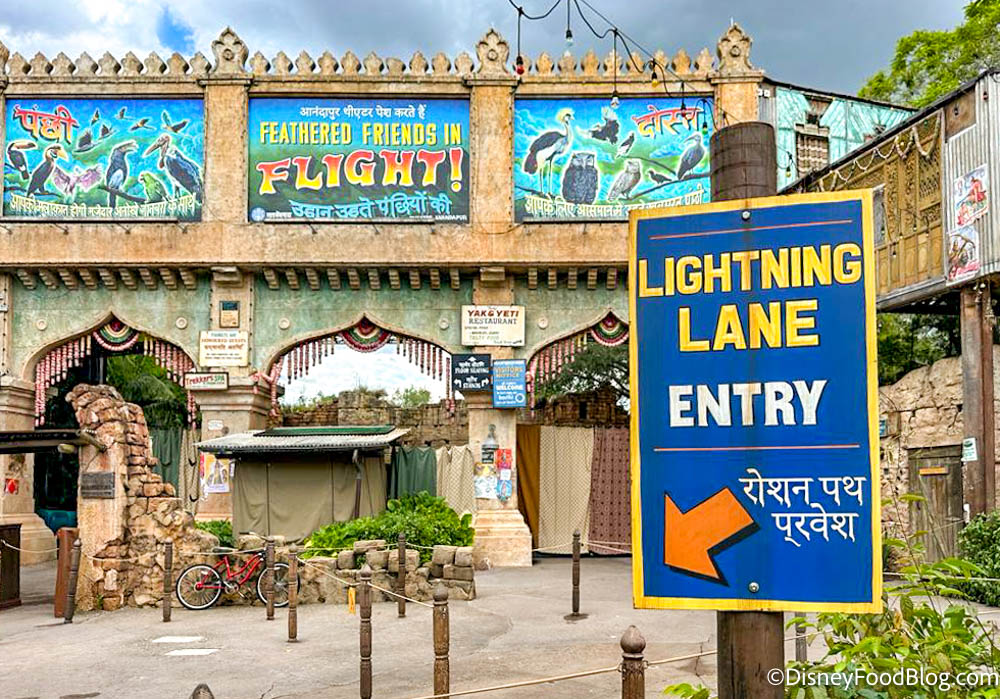
Lightning Lane Entry
This optional service helps guests maximize their time in the four Disney World theme parks: Magic Kingdom, EPCOT, Disney’s Hollywood Studios, and Disney’s Animal Kingdom.
There are three types of Lightning Lane services available for purchase:
You can visit any of the links above to learn the ins-and-outs about each individual service. On this page, we’re providing answers to some Frequently Asked Questions about Disney World Lightning Lanes to help you sort it all out!
Frequently Asked Questions
General Lighting Lane Questions — All Lightning Lanes
Are standby lines still an option for attractions that offer Lightning Lanes?
Traditional standby lines are still available (as are Virtual Queues for select attractions, when in use). The purchase of Lightning Lane Multi Pass and/or Single Pass, and Premier Pass is completely optional.

Frozen Ever After Lightning Lane and Standby Line sign in EPCOT
What Time Do Purchases and Reservations Open Up 7 Days Ahead of Time and 3 Days Ahead of Time Respectively?
As Disney states, “Guests can purchase Lightning Lane passes for days they have valid theme park admission starting at 7:00 AM Eastern Time on their first day of eligibility.”
Those staying at a Disney World Resort hotel (and select other hotels*) can purchase and select their first 3 Lightning Lane Multi Passes and/or Singles Passes or Premier Pass up to seven days in advance of their check-in day for their entire stay (up to 14 days), with all other guests being able to purchase and select their first 3 Lightning Lane Multi Passes and/or Singles Passes or Premier Pass three days in advance.
Can You Purchase Multi Pass and Reserve a Lightning Lane Single Pass at the Same Time?
Yes, you may reserve your Lightning Lanes (both Multi Pass and Single Pass) at the time of purchase.
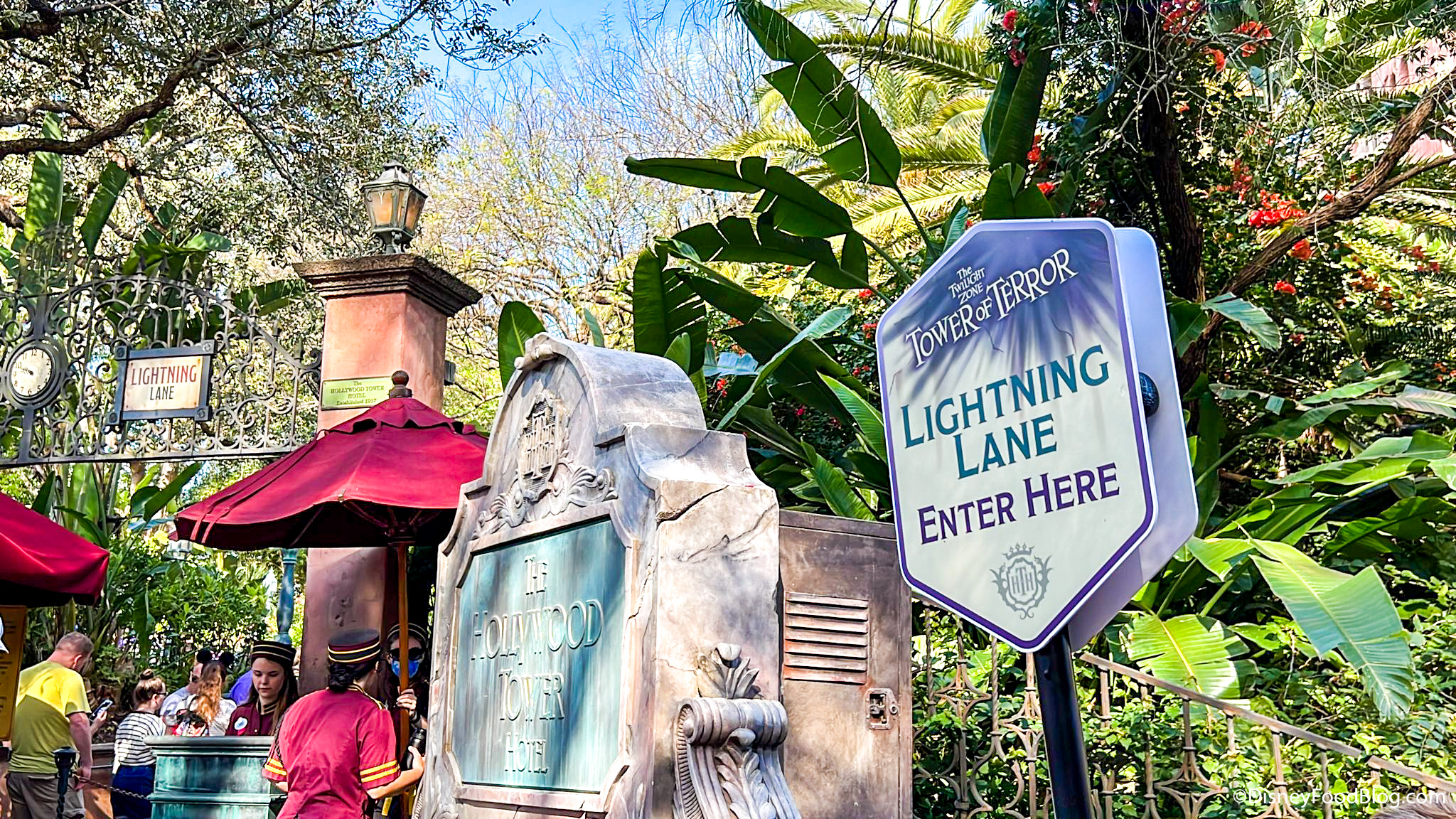
Lightning Lane at Tower of Terror
Do Lightning Lane Single Pass Reservations Open at the Same Time?
Yes, the availability for both Multi Pass and Single Pass Lightning Lane opens at the same time.
Do Lightning Lane Single Pass Selections Count Towards My Multi Pass Selections?
No. If you hold a Lightning Lane Single Pass for a pay-per-ride attraction, it does NOT count as part of your 3 Lightning Lane Multi Pass selections.
Be aware that you may hold a maximum of TWO Single Passes per day, they can both be purchased in advance if you prefer (pending availability), AND they can be located in TWO different parks (though, be aware that your Disney World theme park ticket must include the Park Hopper add-on option to be able to visit both attractions in two different parks in one day).
I am not staying at a Disney World Resort hotel. How does this affect my ability to book Lightning Lanes?
As noted above, those staying at a Disney World Resort hotel (and select other hotels) can purchase and select their Lightning Lane passes up to seven days in advance of their check-in day for their entire stay (up to 14 days). All other ticket holders can purchase and select their first 3 Lightning Lane Multi Passes three days in advance. BUT if you’ve got date-based admission tickets, don’t be disadvantaged by thinking you can only book one day of Lightning Lanes at a time. If you have tickets for four consecutive days, for example, you can book all four days’ worth of Lightning Lanes three days before your first park visit.
Annual Passholders and those with non-date-based tickets are still only able to book day by day, so keep that in mind.
Do I Need a Park Pass Reservation to book Lightning Lanes?
It depends on the type of ticket you hold. As of January 9th, 2024, Disney World no longer requires a Park Pass Reservation for MOST guests. Anyone who buys a regular date-based ticket from Disney (either on its own or as part of a vacation package including a Disney World Resort hotel reservation) no longer has to reserve their park visit in advance. Date-based tickets are what Disney describes as the “standard” ticket option offered to guests.
However, select guests including — but not limited to — Disney World Annual Passholders and Cast Members STILL REQUIRE Park pass Reservations (with some exceptions, which you can find here).
Disney World Annual Passholder!
Disney has provided the list below to show the tickets types that still REQUIRE Park Pass reservations:
“No Theme Park Reservation Required
- Date-based 1-day ticket
- Date-based multi-day ticket
- Vacation package with date-based tickets
Theme Park Reservation Required:
- Student group tickets
- Sport and Convention tickets
- Disney Military Salute Ticket
- Annual Pass
- All other ticket types not mentioned above”
ESSENTIALLY: If you have a ticket type that requires a theme park reservation, then you MUST make your theme park reservation before being able to purchase Lightning Lanes.
May I make repeat Lightning Lane selections for the same attraction?
No; you may only use a Lightning Lane once per day at any given attraction. The is true for both Lightning Lane Multi Pass and Single Pass. Additionally, Lighting Lane Premier Pass only grants one time entry for every included attraction.
Will the System Warn You if You Have Overlapping Plans Such as Advance Dining Reservations?
According to Disney, the system with “recommend arrival windows that work with your plans” including Advance Dining Reservations to avoid overlapping bookings.
However, our personal experience has been different, in a sense. When booking our Lightning Lanes, we were NOT able to book passes for the exact time of a preexisting dining reservation (i.e. If we had a 12PM reservation, we could not book a 12PM Lightning Lane Multi Pass or Single Pass), but we were offered and able to book time slots that conflicted with preexisting advanced dining reservations.
For example, we were presented the option to book a Lightning Lane Multi Pass for Living with the Land for an 11:10PM-12:10PM window, even though we had an advance dining reservation for Spice Road Table at 11:30AM.

©Disney
The same was true of Lightning Lane Single Pass, as we were able to purchase one for Rise of the Resistance that was valid from 12:35PM to 1:35 PM even though we had an Oga’s Cantina advance dining reservation for 12:45PM.

©Disney
Fortunately, though, as we made our Lightning Lane selections, the My Disney Experience app showed us all the plans we had going on that day. This way, you can see your dining reservations while choosing your Lightning Lane times.
Is Park Hopping an Option Using Lightning Lanes?
This answer varies per the type of Lightning Lane purchases, as follows:
Lightning Lane Multi Pass
YES. You can use Lightning Lane Multi Pass when Park Hopping (assuming you have a valid ticket with the Park Hopper option or an Annual Pass), but you must physically scan into your first park and use one Lightning Lane selection at that park before you can choose a selection at another park. In fact, not only can you book an attraction in another park you can also MODIFY one of your existing reservations for another park.
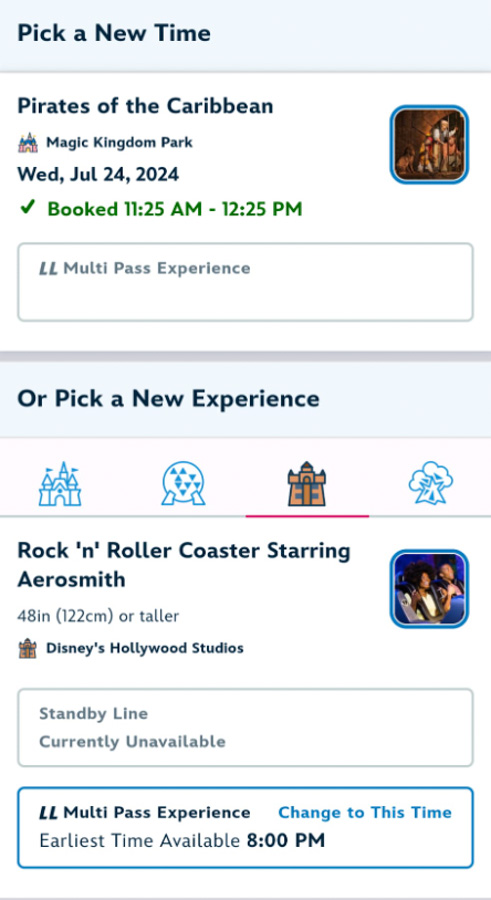
“Pick a New Time” or “Pick a New Experience” ©Disney
Disney says it this way: “When you purchase a Lightning Lane Multi Pass for a theme park, you’ll be prompted to choose up to 3 multi pass experiences and arrival windows in the same theme park. Once you redeem a selection on the day of your park visit, you can use the My Disney Experience app to choose another multi pass experience in any Walt Disney World theme park (subject to availability), as long as you have a valid ticket with the Park Hopper option or an Annual Pass. The ability to visit another park is subject to the park’s capacity limitations.”
Lightning Lane Single Pass
YES. You may hold a maximum of TWO Single Passes per day, they can both be purchased in advance if you prefer (pending availability), AND they can be located in TWO different parks (though, be aware that your Disney World theme park ticket must include the Park Hopper add-on option to be able to visit both attractions in two different parks in one day).
Lightning Lane Premier Pass
NO. Please be aware that there is no option for Park Hopping and using Lightning Lane Premier Pass in a second park. If you plan on Park Hopping, you’ll need to purchase Lightning Lane Multi Pass for your next park if you wish to use the Lightning Lanes.
Can My Family Use the Rider Swap Service with Lightning Lanes?
Yes! First, Rider Swap is an option available for people who have some members of their group that can’t or don’t want to ride an attraction. For example, if there are 5 people in your group and one person is not tall enough to go on a ride, everyone (all 5) would go up to a Cast Member and request a Rider Swap. The Cast Member will scan your MagicBands or park ticket, and then most of the group would wait in the standby line to ride the attraction while one person waits with the person who can’t ride. When the people who waited in line are finished riding, they can switch places with the one who waited behind, and the person who stayed behind would get to ride without waiting in line. This person (the one who waited) can bring one other person with them to ride (even if that other person already rode it with the first group).

Rider Switch sign at Space Mountain
If I am traveling to Disney World from another country, does that affect my ability to plan in advance?
Yes. We asked a Disney World Cast Member and were told, “Lightning Lane Multi Pass and Lightning Lane Single Pass features will be available to Guests from other countries*; they will be able to begin their pre-arrival planning on the My Disney Experience Mobile App after they reach the United States.”
This means that international visitors may not purchase Lightning Lane passes or take advantage of the preplanning options until they arrive in the United States, even if the 7-day planning window begins before that time.
*There is a caveat, however; Cast Members have confirmed that Canadian visitors may continue to use the My Disney Experience app “after the launch of the pre-arrival purchasing and planning for Lightning Lane passes.” Translation: Both those in the U.S. AND Canada can plan their Lightning Lanes ahead of time with the My Disney Experience app.
Are There Any Differences between Walt Disney World and Disneyland?
Disney’s various incarnations of FastPass and Genie+ have included some differences in procedure between Disney’s east coast and west coast U.S. resorts. That’s still the case, as Disneyland is not offering the same pre-purchase windows available at Walt Disney World. Instead, if you’re visiting Disneyland Resort, you’ll still be able to make your selections after entering your first park of the day. There are several other slight differences as well, as addressed in the grid below.

©Disney
If you would like to learn more about Lightning Lanes in Disneyland Resort, click here.
Can Plans be Changed and Modified?
Yes, Lightning Multi Pass Lane reservations can be changed and modified in the My Disney Experience App. However, these modifications are subject to availability.
“Pick a New Time” or “Pick a New Experience” ©Disney
Single Pass Lightning Lanes times may not be modified.
Lightning Lane Multi-Pass Questions
If You Book 3 Lightning Lanes Ahead of Time in the Evening, Do You Have to Wait Until You Use Your First One Before You Can Book the 4th?
Yes; you will be allowed to book your next Lightning Lane pass once your earliest Lightning Lane pass has been used (or its arrival window has passed) no matter how late in the day that said earliest arrival window is.
Am I Limited to Only 3 Multi Pass Lightning Lanes per Day?
No. You can make as many Multi Pass Lightning Lane reservations as you want — as long as you book them one at a time on the day of your park visit, and for as long as availability allows. That said, you may only hold a maximum of three reservations at any given time.
Can I hold two Tier 1 Lightning Lanes at once AFTER I have used a Tier 2 Lightning Lane reservation?
Yes! Tiers are only applicable for advance reservations. Once the park opens on the day of your reservations, the tiers don’t apply anymore. This means as soon as you use your first Lightning Lane, you can pick any other Multi Pass attraction.
Lightning Lane Single Pass Questions
Are Lightning Lane Single Pass Eligible Rides also Available for Multi Pass?
No, the Walt Disney World rides eligible for singles passes — Seven Dwarfs Mine Train, Tron Lightcycle/Run, Guardians of the Galaxy: Cosmic Rewind, Rise of the Resistance, and Avatar: Flight of Passage — are NOT available as Multi Pass Lightning Lanes.

TRON Lightcycle / Run
Hey, Disney Food Blog! Do You Know Any Great Lightning Lane HACKS That Can Help Me Out?
OH, YES! And, for the record, we’ve tested these hacks out and have seen them work in action.
Go Through the Pre-Selection Process
The My Disney Experience app will actually let you go through the selection process before your booking window rolls around; you just cannot complete your purchase. This can help you familiarize yourself with the steps when it comes time for you actually to book.
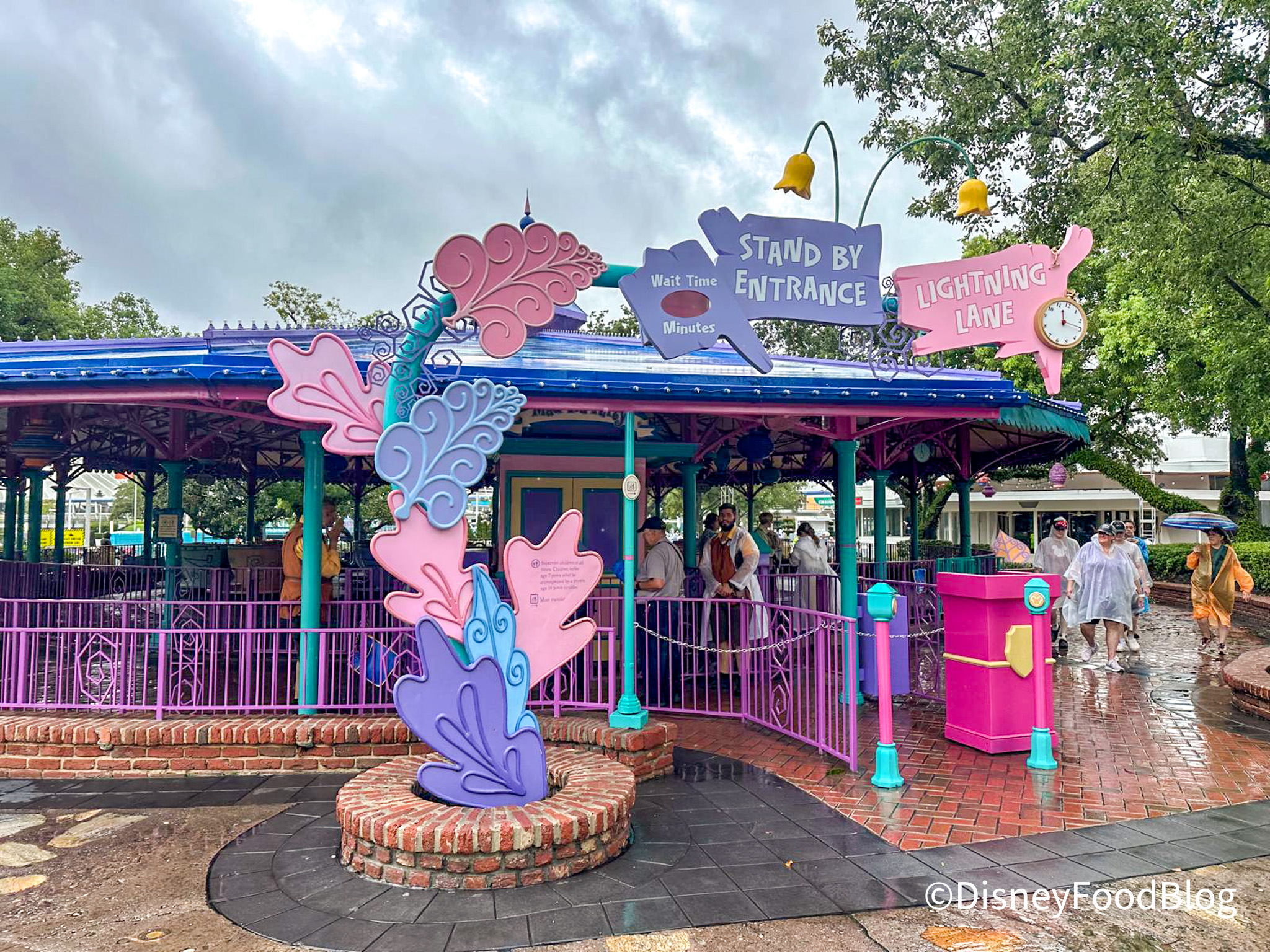
Mad Tea Party Lightning Lane
You can even do this a few minutes before your booking window opens to get an idea of what attractions will be available to book and to practice the process so you are ready to go when it’s actually time to book!
3 Hour Rule
When you reserve a Lightning Lane time with Multi Pass and Single Pass, you are given a return window, which is typically a one-hour window. This is when you are supposed to return to the ride, scan in at the Lightning Lane line, and then ride that attraction. If you miss your window, instead of scanning green, the scanner will turn blue and you won’t be able to ride.
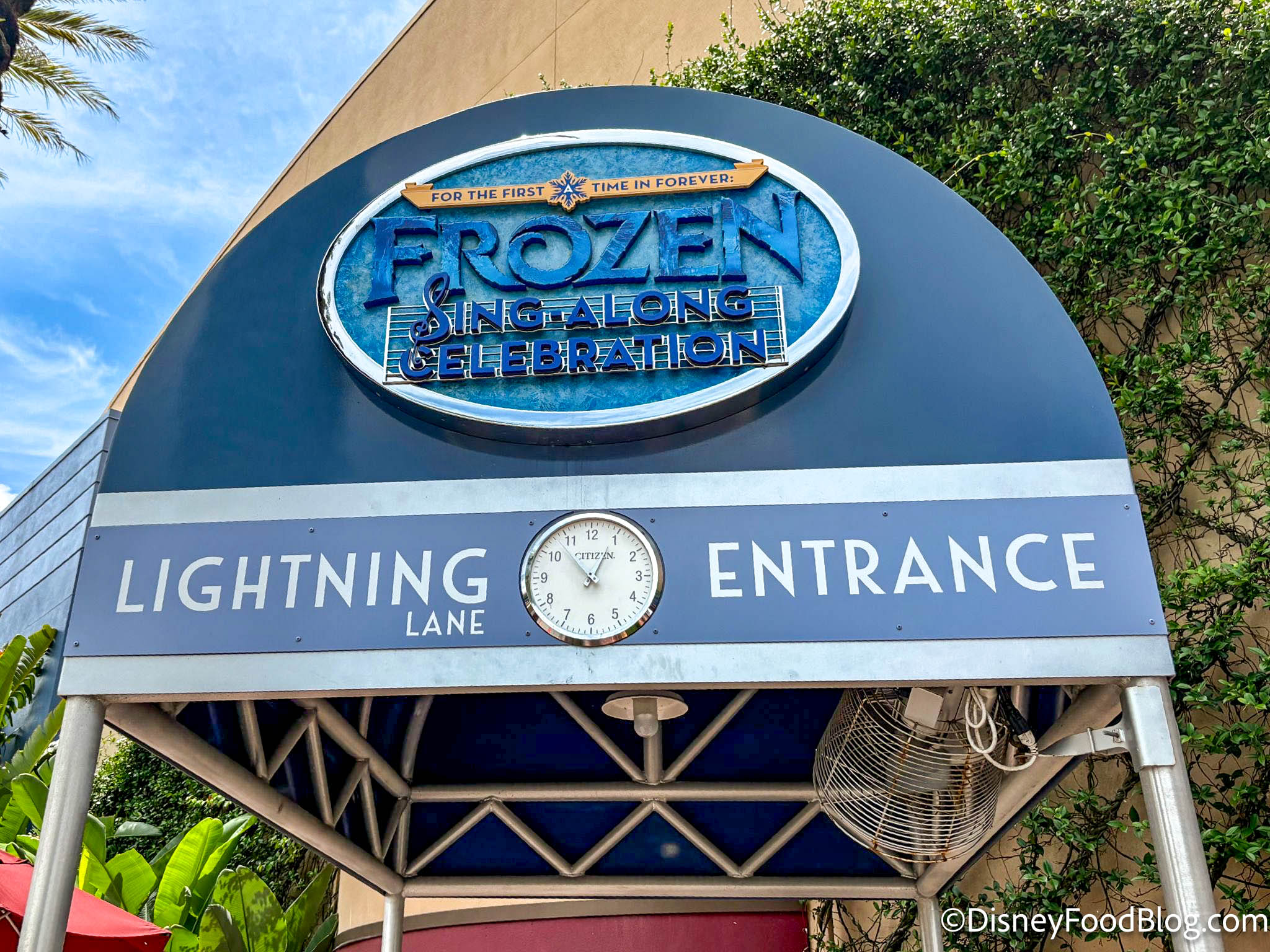
Lightning Lane Entrance
However, this one-hour window is a bit of a lie. We have tested purposely being late for our Lightning Lane return window up to two hours late and were still almost always able to scan green and get on the ride. So when your Disney World app gives you a one-hour return window, it’s more like a THREE-hour return window (technically 179 minutes, but who’s counting?).
This can be a very convenient hack, especially if you have a dining reservation and you’re running late to get to the attraction for your one-hour return window. You can most likely rest easy knowing you likely have a bit of extra time at the back end of that window to get on the ride. Of course, keep in mind that this could vary but it is nice knowing there is a bit of wiggle room in case you are running late!
Book a “Throw Away” Lightning Lane
The Multi Pass attractions for 3 of the 4 parks (not counting Animal Kingdom) are split into higher and lower tiers with more popular rides in the higher tiers. When you go to book your first three Lightning Lanes, you can select one from the highest tier and 2 from the bottom tiers, and this is where our next tip comes in.
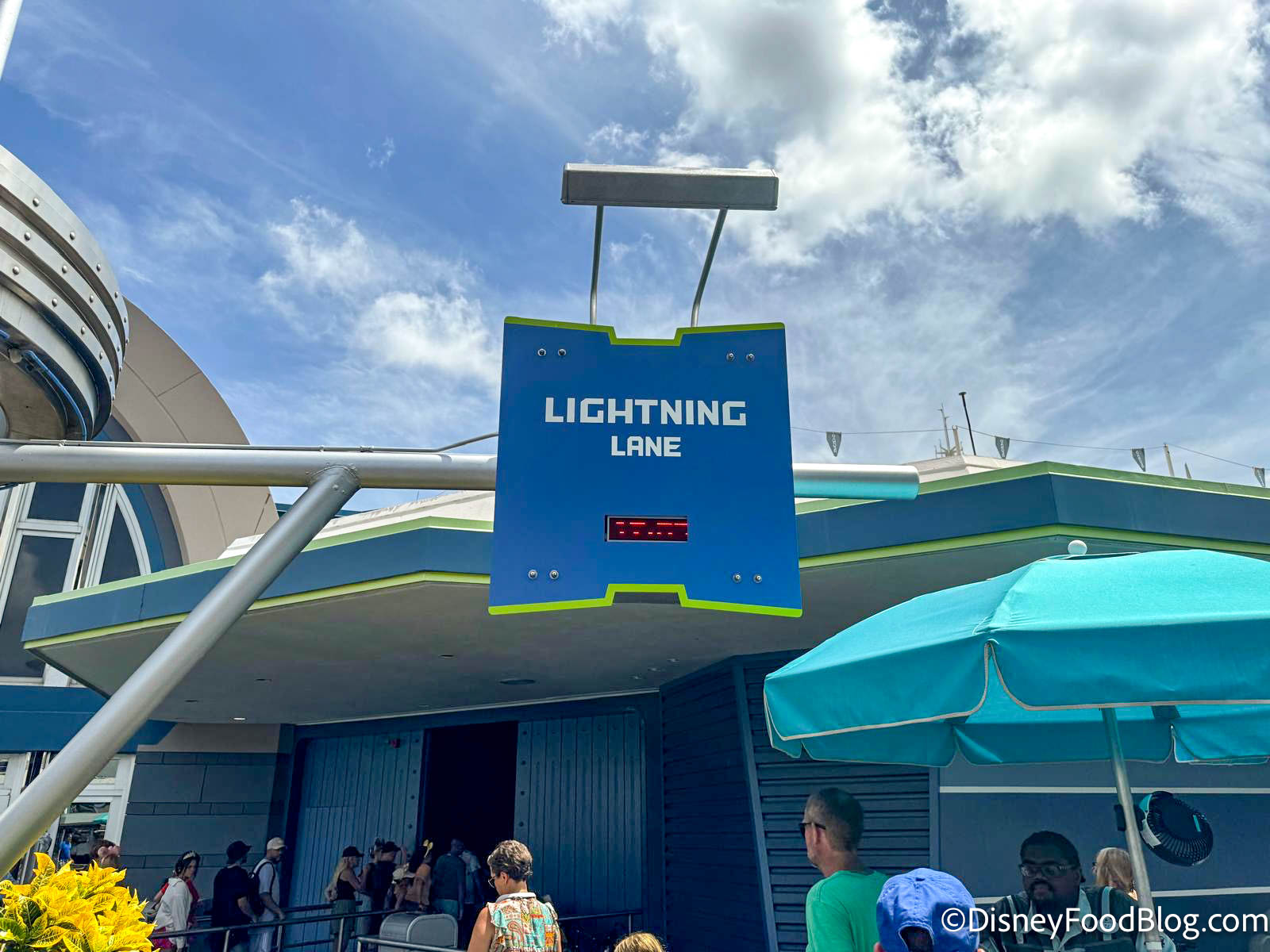
Space Mountain Lightning Lane
When booking your first three Multi Pass attractions, be sure to choose what we call a “throwaway” attraction — one of the lowest-tiered attractions that you can book first thing in the morning, scan in, and hop on the ride to free up that selection to then choose ANY ride — once you’ve scanned in for your first ride, the tier requirements go away and you can select any ride that still has availability. This is a great way to make sure you can select another higher-tiered attraction for later in the day before they all fill up!

Lightning Lane for Smugglers Run
Getting Better Lightning Lane Return Time Options
Have you been refreshing and refreshing your My Disney Experience app, but still not seeing the Lightning Lane option you were hoping for? While we do recommend refreshing throughout the day if you’re trying to get the best times, it can be tedious. We happened to discover another trick to refreshing that can (hopefully) get you some better options!
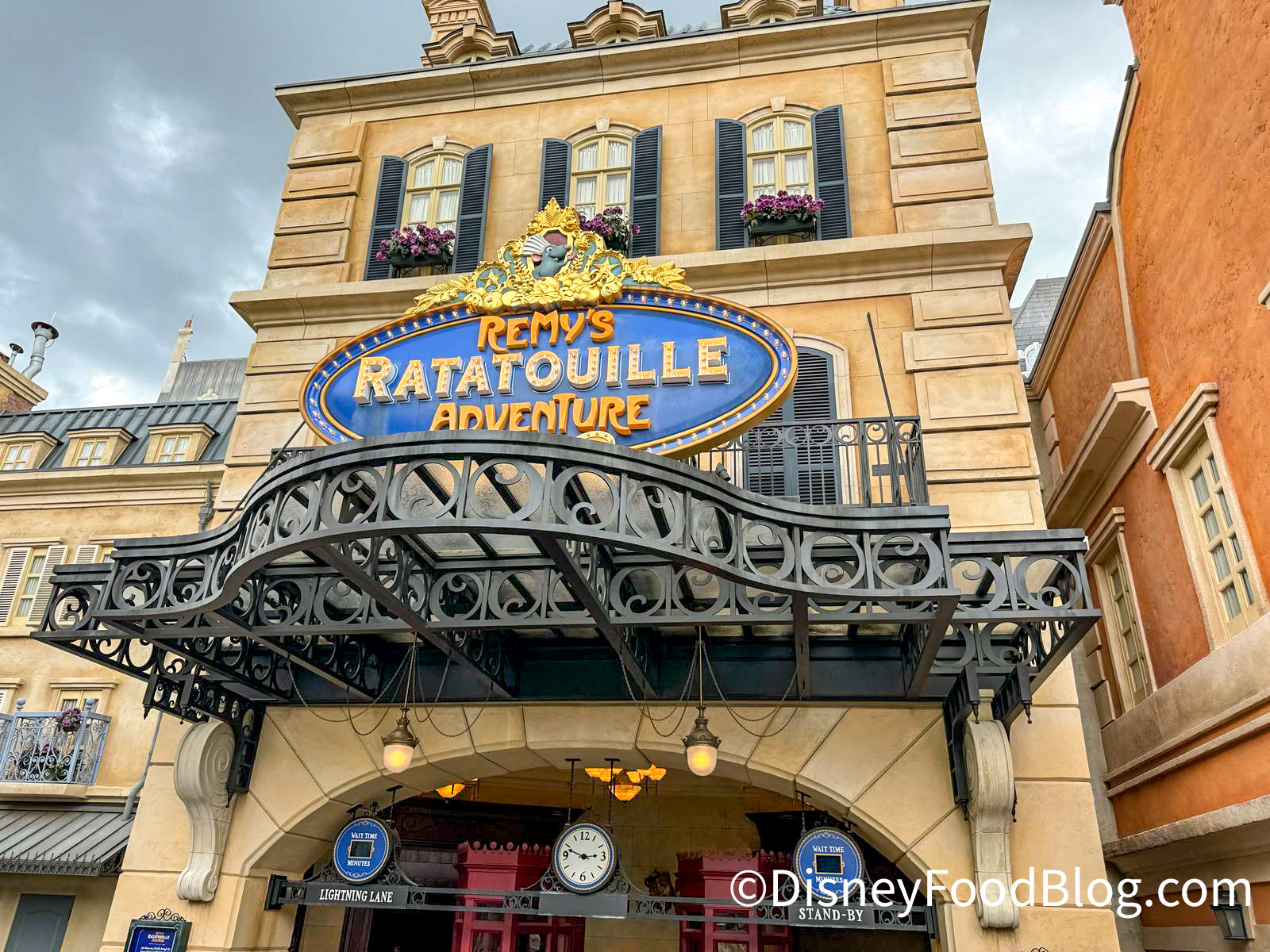
Remy’s Ratatouille Adventure
You can use this method after you have made all of your initial selections and confirmed your purchase. This tip can help you find better times for attractions that you have already booked. When you are on the main screen, tap on the selection you are looking to modify the time for and then select “Modify Plan” in the pop-up.
©Disney
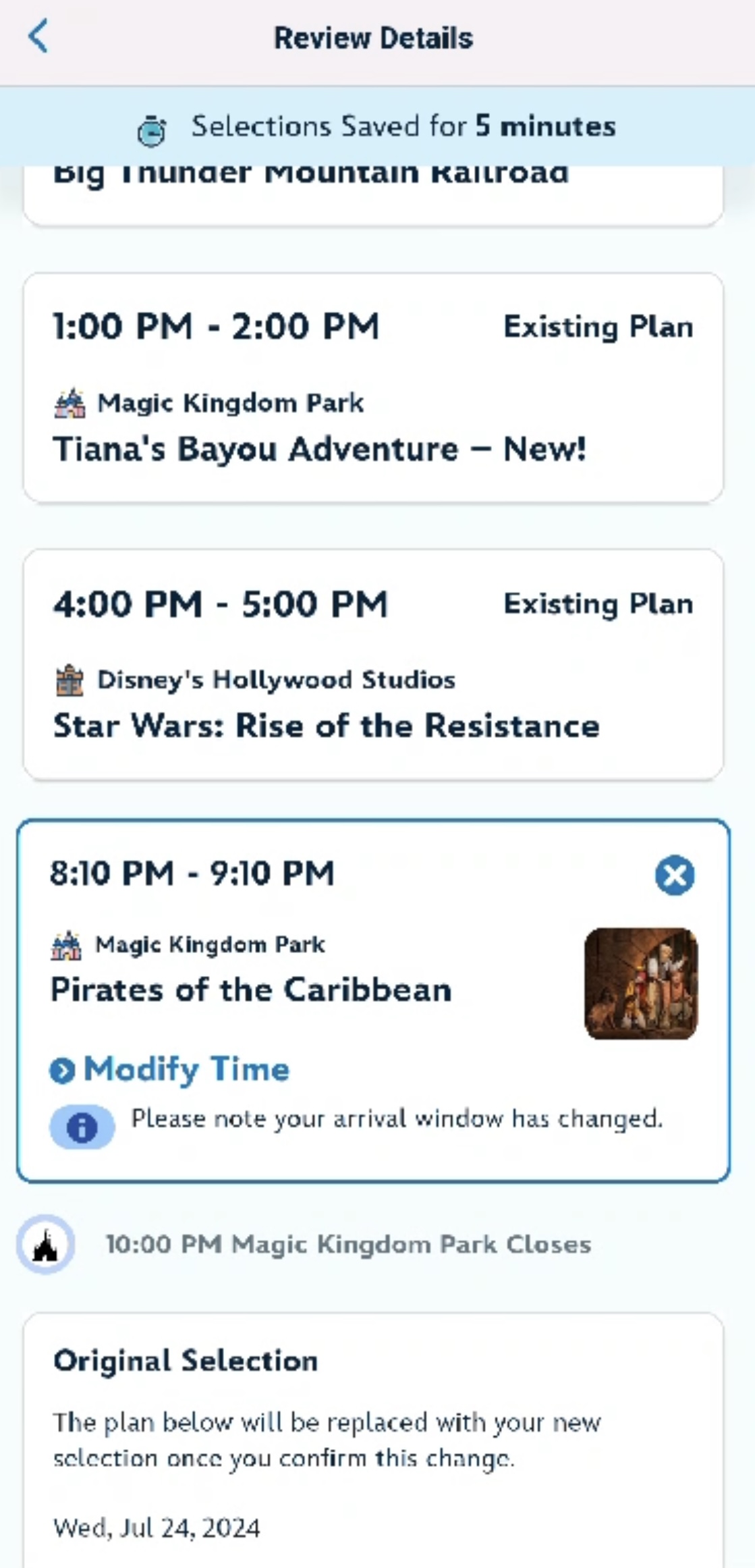
You will then be taken to a screen where you can modify the experience by either picking a new time or picking a new experience. On this page, select whatever time the app gives you to modify the selection to (even if it is much later). Then, you will be taken to a screen to review the details of your selection.
©Disney
On this page, find the attraction again, and you will see a “Modify Time” option in blue text. Click on this to see a list of available times. If you’re still not seeing an ideal time, you can repeatedly click “Close” and then “Modify Time” again to refresh the available times. Your selections are only saved for five minutes, but you can continue to refresh the available times, and if the five minutes run out, you can simply back out and come back in.
We are continually using the Disney World Lightning Lane system, and sharing EVERYTHING that we learn along the way with you! For even more on Disney World Lightning Lanes, check out our Lightning Lanes Playlist on DFBGuide!
Join the DFB Newsletter to get all the breaking news right in your inbox! Click here to Subscribe!
WE KNOW DISNEY.
YOU CAN, TOO.
Oh boy, planning a Disney trip can be quite the adventure, and we totally get it! But fear not, dear friends, we compiled EVERYTHING you need (and the things to avoid!) to plan the ULTIMATE Disney vacation.
Whether you're a rookie or a seasoned pro, our insider tips and tricks will have you exploring the parks like never before. So come along with us, and get planning your most magical vacation ever!
 Our handy (and portable!) ebook guides make sure you get the best deals and can plan a vacation of a lifetime.