UPDATED February 20, 2025
Planning a trip to Disneyland Resort? Then you’ll want to be IN THE KNOW about Disneyland’s Lightning Lanes!
Disneyland’s Lightning Lanes provide access to “Lightning Lanes” for rides so guests can bypass Standby lines for select attractions through an extra purchase made on the Disneyland app. This optional service helps guests maximize their time in the Disneyland Resort theme parks: Disneyland Park and Disney California Adventure.
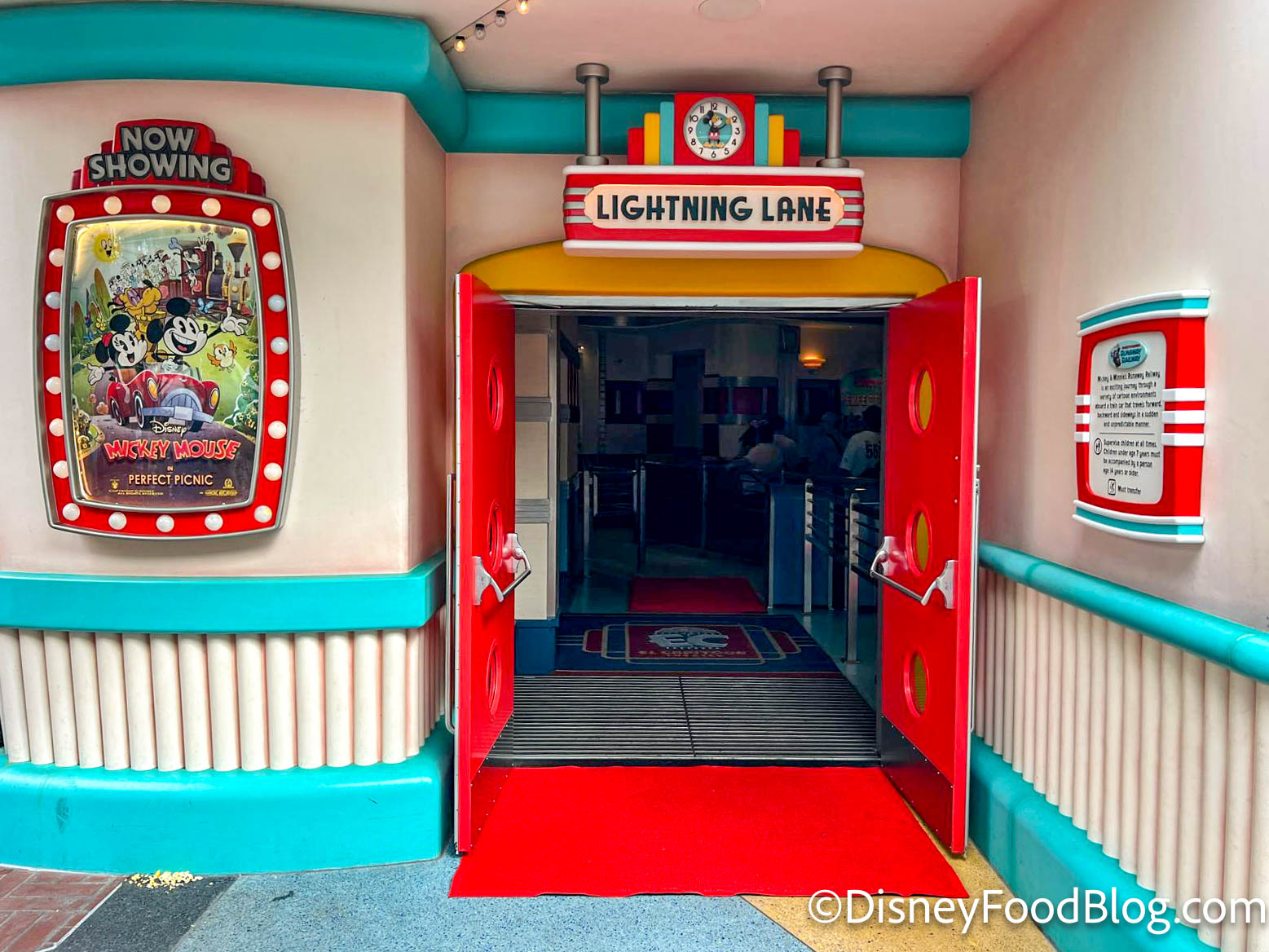
Lightning Lane at Mickey & Minnie’s Runaway Railway
There are three types of Lightning Lane services available for purchase:
- Lightning Lane Multi Pass;
- Lightning Lane Single Pass;
- And Lightning Lane Premier Pass.
This page explores Lighting Lane Multi Pass options for use in Disneyland Park and Disney California Adventure. (You can learn about Lightning Lane Single Pass here and Lightning Lane Premier Pass here.)

What Is Lightning Lane Multi Pass?
Lightning Lane Multi Pass is an optional paid service available within the Disneyland App that allows you to bypass standby queues and instead enter the Lightning Lane (previously known as the FastPass/MaxPass line) in the parks by paying a base price for multiple attractions.
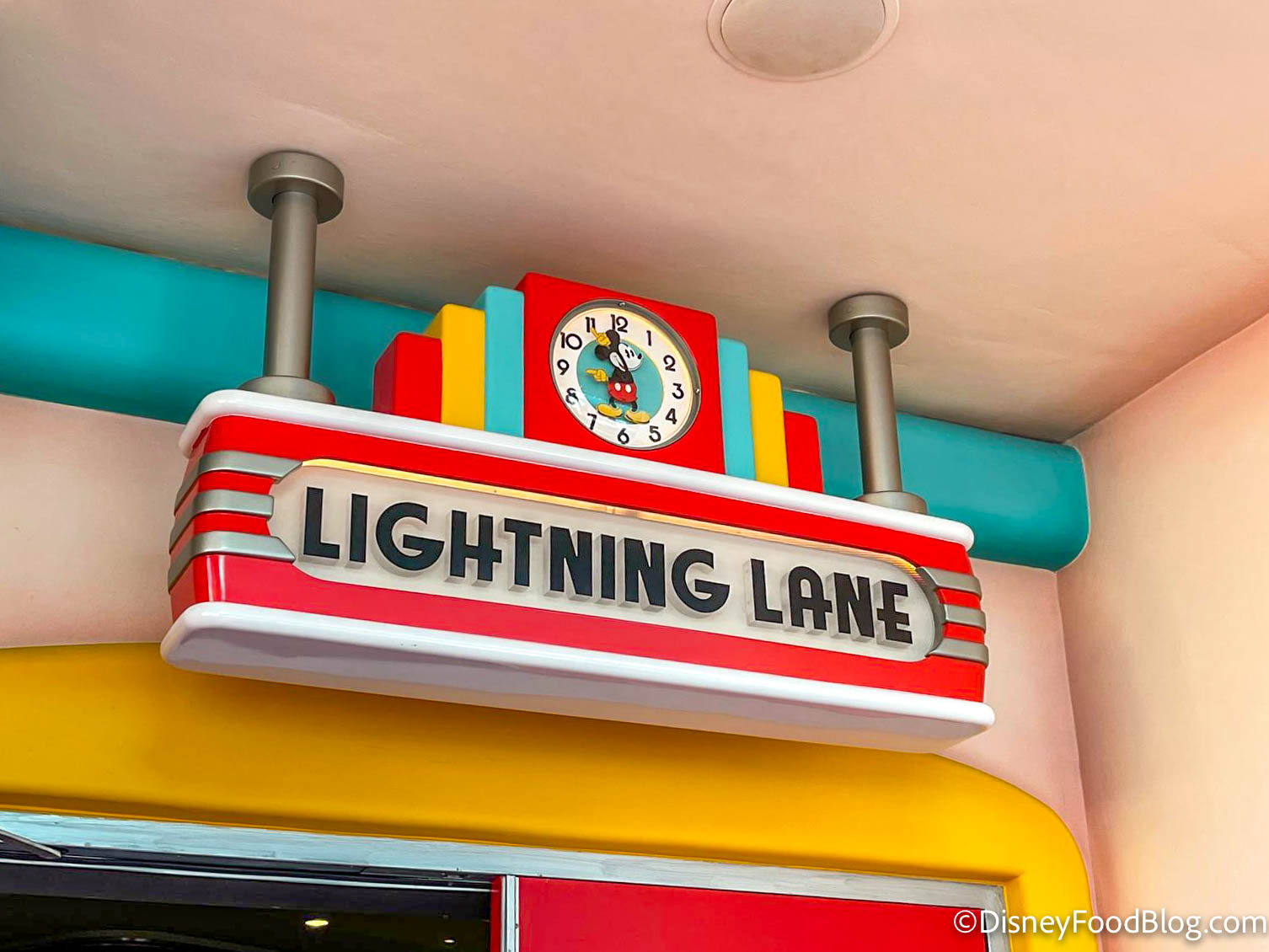
Lightning Lane at Mickey & Minnie’s Runaway Railway
Lightning Lane Multi Pass starts at $34 per day, per ticket* at Disneyland Resort. If you’re visiting on a busier day, the price will likely be higher than that, because prices vary by date. The highest price we have seen in Disneyland Resort thus far is $39 per day, per ticket.
*Disneyland Magic Key holders are eligible for a 25% discount on Lightning Lane Multi Pass.
The Lightning Lane Multi Pass service is subject to availability.
For day-of purchasing, guests can find the pricing for the day on the home screen of the Disneyland app and start the purchase process from there.
Lightning Lane Multi Pass selections can be made upon entering the theme park in Disneyland theme parks. Navigate to the Tip Board in the app to select your preferred Lightning Lane experiences and times!
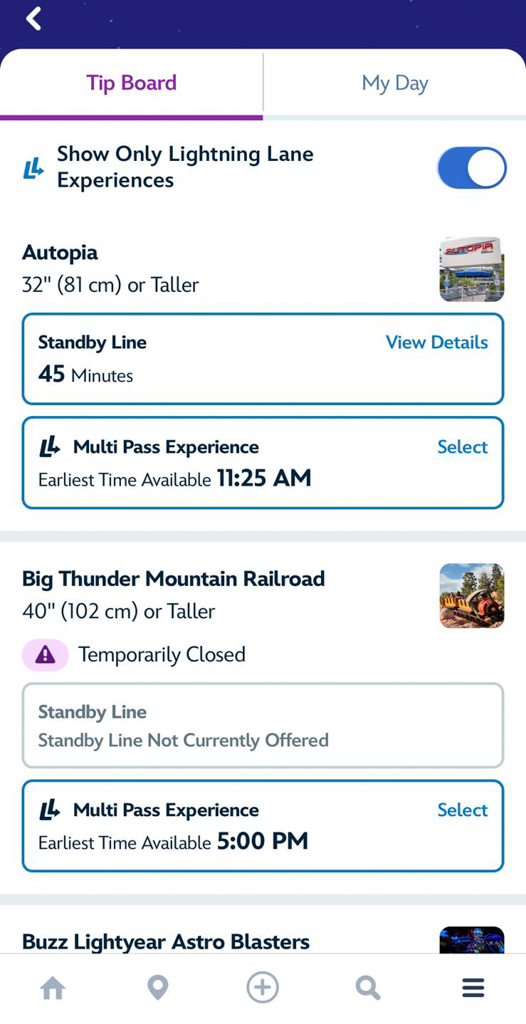
©Disney
Guests are able to select return times for 1 ride at a time with a one-hour arrival window.
Once you use a selection, you can make another one based on what is still available on the Disneyland app.
There is no limit to the amount of rides guests are able to select (pending availability for each attraction).
When Can I Purchase Lightening Lane Multi Pass?
Guests may purchase and add Lightning Lane Multi Pass to a park ticket or vacation package in advance for $32 per ticket, per day OR purchase it once they enter a theme park (which is subject to date-based pricing) via the Disneyland app.
Lightning Lane Multi Pass ride selections can be made upon entering the theme park in Disneyland theme parks.
Which Rides Are Available with Lightning Lane Multi Pass?
The full list of attractions included in the base-price Lightning Lane Multi Pass for Disneyland Resort is as follows:
Disneyland Park
- Autopia
- Big Thunder Mountain Railroad
- Buzz Lightyear Astro Blasters
- Haunted Mansion
- Indiana Jones Adventure
- “it’s a small world”
- Matterhorn Bobsleds
- Millennium Falcon: Smugglers Run
- Roger Rabbit’s Car Toon Spin
- Space Mountain
- Star Tours – The Adventures Continue
- Mickey & Minnie’s Runaway Railway
- Tiana’s Bayou Adventure
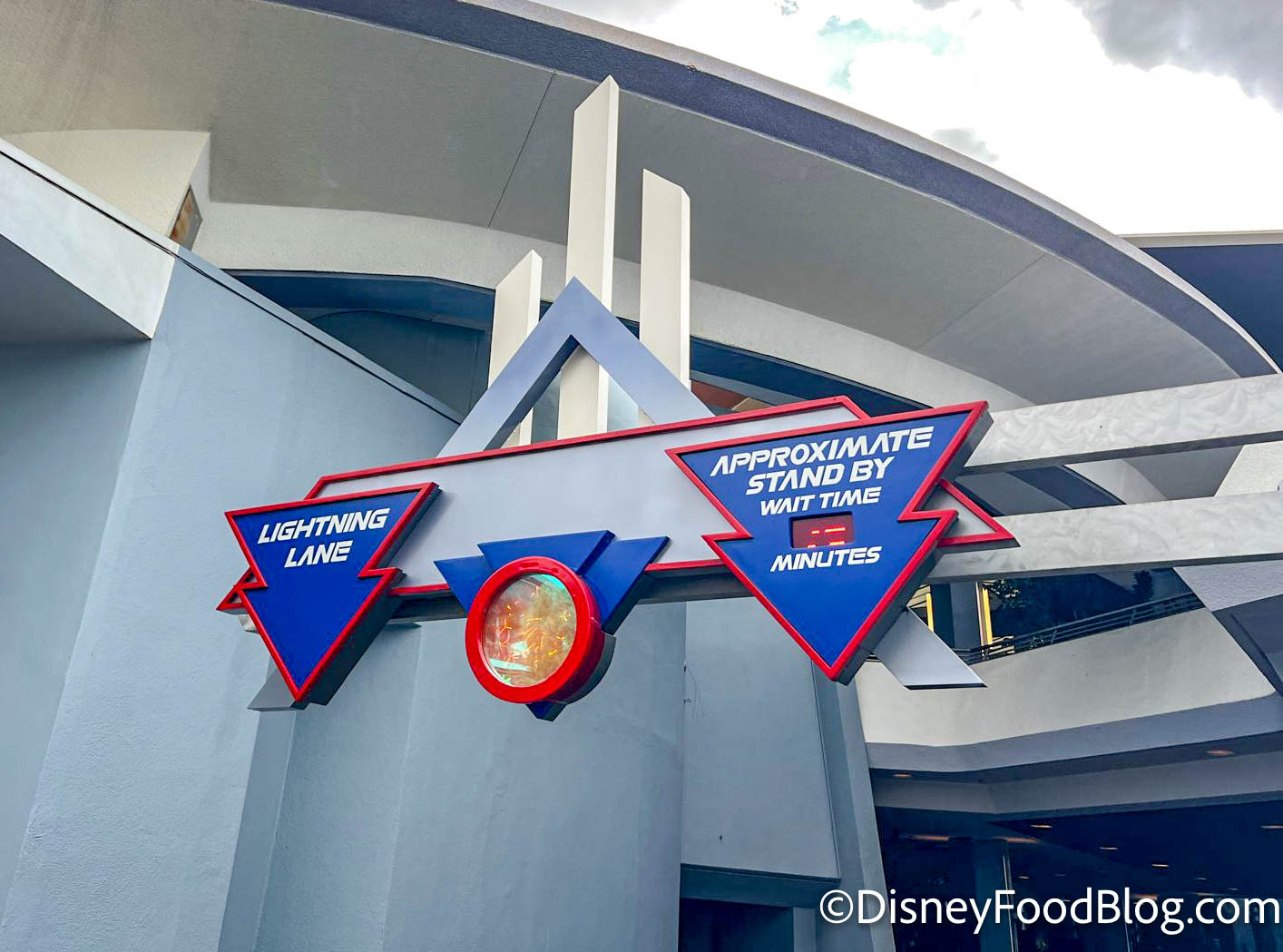
Space Mountain Lightning Lane
Disney California Adventure
- Goofy’s Sky School
- Grizzly River Run
- Guardians of the Galaxy – Mission: BREAKOUT!
- Incredicoaster
- Monsters, Inc. Mike & Sulley to the Rescue!
- Soarin’ Around the World
- Toy Story Midway Mania
- WEB SLINGERS: A Spider-Man Adventure
- The Little Mermaid — Ariel’s Undersea Adventure
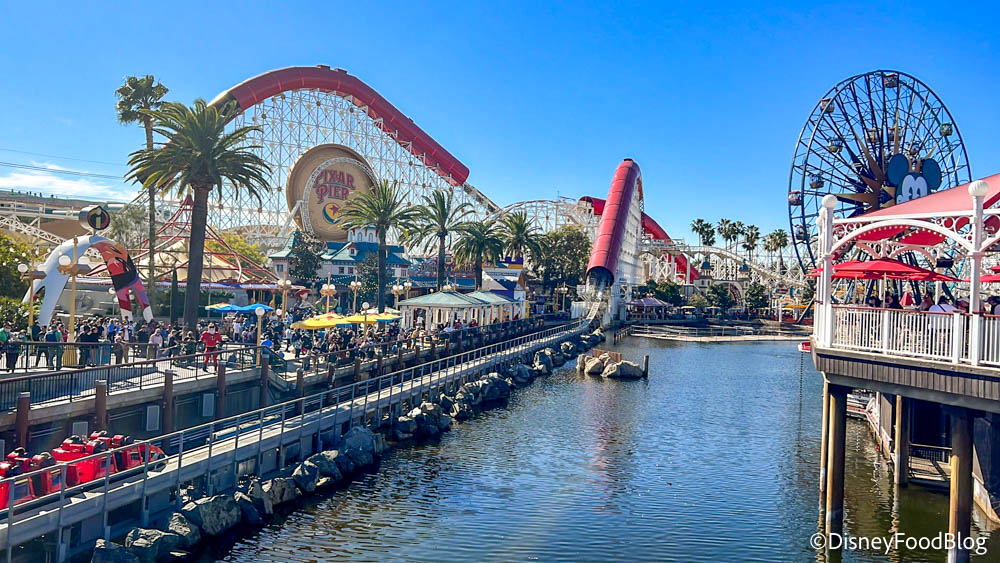
Incredicoaster
How Do I Use Lightning Lane Multi Pass in the Parks?
After reserving your first Multi Pass selection, simply head to the entrance for your first ride scheduled for the day at the appropriate time. You’ll see a Lightning Lane entrance sign. (Just ask a Cast Member if you don’t find it easily.)

Matterhorn Bobsleds Lightning Lane in Disneyland
Before you officially enter the queue, you’ll scan your valid park ticket (either an actual hard ticket or the barcode stored in the Disneyland app on your phone) or your linked MagicBand/MagicBand+ by simply pressing it against the scanner. And then?
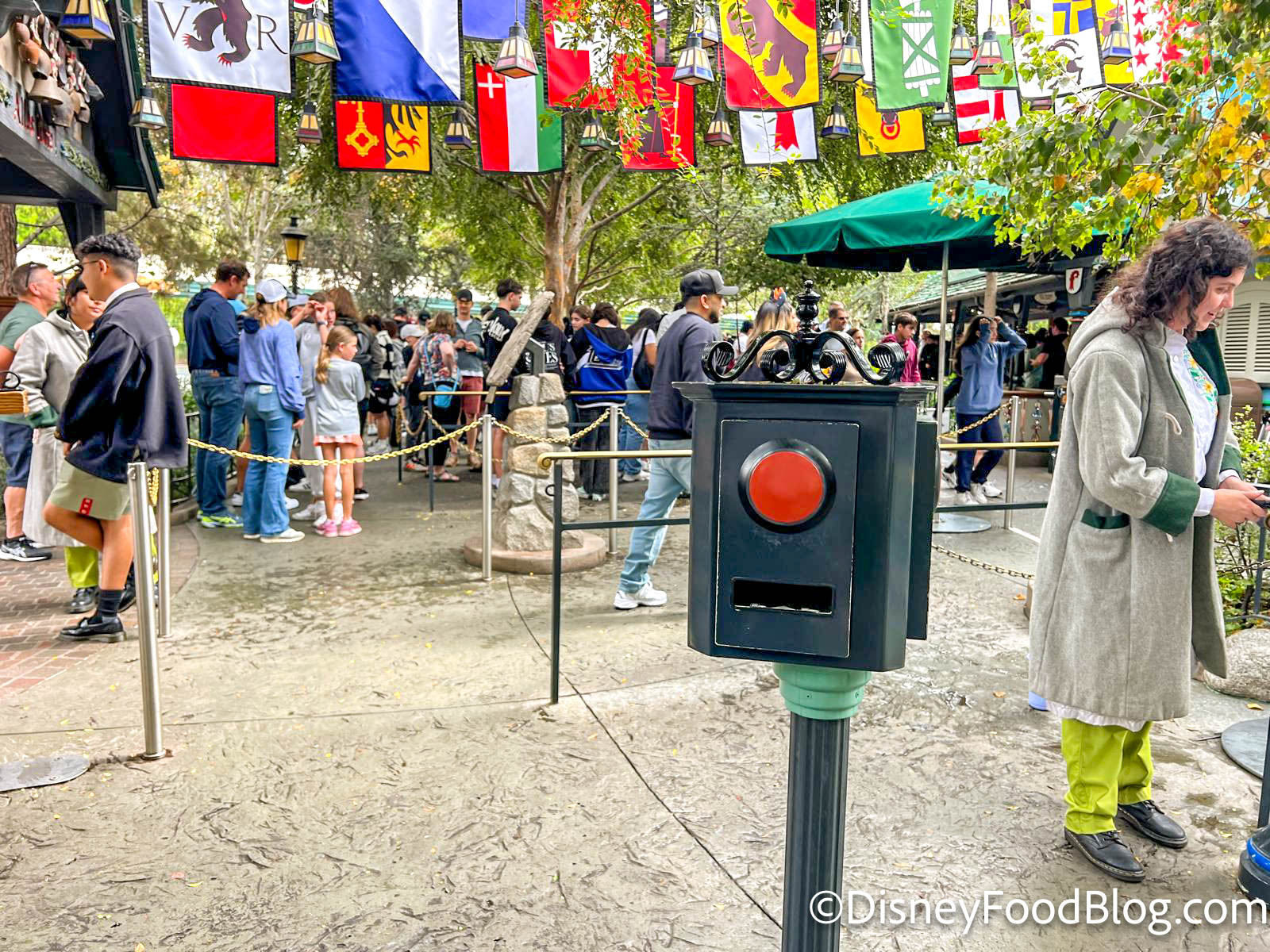
Lightning Lane Scanner
You’re in the LIGHTNING LANE and ready to ride!
Once you use a selection, you can make another one based on what is still available on the Disneyland app.
Additional Features Included with Lightning Lane Multi Pass
It’s not only easier access to rides that you receive with a purchase of Lightning Lane Multi Pass! Additional fun features that you will receive include the following:
Augmented Reality Photo Lenses
By purchasing Lightning Lane Multi Pass in Disneyland, you’re also able to use special Augmented Reality PhotoPass Lenses located within the Disneyland app.

©Disney
When you want to use these PhotoPass Lenses, make sure you’ve allowed the Disneyand app to access your device’s camera and location, then open the app menu (≡) and select “PhotoPass Lenses”.
Disney PhotoPass Downloads
Your purchase of Lightning Lanes Multi Pass in Disneyland Resort includes unlimited downloads of Disney PhotoPass digital photos from the day of your Multi Pass purchase.
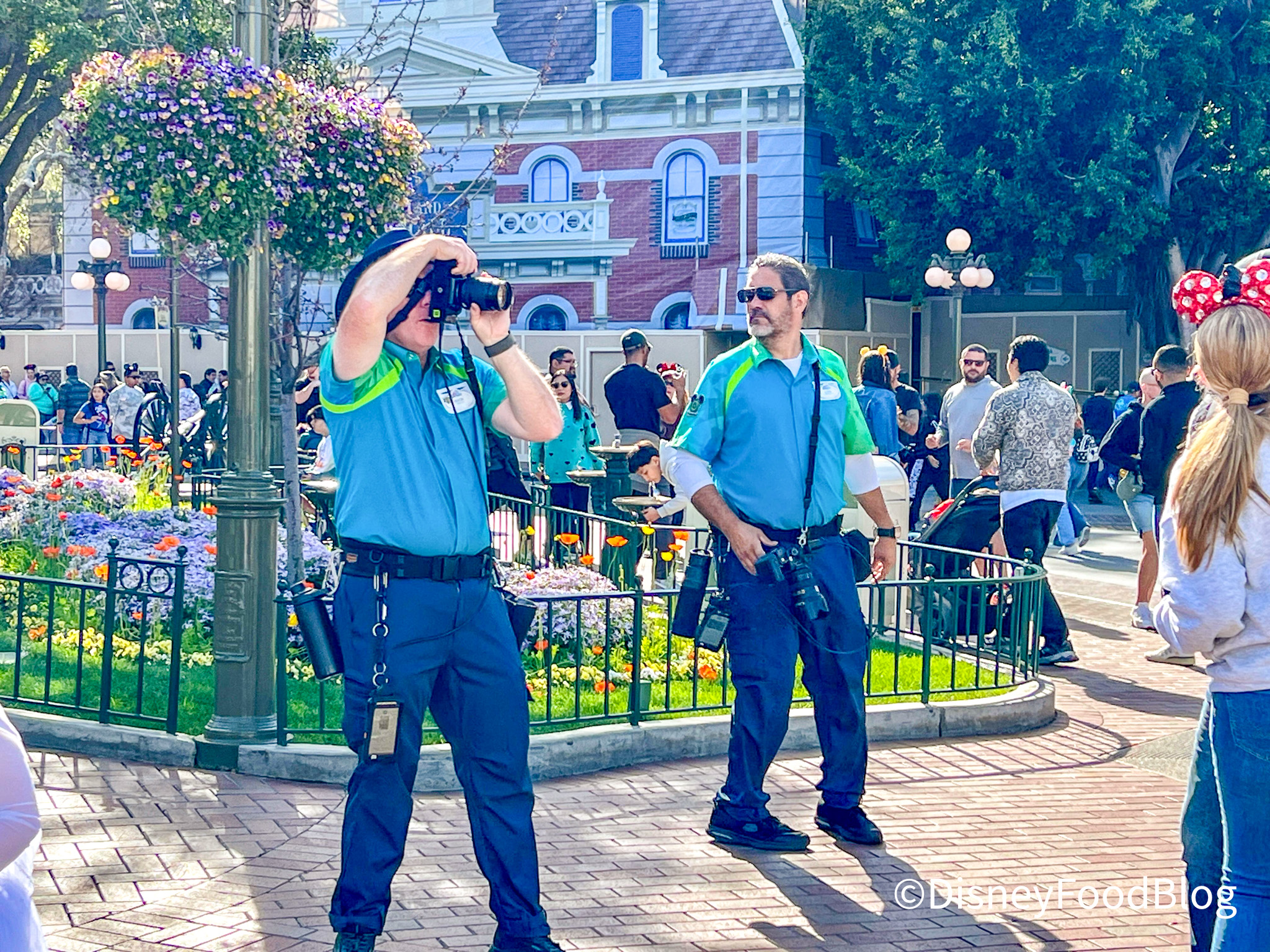
PhotoPass photographers in Disneyland
These include on-ride pictures and pictures taken by Disney PhotoPass photographers in the parks!
Lightning Lane Multi Pass — Frequently Asked Questions
Are standby lines still an option for attractions that offer Lightning Lanes?
Traditional standby lines are still available (as are Virtual Queues for select attractions, when in use). The purchase of Lightning Lane Multi Pass is completely optional.
May I make repeat Lightning Lane selections for the same attraction?
No; you may only use a Lightning Lane once per day at any given attraction.
Can Plans be Changed and Modified?
Yes, Lightning Multi Pass Lane reservations can be changed and modified in the Disneyland App. Just be aware that these modifications are subject to availability.
When Can I Book My Next Lightning Lane?
You may book one Lightning Lane Multi Pass selection at a time, with one exception: As it says on the Disneyland website, “Once you’ve redeemed your selection (or after 2 hours has passed since you made your selection), you can book your next multi pass attraction.”
To learn more about ALL THREE Lightning Lane options in Disneyland Resort, CLICK HERE!
Want to Learn More About Disneyland?
Check Out the Links Below!
DFB Disneyland Restaurants Guide
Disney Genie and How to Use it in Disneyland
What You Need to Know About the Theme Park Reservation System for Disneyland and Disney California Adventure
Closures and Construction at Disneyland
Learn All About Disneyland Park
See What Marvelous Stuff You’ll Find at Avengers Campus in Disney California Adventure
Learn About Pixar Pier in Disney California Adventure
Get All the Details About the Disneyland Mobile App
Everything You Need to Know About Mobile Order in Disneyland
Learn More About Disneyland’s Magic Key Program
Full Details About the Holiday Season in Disneyland
Full Details About Halloween Time at Disneyland
Get Some STRANGE Tips for Disneyland
Click HERE to Check Out Lots of Other DFB Posts About Disneyland
Join the DFB Newsletter To Get All the Latest Disney News Delivered Right to Your Inbox! Click here to Subscribe
 Our handy (and portable!) ebook guides make sure you get the best deals and can plan a vacation of a lifetime.